
Chrome闪退问题解决!!! chromedriver驱动下载和安装
·
Chrome 版本120之前
https://registry.npmmirror.com/binary.html?path=chromedriver/
Chrome版本120之后
ChromeDriver Download Release Stable/Beta/Dev/Canary Versions
根据自己Chrome版本需要 下载对应的chromedriver驱动
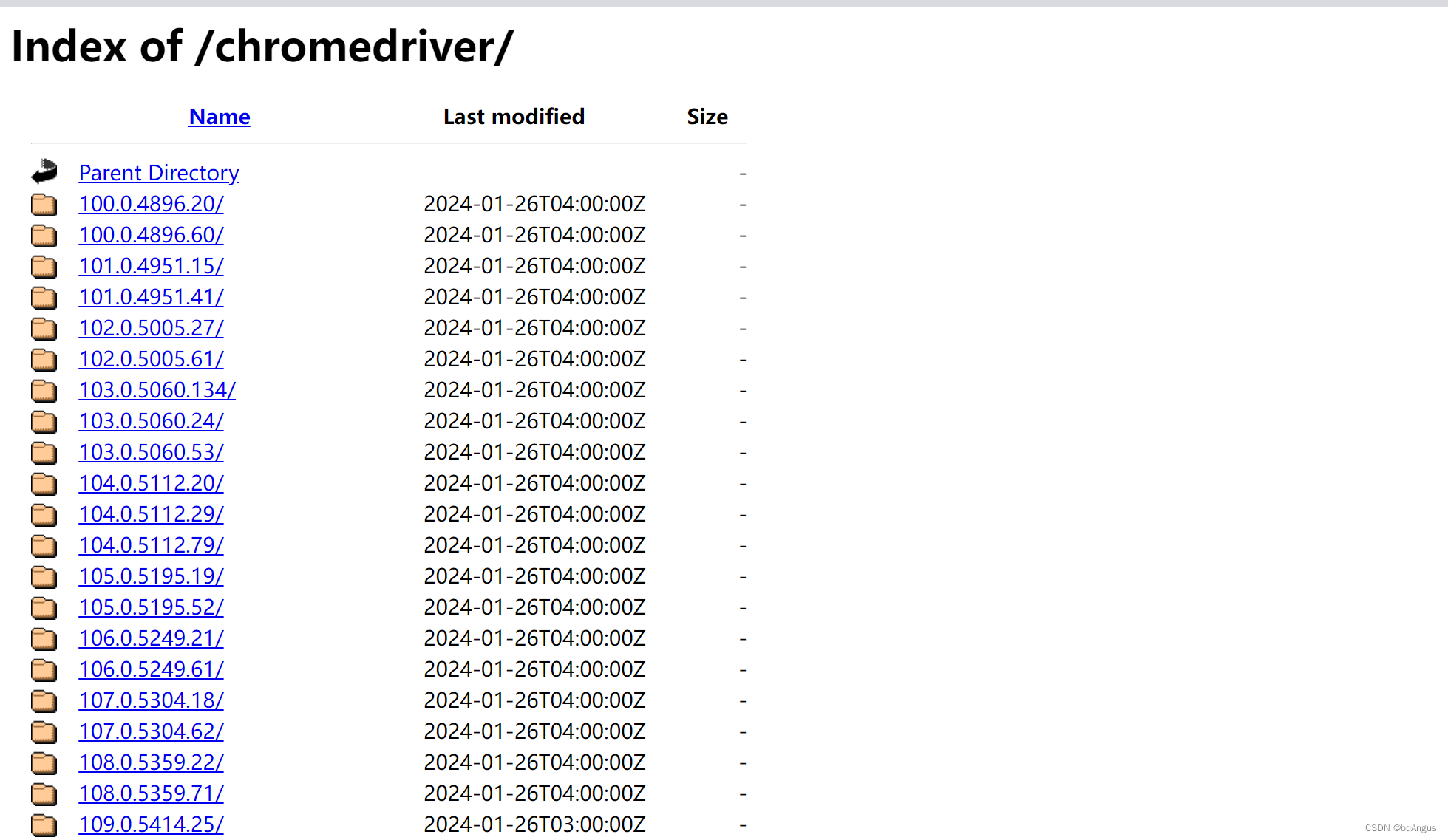
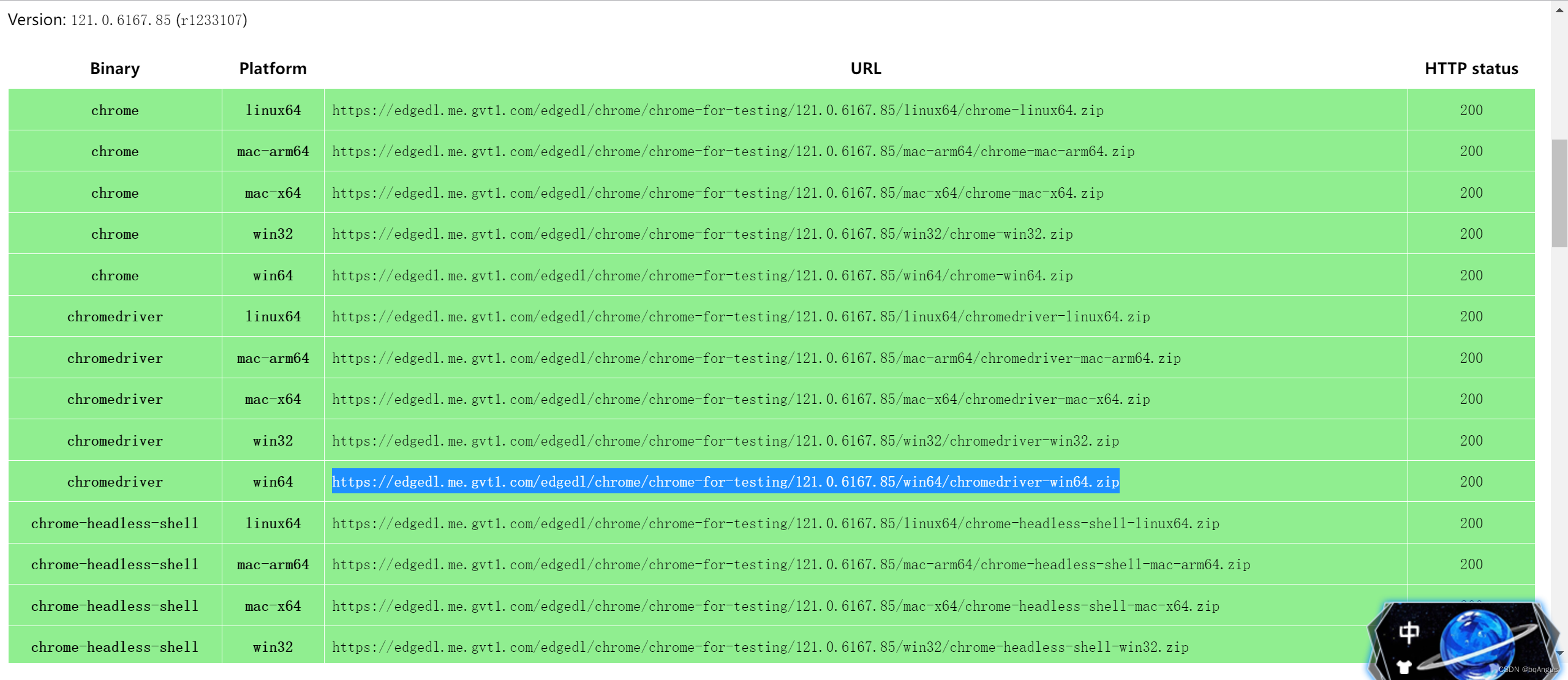
解压后,将chromedriver.exe 放入python解释器中,如果不知道可以运行py文件,标红为存放路径
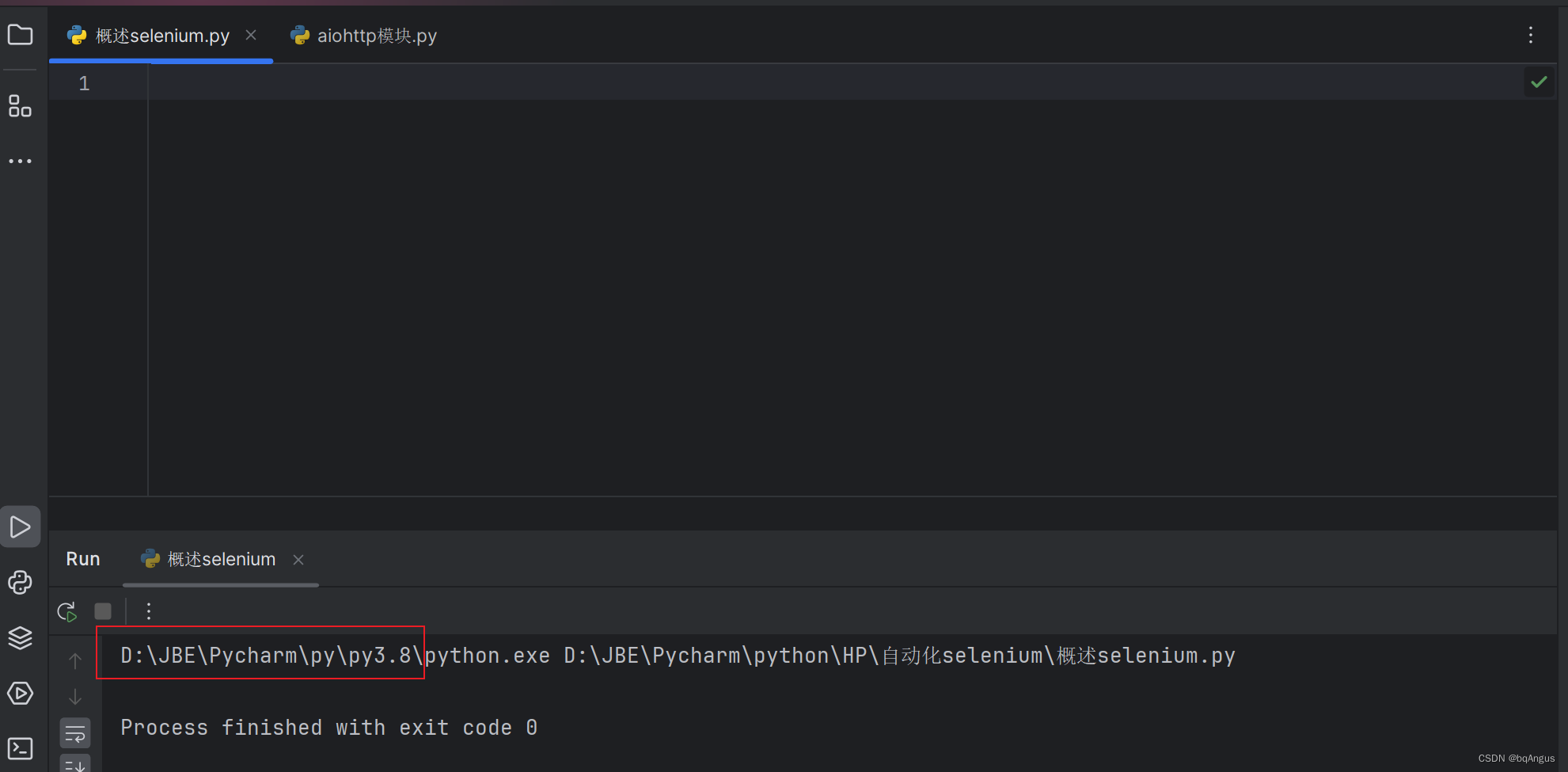
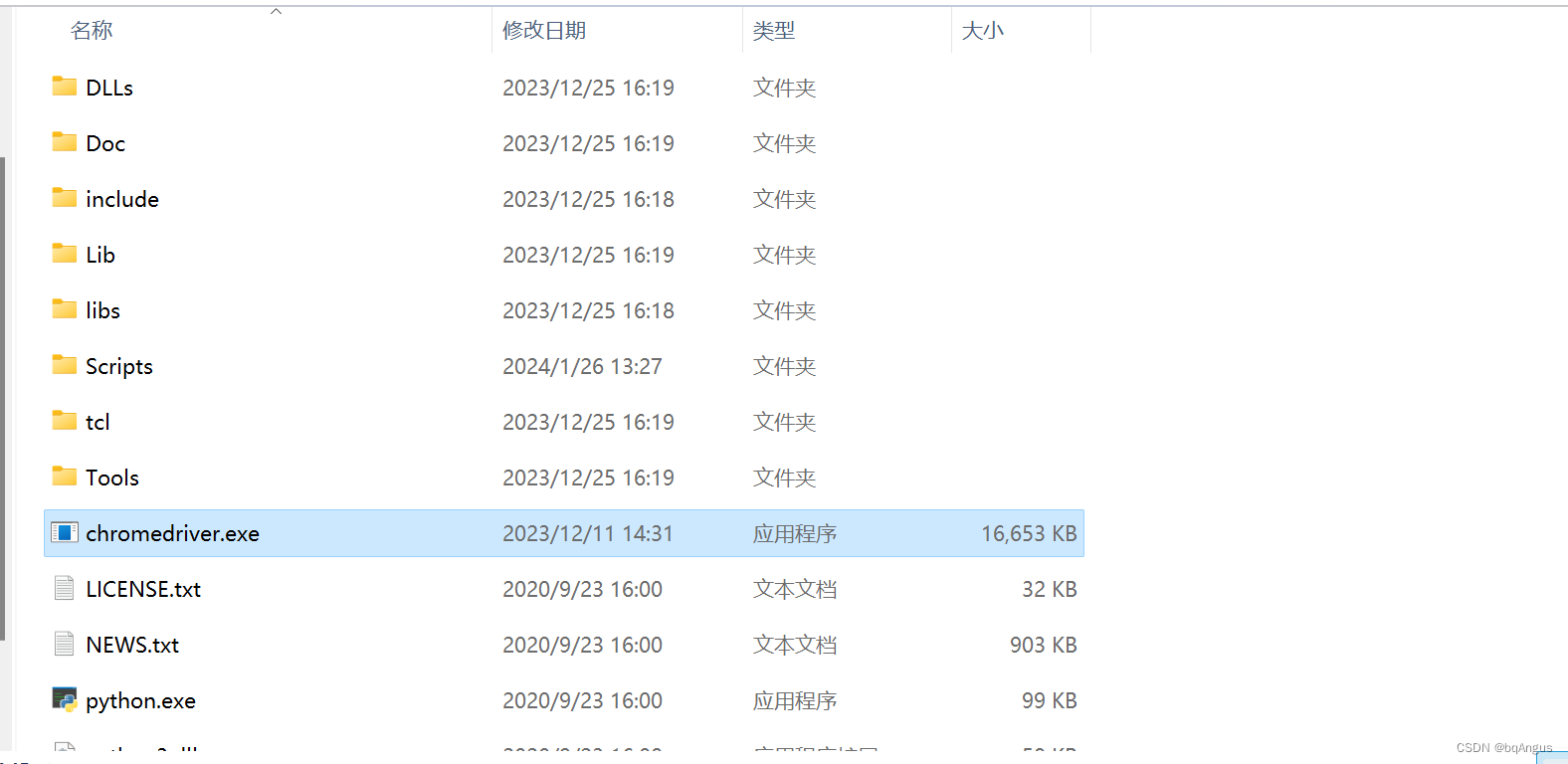
cmd中运行,pip 命令安装
pip install selenium -i https://pypi.tuna.tsinghua.edu.cn/simplepycharm中运行代码验证
from selenium import webdriver
# 打开百度
driver = webdriver.Chrome()
url = 'https://www.baidu.com/'
driver.get(url)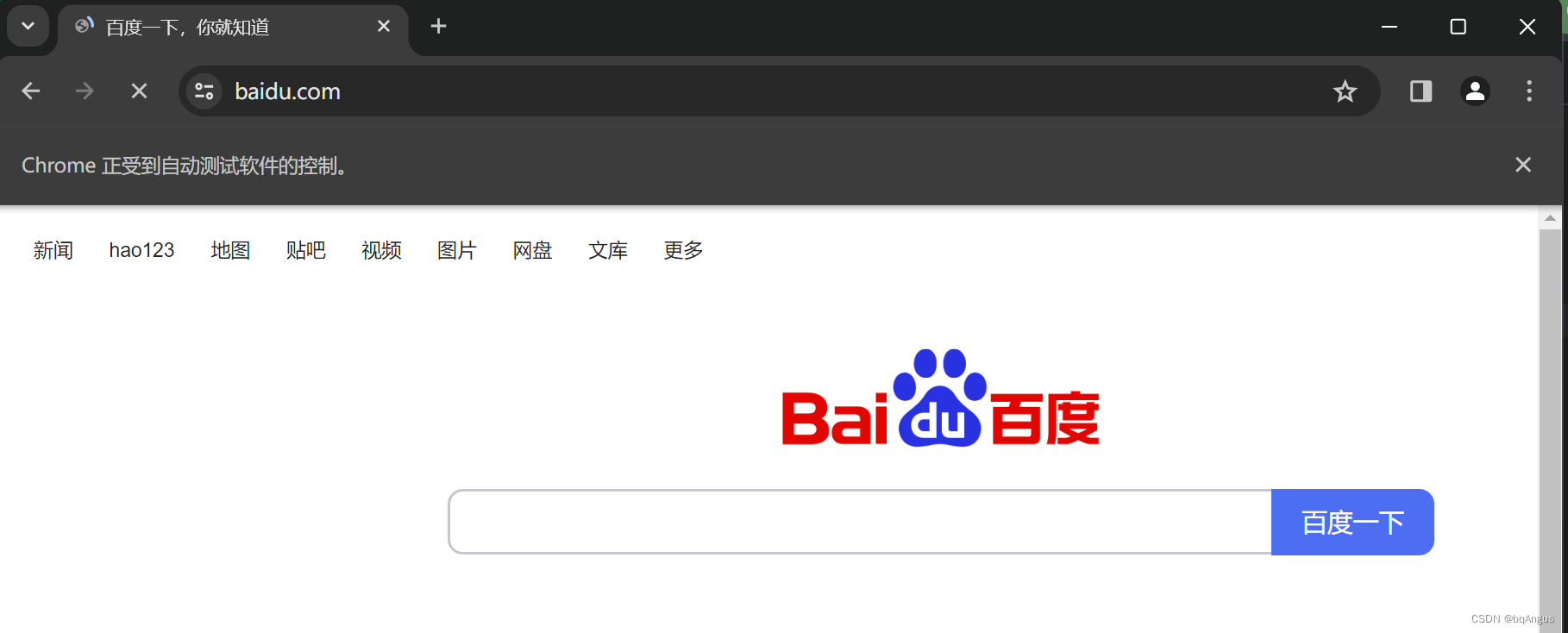
如果发现浏览器闪退,则selenium 版本问题
卸载selenium pip uninstall selenium
下载对应版本 pip3 install selenium==4.1.1
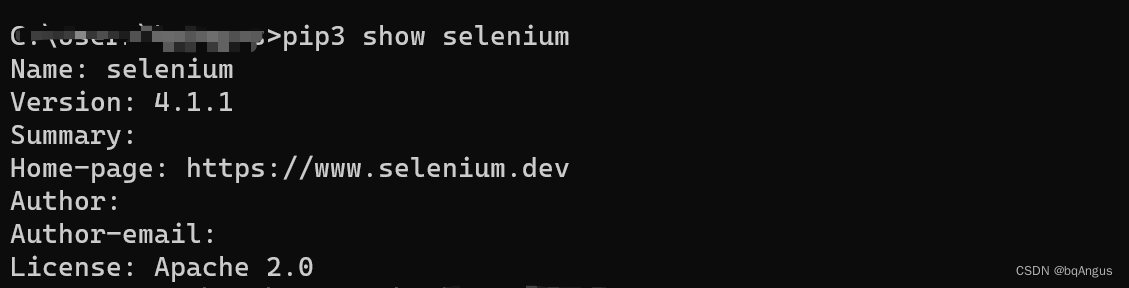
重新运行代码,即可
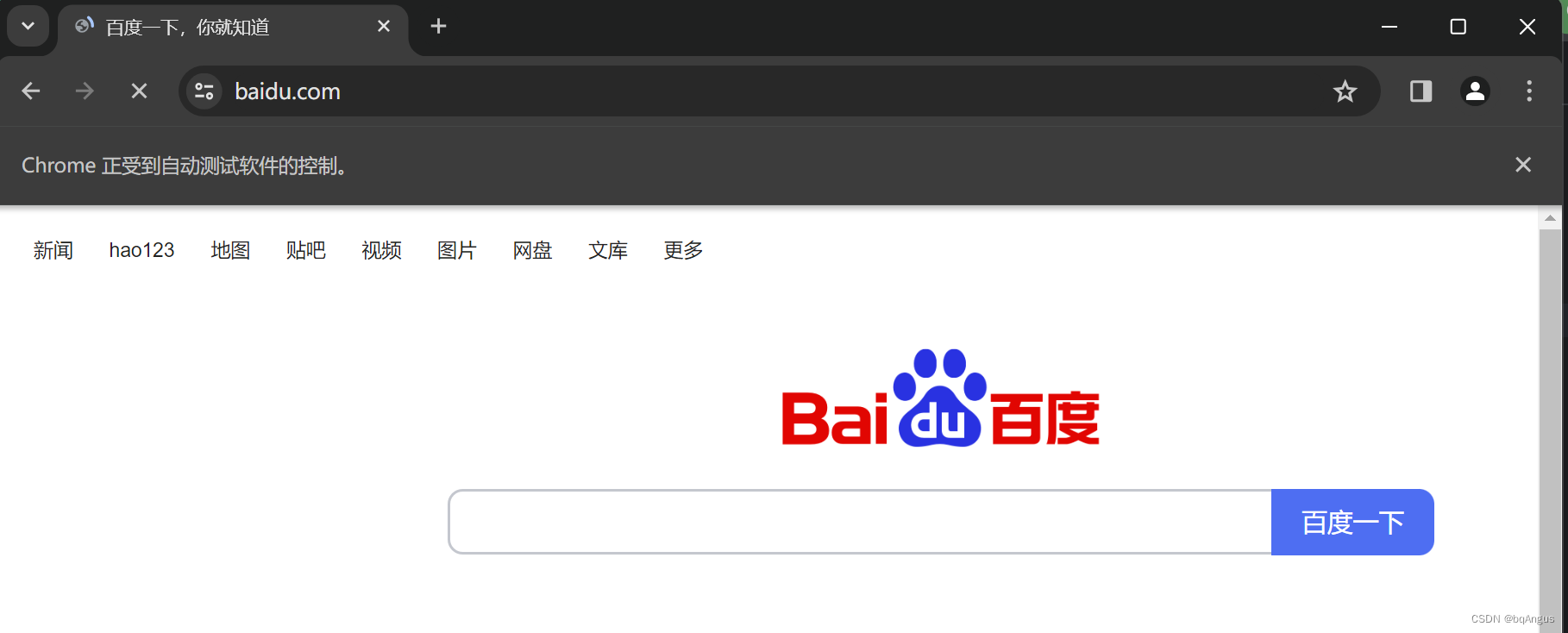
希望对你有用,亲测有效!!!希望点赞,谢谢
更多推荐

 19
 0
- 0


 已为社区贡献2条内容

所有评论(0)