
【环境搭建】Jupyter安装教程
·
引言
本篇文章介绍一个强大的平台——Jupyter,可以当作开发工具使用(支持多种编程语言),也可以当作NoteBook使用,支持文本、图表、HTML、LaTeX、视频、音频等丰富的输出。
是什么
Jupyter 是一个开源的交互式计算环境,它的名字来源于三种核心的编程语言:Julia、Python、R,但现在支持超过40种编程语言。
安装
基础环境安装
# 安装 Jupyter Notebook
conda install jupyter

# 或者安装 JupyterLab(更现代)
conda install jupyterlab
特定环境安装
# 创建新环境
conda create -n my_jupyter_env python=3.9

# 激活环境
conda activate my_jupyter_env

# 安装 Jupyter
conda install jupyter jupyterlab

# 安装 Jupyter 和常用数据科学包
conda install jupyterlab notebook numpy pandas matplotlib scikit-learn seaborn
扩展插件
# JupyterLab 扩展
pip install jupyterlab-git           # Git 集成
pip install jupyterlab-lsp           # 语言服务器协议
pip install jupyterlab-code-formatter # 代码格式化

# Jupyter Notebook 扩展
pip install jupyter_contrib_nbextensions
验证安装
# 检查版本
jupyter --version
jupyter-lab --version
jupyter-notebook --version

# 查看可用的内核
jupyter kernelspec list
使用
启动Jupyter
# 启动 Jupyter Notebook
jupyter notebook

# 启动 JupyterLab
jupyter lab

# 在特定端口启动
jupyter lab --port 8888
jupyter notebook --port 8888

# 不自动打开浏览器
jupyter lab --no-browser
访问
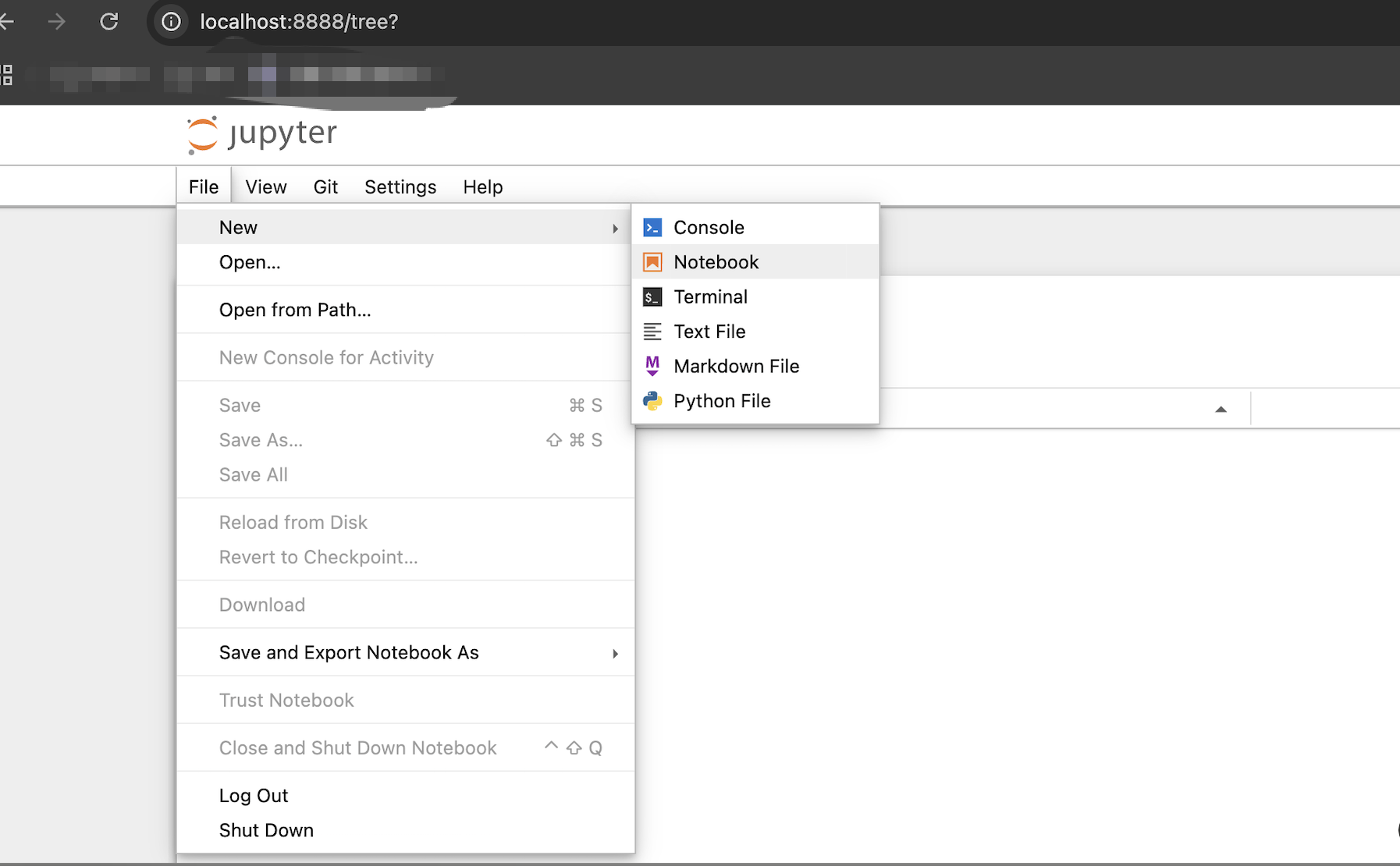
使用

更多推荐


 8
 0
- 0


 已为社区贡献3条内容

所有评论(0)