
Vue3路由模式为history,使用nginx部署上线后刷新404的问题
·
一、问题
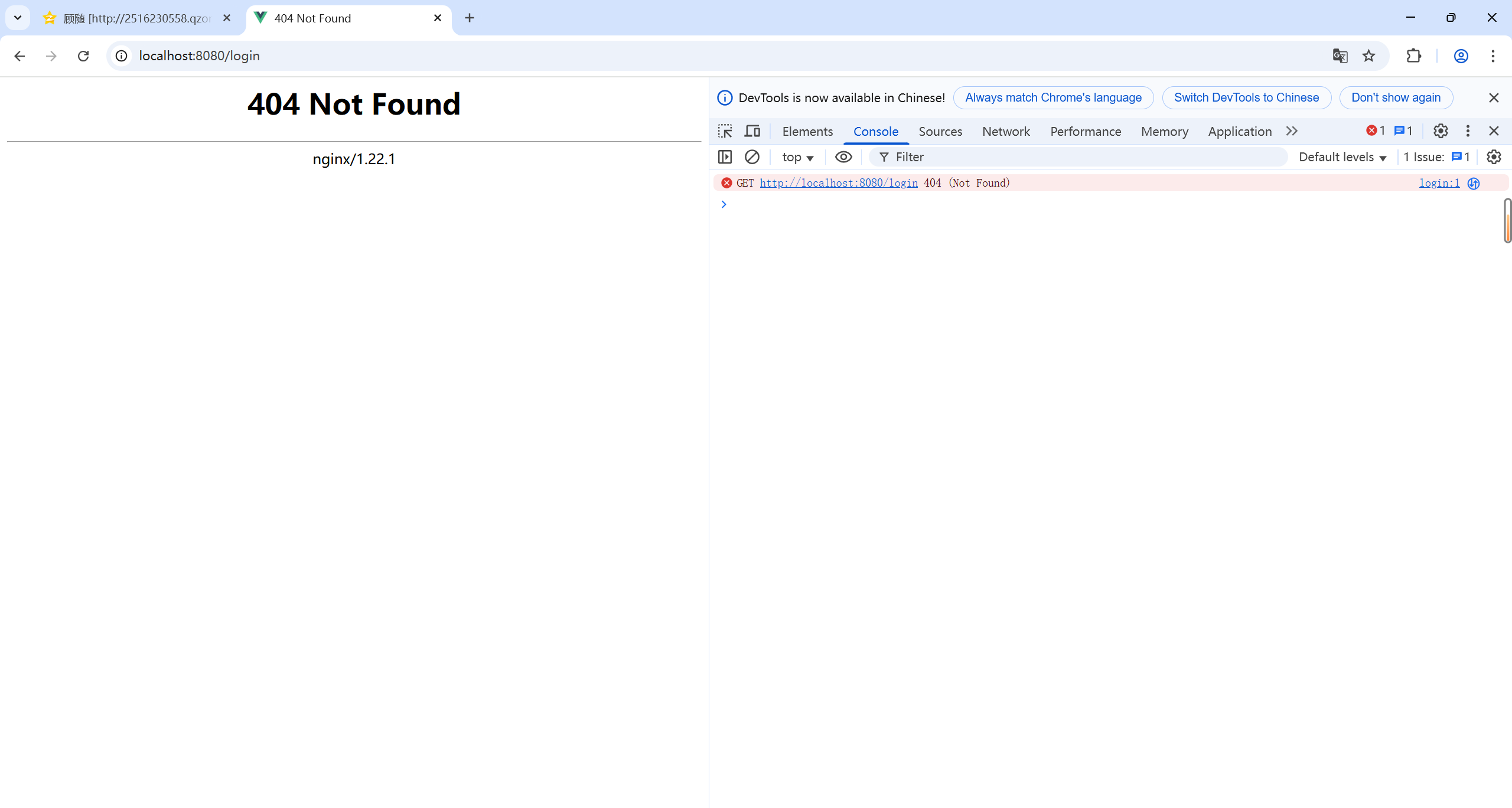
在使用nginx部署vue3的项目后,发现正常时可以访问的,但是一旦刷新,就是出现404的情况
二、解决方法
1.vite.config.js配置
在vite.config.js中加入以下配置
export default defineConfig(({ mode }) => {
  const isProduction = mode === 'production'
  return {

    base: isProduction ? '/' : '/',
    build: {
      chunkSizeWarningLimit: 1000,
      outDir: 'dist',
      assetsDir: 'assets',
      sourcemap: true,
      terserOptions: {
        compress: {
          drop_console: true,
          drop_debugger: true
        }
      },
      assetsPublicPath: './'
    }
  }
})
2.vue route
在vue route配置中加入以下配置
const router = createRouter({
  history: createWebHistory('/'),
  base: '/',
})
3.配置nginx.conf
在nginx.conf中加入以下配置
server {
        listen       8080;
        server_name  localhost;


        location / {
            root   html;
            index  index.html;
			try_files  $uri $uri/ @router;

        }

		location @router {
		rewrite ^.&$ /index.html last;
		}

        error_page 404 /index.html;
}
做完以上配置,重新build,重启nginx,即可解决
更多推荐


 2
 0
- 0


 已为社区贡献5条内容

所有评论(0)