
RN android studio打包报错Unable to load script.Make sure you're either running a metro
·
React-Native搭建报错:Unable to load script.Make sure you're either running a metro server or that ....
报错
Unable to load script.Make sure you're either running a metro server
(run 'react-native start' ) or that
your bundle 'index.android.bundle' is packaged correctly for release.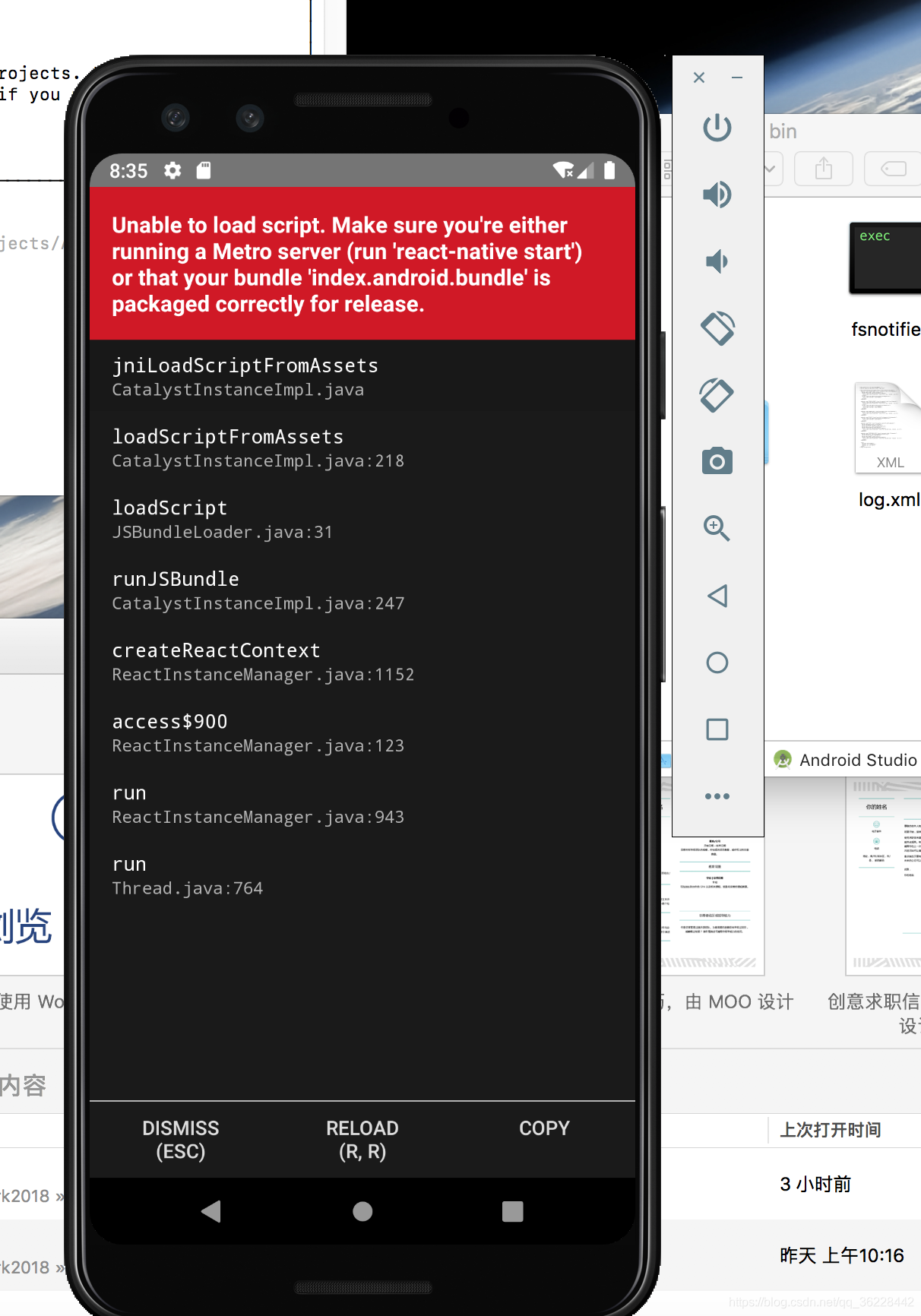
原因
我自己这里报错原因是没有找到index.android.bundle。
解决方法
方法一
创建android/app/src/main/assets文件夹
执行命令
react-native bundle --platform android --dev false --entry-file index.android.js --bundle-output android/app/src/main/assets/index.android.bundle --assets-dest android/app/src/main/res
重新执行
react-native run-android
参考文档:https://stackoverflow.com/questions/44795384/unable-to-load-script-from-assets-index-android-bundle-make-sure-your-bundle
方法二
修改 项目目录/android/app/build.gradle里
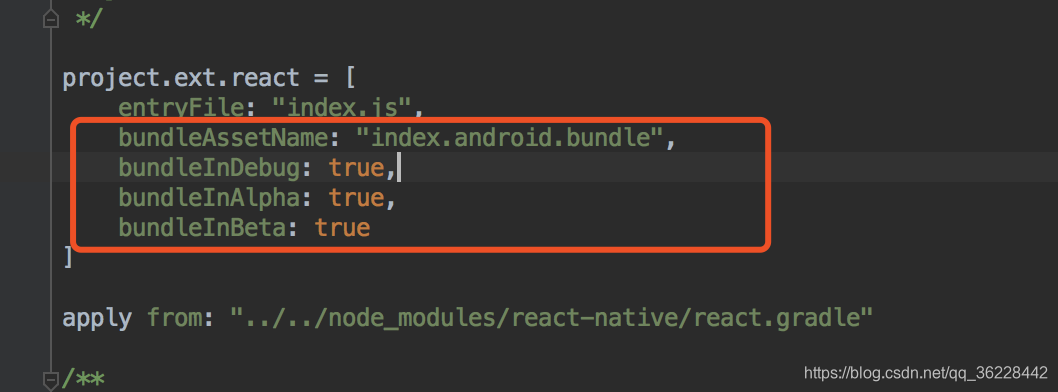
主要是设置bundleInDebug等于true,使得开发时也会打包index.android.bundle。
参考文档:https://github.com/facebook/react-native/issues/22076
更多推荐


 0
 0
- 0


 已为社区贡献10条内容

所有评论(0)