
解决git拉取代码速度慢
·
win+R打开对话框:
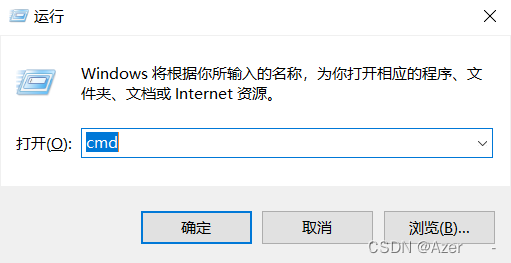
输入cmd 进入控制台
输入:git config --global http.proxy 127.0.0.1:7890
git config --global https.proxy 127.0.0.1:7890
port对应clash的端口,一般默认端口为:7890
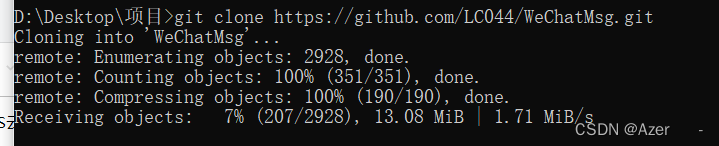
之后git拉代码的速度会接触限制,下载速度值受限于网速:
更多推荐
 12
12 0
0- 0


 已为社区贡献1条内容

所有评论(0)