
appium启动app需要的一些问题(方便)
查找app当前页面的activity方法
1、下载weditor后,直接打开该页面,即可查看到当前页面的activity
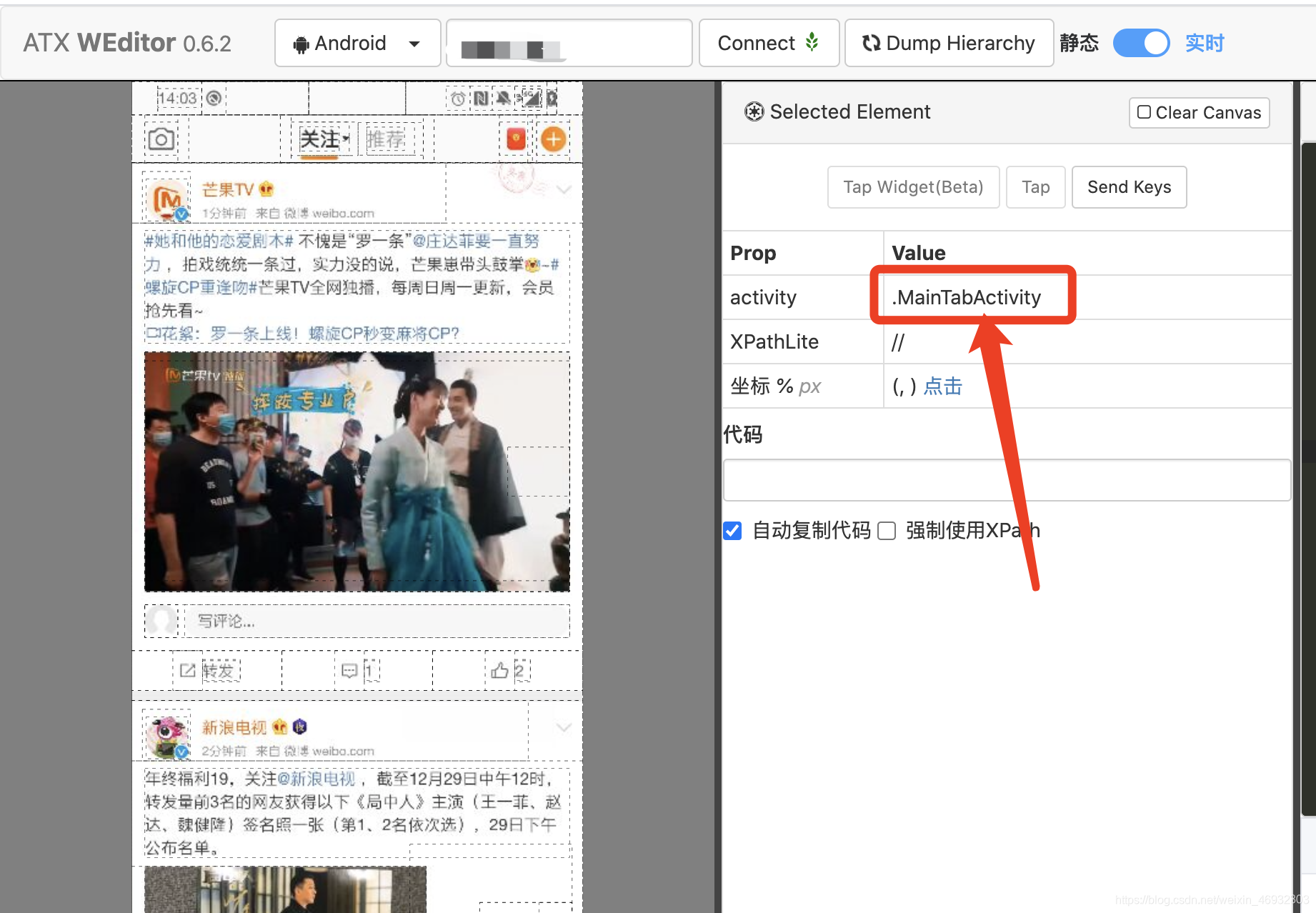
备注:weditor安装方法可参考链接:
https://blog.csdn.net/qq_37489565/article/details/81451177.
2、安装时出现的问题
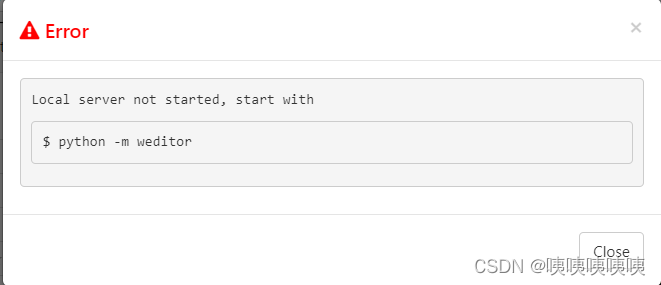
① 总是提示:Local server not started, start with
解决方案:开启 实时按钮
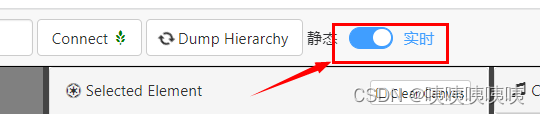
3、 weditor布局总是定位不准
解决方法:关闭 实时 即可

4、 错误提示:

①、方法1: appium的版本过低,升级到最新版本试下
②、方法2:重启手机重新试下 (用这个问题解决了)
③、方法3:看下此时启动了几个uiautomator , 通过adb shell ps |grep uiautomator 命令可以查询到当时同时启动着uautomator、uiautomator2两个session,导致Appium启动session失败
解决办法:
查询到当前所有的session,用以下命令删除后重新启动session。 adb shell kill -9 23188
参考:https://blog.csdn.net/weixin_43084698/article/details/108146700
④ 方法4: 因为使用appium和weditor可能遇到的问题
一.由于appium和weditor框架不兼容,会导致运行2个程序时,不能正常正常运行!!
因此当运行appium时,应关闭weditor的服务。反之,运行weditor时,关闭appium服务。
二.关闭weditor的服务后,运行appium,执行python脚本时,报:UiAutomator exited unexpectedly with code 255, signal null问题时
1).应先退出weditor进程
2).windows:在cmd中输入adb shell pm list package | findStr uiautomator后(Linux中输入adb shell pm list package | grep uiautomator)
3).卸载uiautomator 服务即可,命令如下:
adb uninstall com.github.uiautomator
adb uninstall com.github.uiautomator.test
参考:https://blog.csdn.net/weixin_44615430/article/details/125682393
5、错误:
selenium.common.exceptions.WebDriverException: Message: An unknown server-side error occurred while processing the command. Original error: The instrumentation process cannot be initialized. Make sure the application under test does not crash and investigate the logcat output.
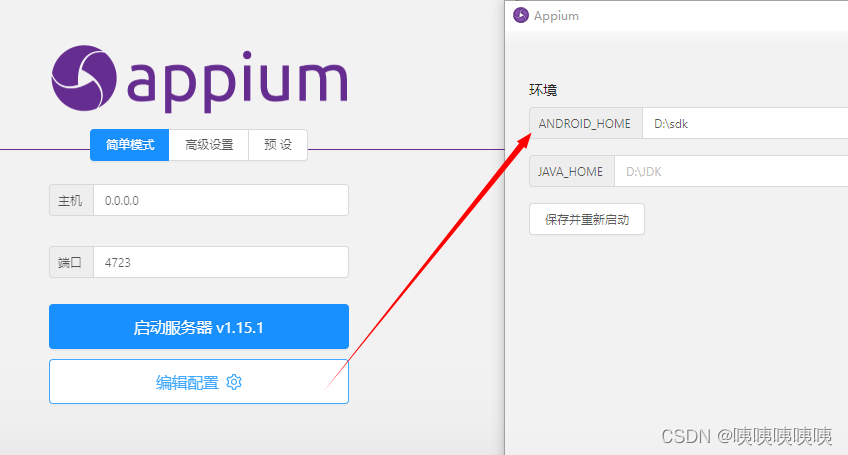
问题:appium中sdk的路径写错了 --改成自己的sdk地址
6、 atx在手机上安装不成功
解决方法:
在dos窗口输入:
1、adb kill-server
2、adb start-server
3、adb remount
4、重新执行 python -m uiautomator2 init 成功

7、appium自动化测试之后,手机键盘无法弹出解决方法
1.打开cmd,输入adb shell pm list package -3,查找手机上的所有第三方包

2.找到package:io.appium.settings,io.appium.uiautomator2.server,io.appium.uiautomator2.server.test,io.appium.unlock

3.只要删除package:io.appium.settings就行,如果不行就把这几个全删了

4.删除包的语句:adb uninstall io.appium.settings
参考链接:https://www.cnblogs.com/keqing1108/p/12882541.html
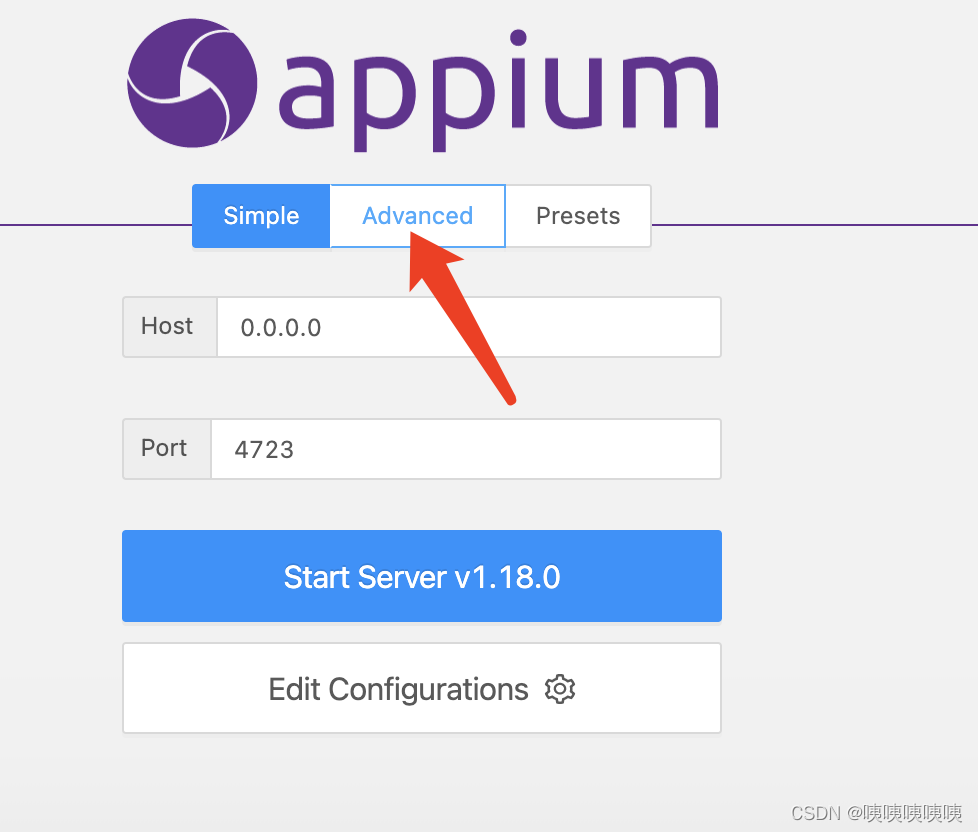
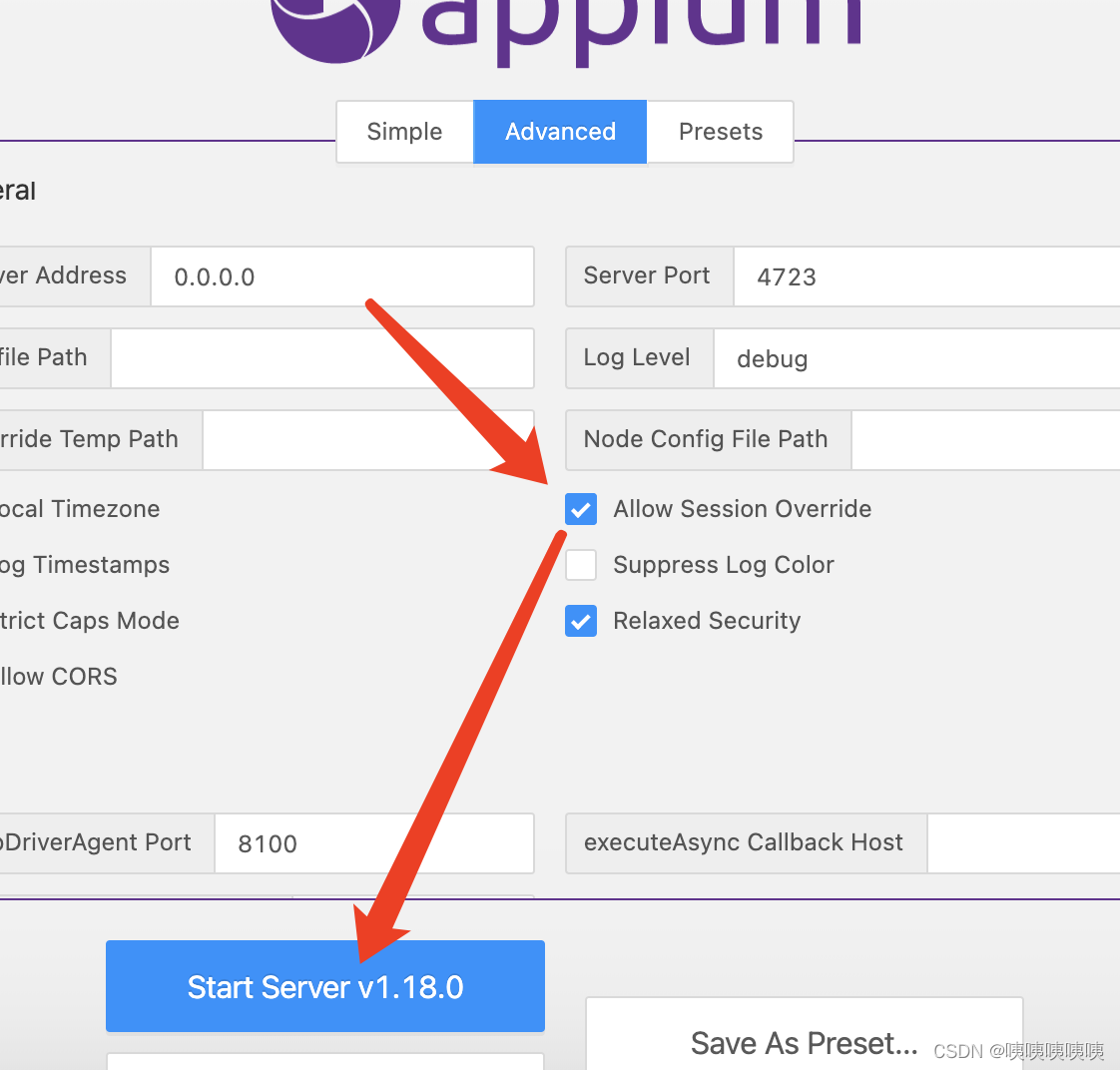
8、如果执行时,发现一个test单元测试可以,执行多个就会报错,是因为前面的还没执行完就进行了第二个
解决办法:
(1)在Advanced里勾选 Allowed session Override重启即可
(2)单元测试后,增加语句 driver.quit()
参考:https://blog.csdn.net/m0_38039283/article/details/123691170
安装方式可参考链接:
weditor使用方法:https://www.cnblogs.com/root-123/p/16571054.html
官网安装:https://pypi.org/project/weditor/0.6.3/
更多推荐

 0
0 0
0- 0


 已为社区贡献2条内容

所有评论(0)