
TestHub自动化测试平台部署使用
·
以下是deepseek整理的部署操作过程仅供参考,项目资料来源gitee开源仓库:
https://gitee.com/jiuwen567/test-hub
一、部署
1. 克隆项目
git clone https://gitee.com/jiuwen567/test-hub.git
cd test-hub
2. 后端部署
# 创建虚拟环境 python3 -m venv venv source venv/bin/activate # 安装依赖 pip install -r requirements.txt # 配置数据库 cp .env.example .env nano .env # 修改 DB_PASSWORD=你的MySQL密码 # 创建数据库 mysql -u root -p CREATE DATABASE testhub CHARACTER SET utf8mb4 COLLATE utf8mb4_unicode_ci; EXIT; # 初始化 python manage.py makemigrations python manage.py migrate python manage.py createsuperuser python manage.py init_locator_strategies python manage.py load_component_pack
3. 前端部署
# 安装 Node.js 20 curl -o- https://raw.githubusercontent.com/nvm-sh/nvm/v0.39.0/install.sh | bash source ~/.bashrc nvm install 20 # 安装依赖 cd frontend npm install
二、启动
每次打开虚拟机后执行:
终端1 - 启动后端
cd ~/test-hub
source venv/bin/activate
python manage.py runserver 0.0.0.0:8000
终端2 - 启动前端
cd ~/test-hub/frontend
npm run dev
访问地址
停止服务
在两个终端分别按 Ctrl+C
三、常用命令
| 操作 | 命令 |
|---|---|
| 创建超级用户 | python manage.py createsuperuser |
| 修改密码 | python manage.py changepassword 用户名 |
| 查看服务状态 | ps aux \| grep -E "runserver\|vite" |
| 停止所有服务 | pkill -f "runserver\|vite" |
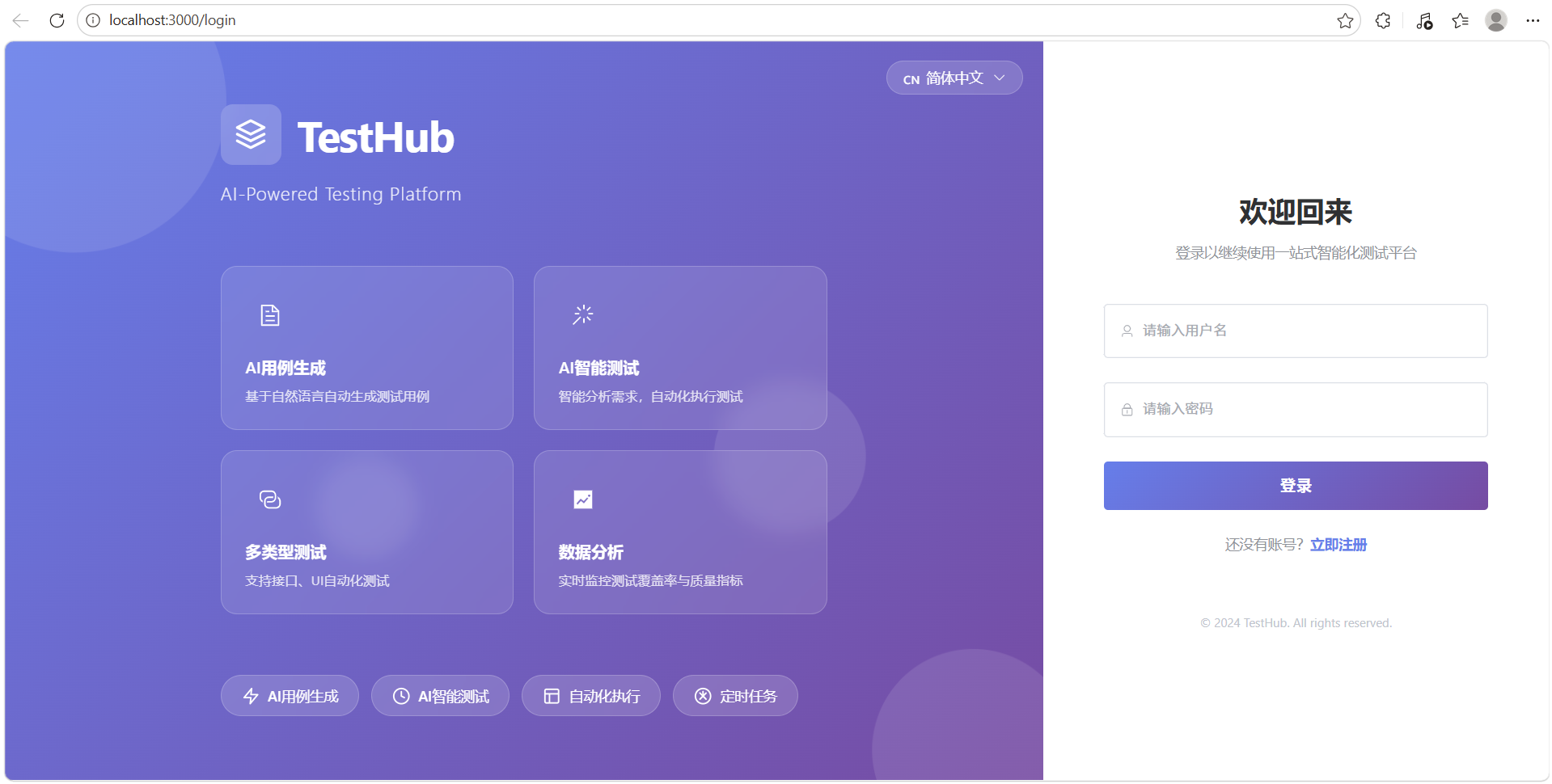
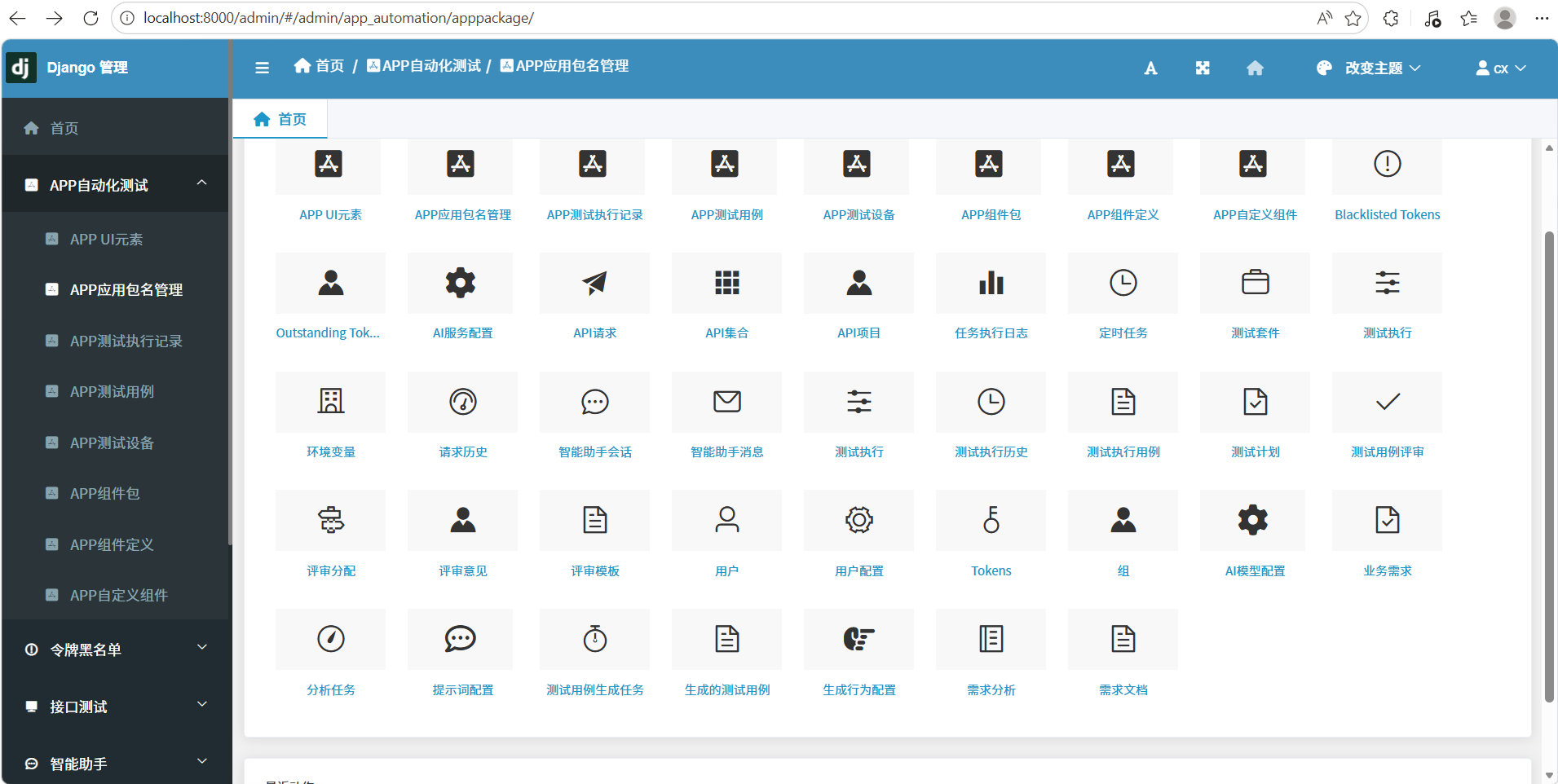
网站示意图:
前台:
后台:
可访问的网站链接
前端页面
| 说明 | 地址 |
|---|---|
| 前端主页面 | http://localhost:3000 |
| 网络访问(同网络设备) | http://192.168.x.x:3000 |
后端 API
| 说明 | 地址 |
|---|---|
| Swagger API 文档 | http://localhost:8000/api/docs/ |
| ReDoc API 文档 | http://localhost:8000/api/redoc/ |
| API Schema | http://localhost:8000/api/schema/ |
| Django 后台管理 | http://localhost:8000/admin |
具体 API 端点
🚀 启动命令速查
1. 激活虚拟环境
powershell
cd D:\TestHub\testhub_platform
venv\Scripts\activate
2. 启动后端服务
powershell
python manage.py runserver
3. 启动前端服务(新开终端)
powershell
cd D:\TestHub\testhub_platform
venv\Scripts\activate
cd frontend
npm run dev
4. 创建管理员账号
powershell
python manage.py createsuperuser
5. 数据库迁移(如需更新)
powershell
python manage.py makemigrations
python manage.py migrate
更多推荐

 13
13 0
0- 0


 已为社区贡献1条内容

所有评论(0)