
uni-app微信小程序使用腾讯地图获取地址详情
1.首先去腾讯地图申请key,https://lbs.qq.com/dev/console/home。创建应用后添加key。
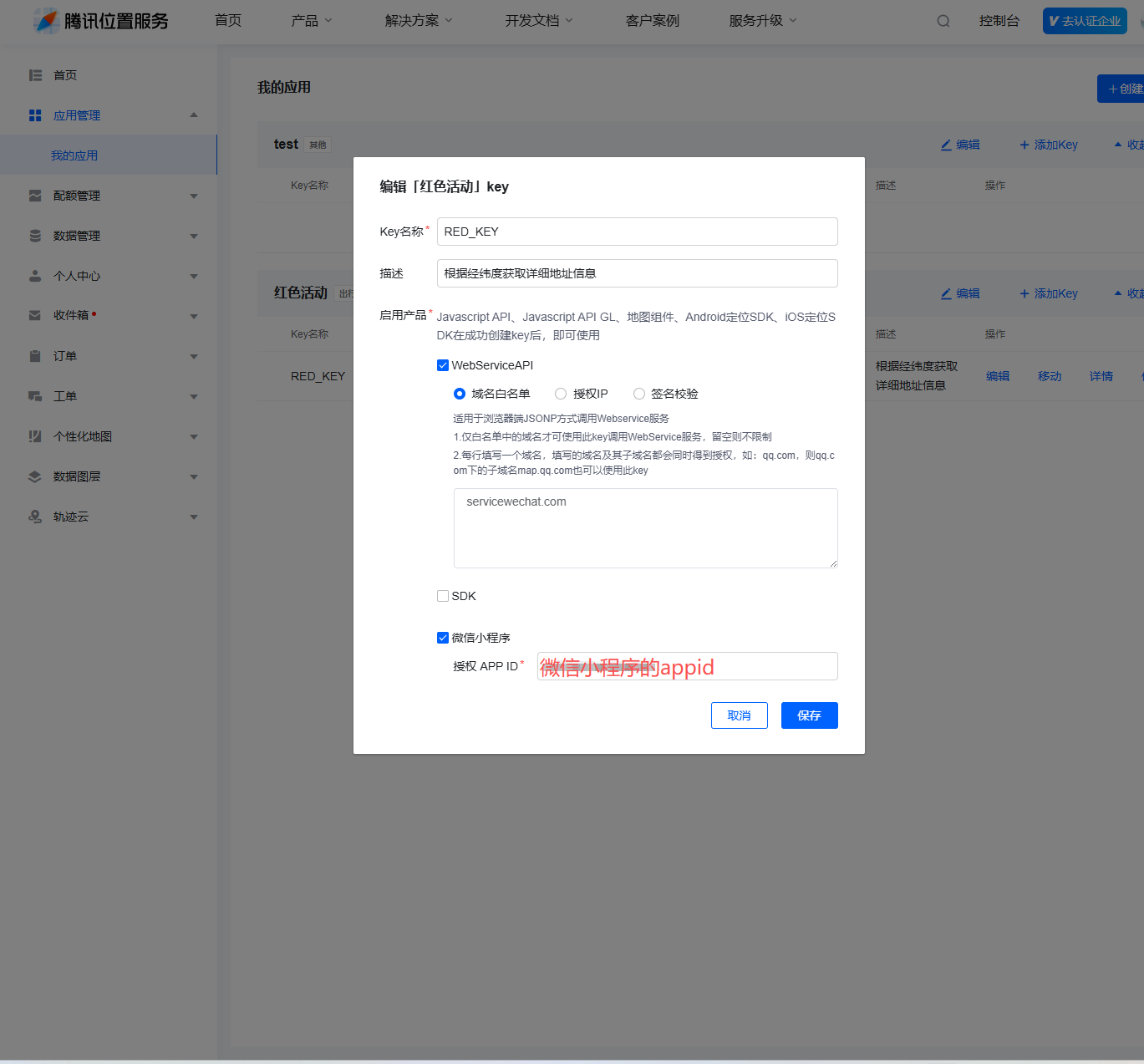
2.下载腾讯地址的sdk。
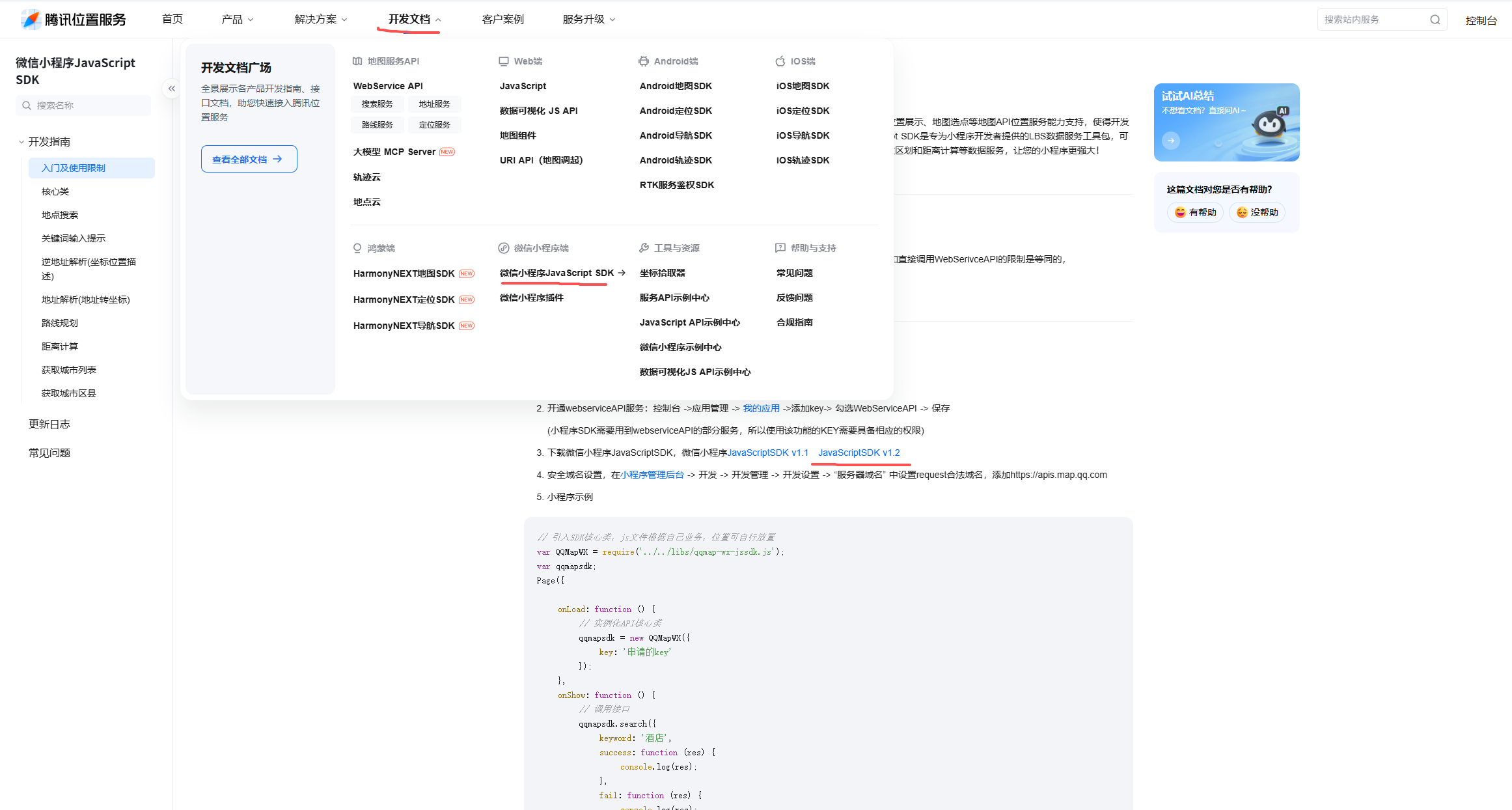
配置域名可直接按照腾讯地图开发文档操作
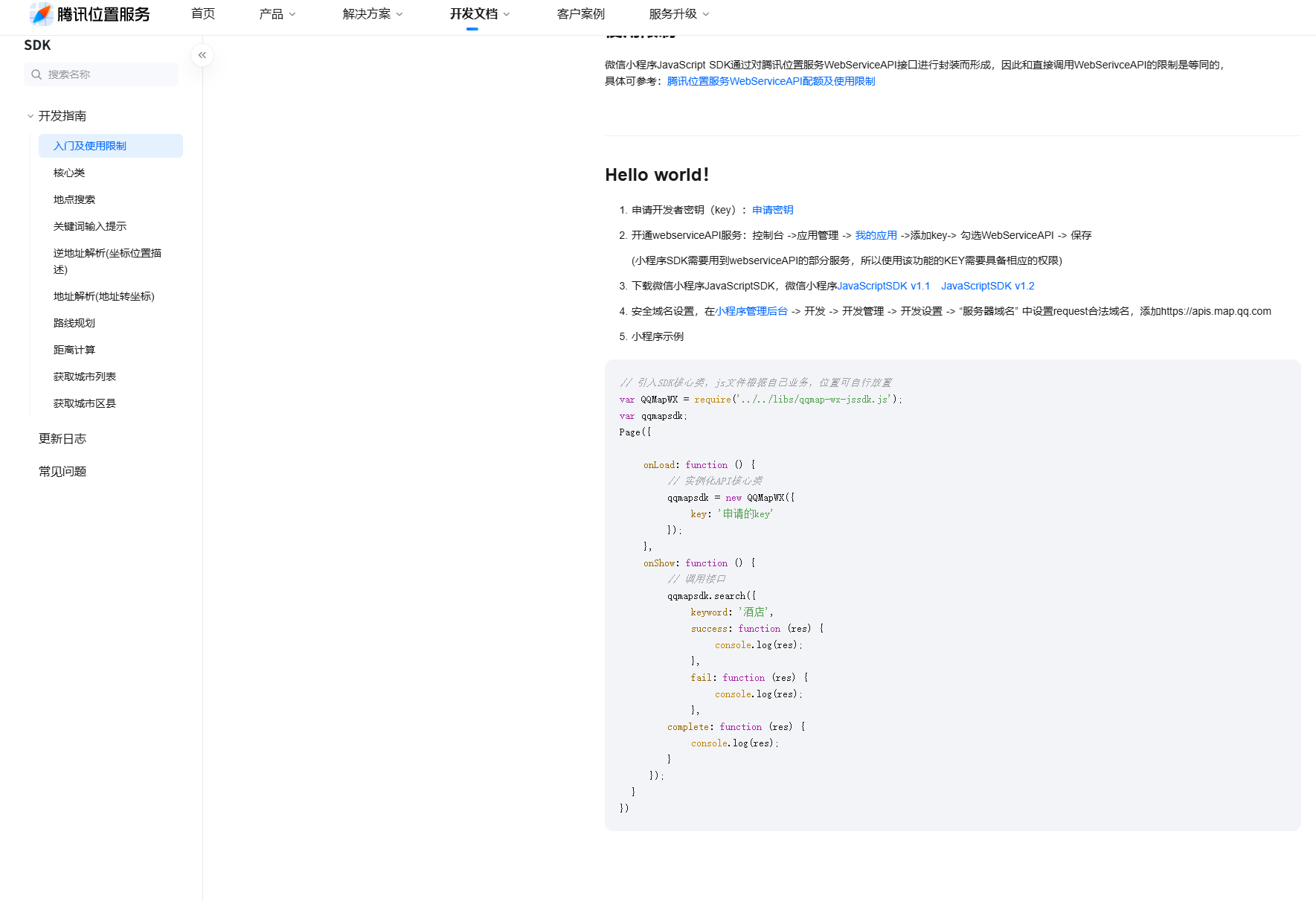
3.配置小程序域名

4.程序使用,首先导入下载的js,然后完成初始化,最后调用reverseGeocoder接口获取详细地址
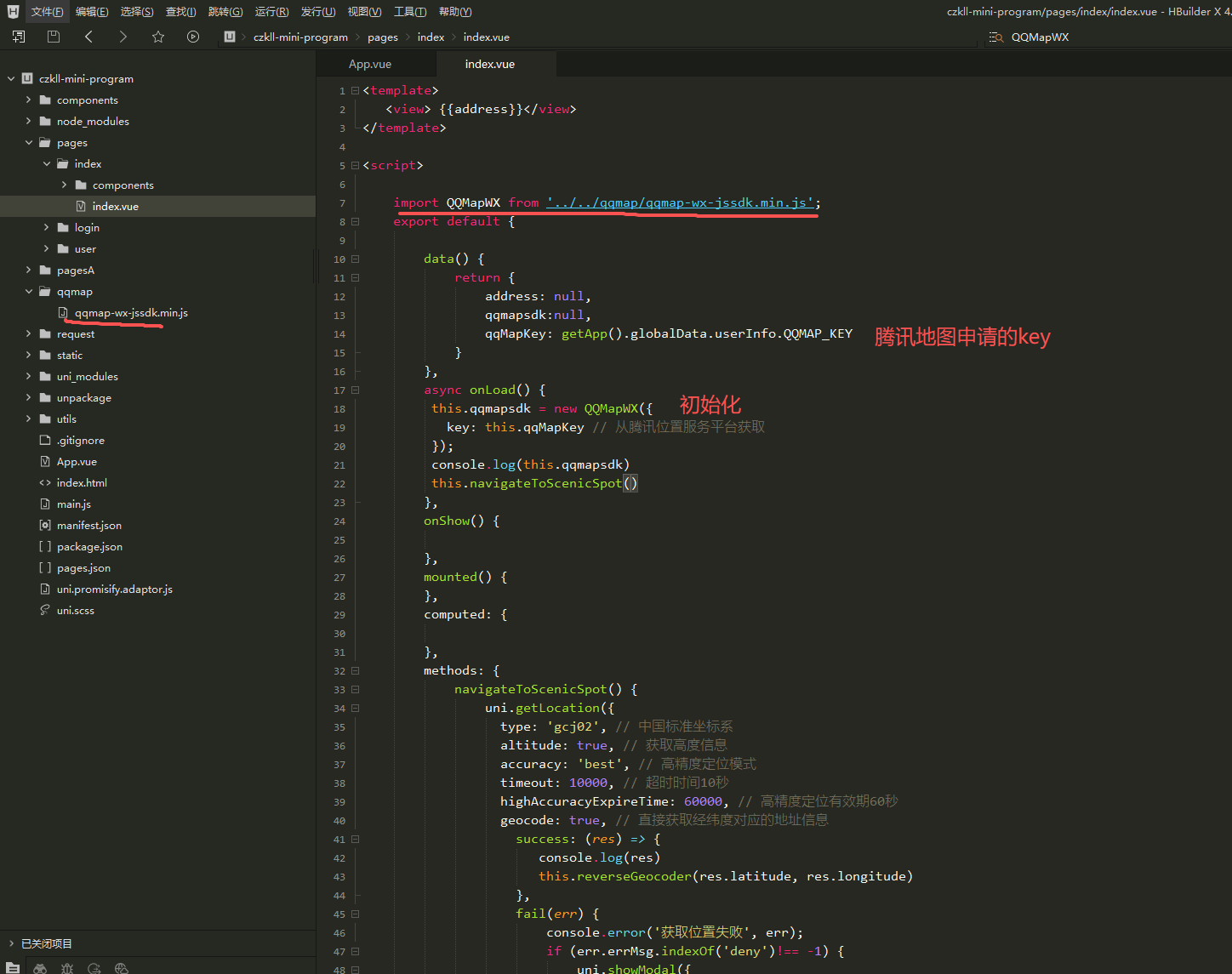
<template>
<view> {{address}}</view>
</template>
<script>
import QQMapWX from '../../qqmap/qqmap-wx-jssdk.min.js';
export default {
data() {
return {
address: null,
qqmapsdk:null,
qqMapKey: getApp().globalData.userInfo.QQMAP_KEY
}
},
async onLoad() {
this.qqmapsdk = new QQMapWX({
key: this.qqMapKey // 从腾讯位置服务平台获取
});
console.log(this.qqmapsdk)
this.navigateToScenicSpot()
},
onShow() {
},
mounted() {
},
computed: {
},
methods: {
navigateToScenicSpot() {
uni.getLocation({
type: 'gcj02', // 中国标准坐标系
altitude: true, // 获取高度信息
accuracy: 'best', // 高精度定位模式
timeout: 10000, // 超时时间10秒
highAccuracyExpireTime: 60000, // 高精度定位有效期60秒
geocode: true, // 直接获取经纬度对应的地址信息
success: (res) => {
console.log(res)
this.reverseGeocoder(res.latitude, res.longitude)
},
fail(err) {
console.error('获取位置失败', err);
if (err.errMsg.indexOf('deny')!== -1) {
uni.showModal({
title: '权限提示',
content: '您拒绝了位置权限,是否去设置中开启?',
success: (res) => {
if (res.confirm) {
uni.openSetting({
success: (res) => {
if (res.authSetting['scope.userLocation']) {
this.navigateToScenicSpot();
}
}
});
}
}
});
} else {
console.log('获取位置失败,请稍后重试');
uni.showToast({
title: '获取位置失败,请稍后重试',
icon: 'none'
});
}
}
});
},
reverseGeocoder(latitude, longitude){
this.qqmapsdk.reverseGeocoder({
location: {
latitude: latitude,
longitude: longitude
},
success: (res) => {
console.log('逆解析成功', res);
// 提取详细地址(根据需求选择不同精度的地址)
this.address = res.result.address; // 完整地址
console.log(this.address)
},
fail: (err) => {
console.error('逆解析失败', err);
wx.showToast({
title: '地址解析失败',
icon: 'none'
});
},
complete: () => {
// 解析完成的回调(无论成功失败)
}
});
},
},
}
</script>
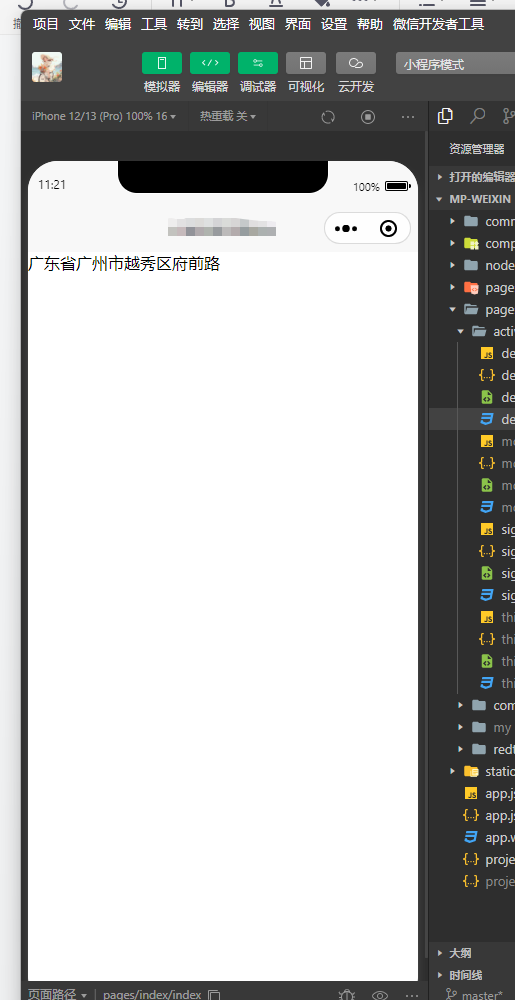
5.效果图
更多推荐



 5
5 0
0- 0


 已为社区贡献1条内容

所有评论(0)