
安装部署keepalived 1.2.2版本报错记录
一、安装编译
yum insatll wget -y
wget http://www.keepalived.org/software/keepalived-1.2.2.tar.gz
tar xvfz keepalived-1.2.2.tar.gz
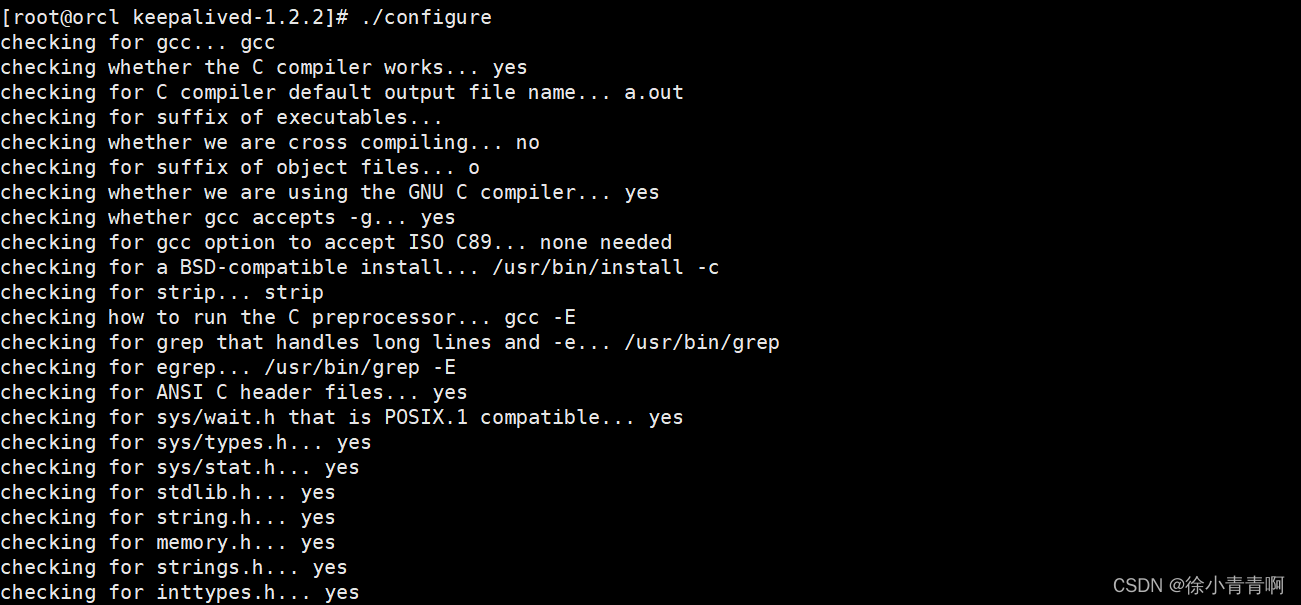
./configure --prefix=/usr/local/keepalived --sysconf=/etc
make && make install
cp /usr/local/keepalived/sbin/keepalived /usr/sbin
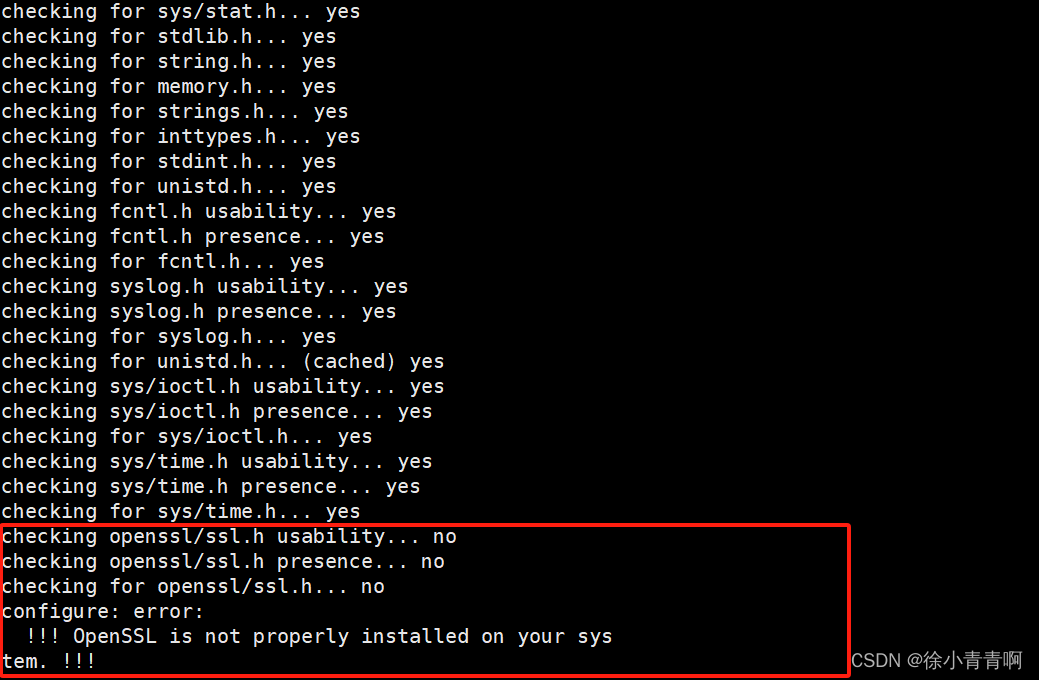
第一个报错:因没有安装openssl安装包
checking openssl/ssl.h usability... no
checking openssl/ssl.h presence... no
checking for openssl/ssl.h... no
configure: error:
!!! OpenSSL is not properly installed on your system. !!!
解决方法:
安装openssl包:
yum install openssl -y
安装完成后继续生成编译文件;
第二个报错:
checking openssl/ssl.h usability... no checking openssl/ssl.h presence... no checking for openssl/ssl.h... no configure: error: !!! OpenSSL is not properly installed on your system. !!! !!! Can not include OpenSSL headers files. !!!

解决方法:
安装依赖包:
yum -y install libnl libnl-devel
安装完成继续生成编译文件;

第三次报错:
checking openssl/ssl.h usability... no checking openssl/ssl.h presence... no checking for openssl/ssl.h... no configure: error: !!! OpenSSL is not properly installed on your system. !!! !!! Can not include OpenSSL headers files. !!!

安装依赖包:
yum -y install openssl-devel
第四次报错:
checking whether ETHERTYPE_IPV6 is declared... yes checking for MD5_Init in -lcrypto... yes checking for SSL_CTX_new in -lssl... yes checking for poptGetContext in -lpopt... no configure: error: Popt libraries is required

安装依赖包:
yum install popt-devel -y
安装完成再次生成:

此图为成功;
keepalived服务启动失败:
使用systemctl start keepalived启动服务不显示报错,使用systemctl status keepalived报错网络接口错误,服务未启动;如下图:


问题原因:网络接口错误,没有eth0网络接口,需在配置文件中修改现有网络接口名称,再次使用命令查看服务状态;
vi /etc/keepalived/keepalived.conf

systemctl status keepalived
ip a


此图为启动成功图片;
更多推荐


 9
 0
- 0


 已为社区贡献5条内容

所有评论(0)