
vue学习记录(四)——结合springboot的websocket请求跨域问题
·
本来以为是前端写的有问题,浏览器报错如下:
WebSocket connection to ‘ws://localhost:8088/xxx’ failed…
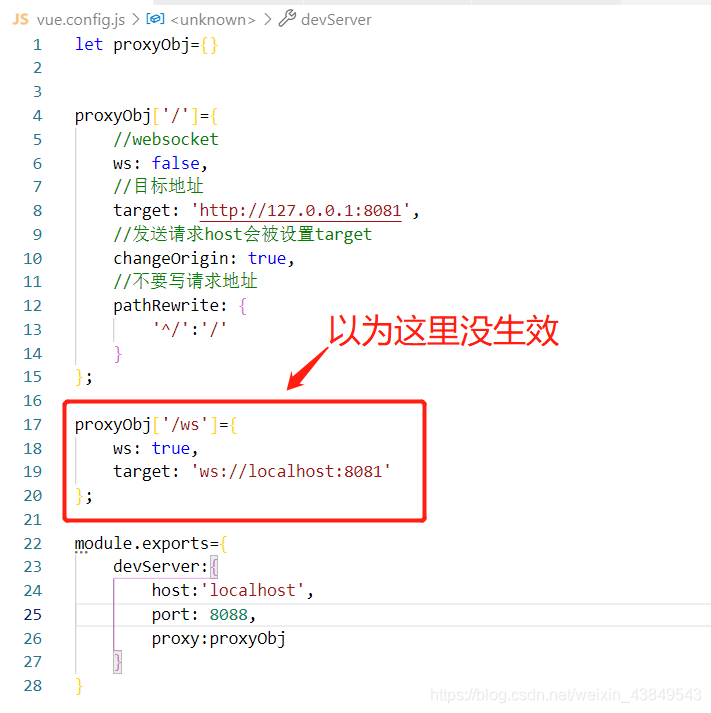
然后百度,google各种搜,后面发现后端控制台报错信息。解决了,就连接成功了。
springboot版本 v2.5.0
后端报错:
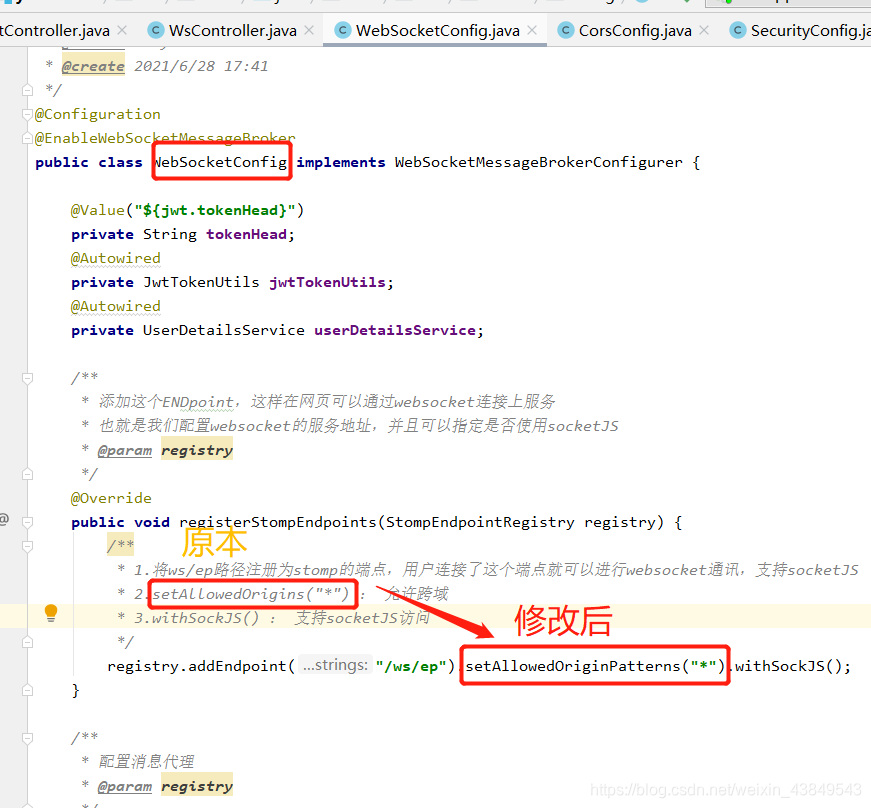
java.lang.IllegalArgumentException: When allowCredentials is true, allowedOrigins cannot contain the special value “*”
解决:
.setAllowedOriginPatterns("*").withSockJS()
新建跨域请求配置类:
@Configuration
public class CorsConfig {
    private CorsConfiguration buildConfig() {
        CorsConfiguration corsConfiguration = new CorsConfiguration();
        corsConfiguration.setAllowCredentials(true); //sessionid 多次访问一致

        // 允许访问的客户端域名
        List<String> allowedOriginPatterns = new ArrayList<>();
        allowedOriginPatterns.add("*");
        corsConfiguration.setAllowedOriginPatterns(allowedOriginPatterns);
//  corsConfiguration.addAllowedOrigin("*"); // 允许任何域名使用
        corsConfiguration.addAllowedHeader("*"); // 允许任何头
        corsConfiguration.addAllowedMethod("*"); // 允许任何方法(post、get等)
        return corsConfiguration;
    }

    @Bean
    public CorsFilter corsFilter() {
        UrlBasedCorsConfigurationSource source = new UrlBasedCorsConfigurationSource();
        source.registerCorsConfiguration("/**", buildConfig()); // 对接口配置跨域设置
        return new CorsFilter(source);
    }
}
如果出现错误:
sockjs.js?9be2:1606 GET http://xxxxxxxx:8080/sockjs-node/info?t=1583642185049 net::ERR_CONNECTION_TIMED_OUT
在\node_modules\sockjs-client\dist\sockjs.js
注释代码:(ctrl+f搜全文)
// self.xhr.send(payload);
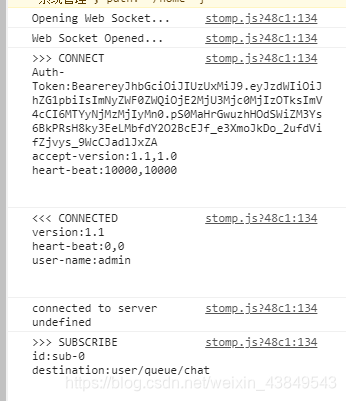
正常后浏览器打印:
更多推荐



 0
0 0
0- 0


 已为社区贡献1条内容

所有评论(0)