
WIN11+PyCharm+playwright入门
·
目的:实现playwright UI录制
1、安装PyCharm(过程略)
自安装 2025.1
2、安装Python(过程略)
Python 3.13.3
3、安装node(过程略)
node-v22.20.0-win-x64
下载地址:https://nodejs.org/download/release/latest-v22.x/
脚本录制以及执行
执行:playwright codegen
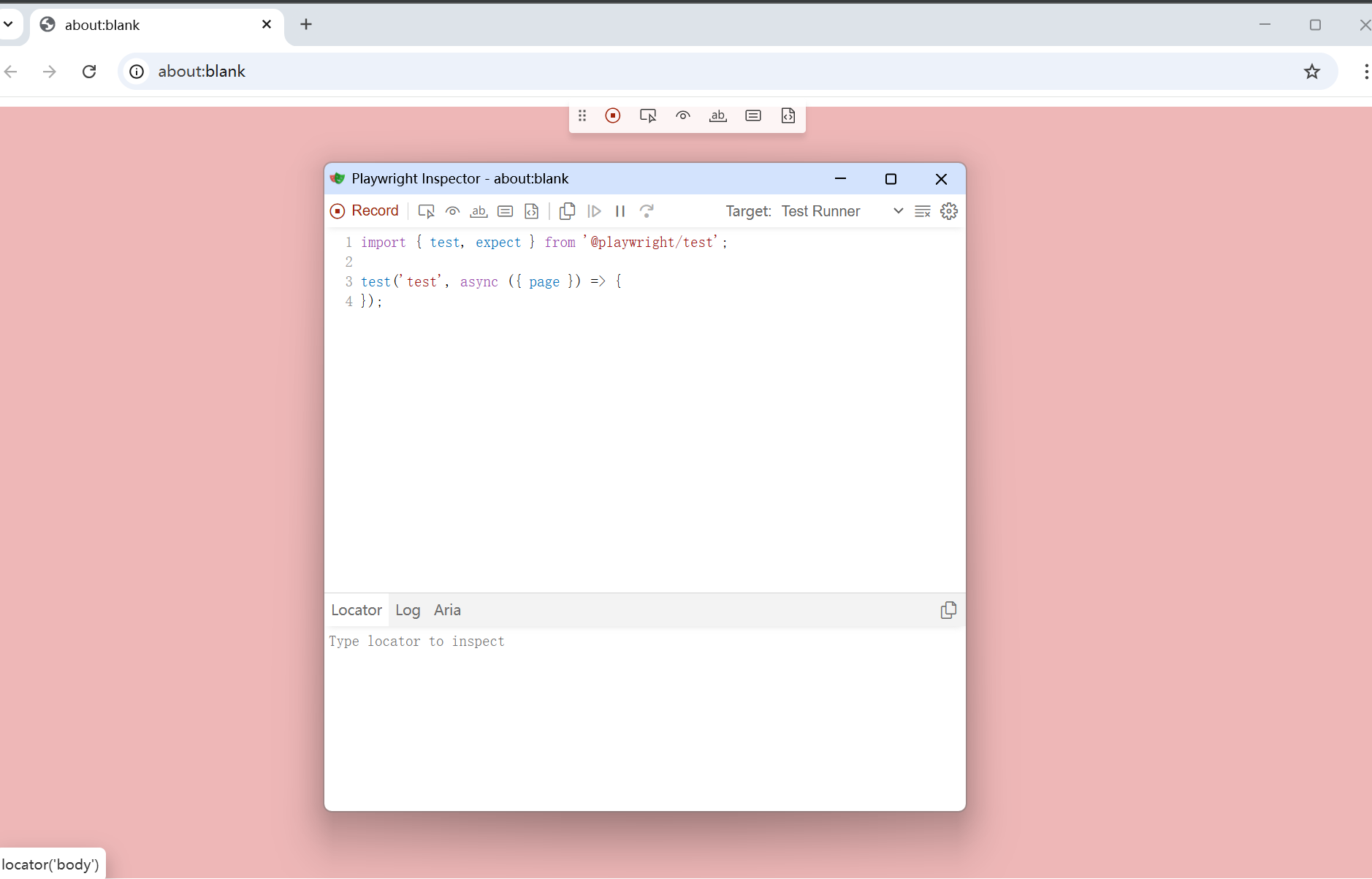
调起Playwright Inspector
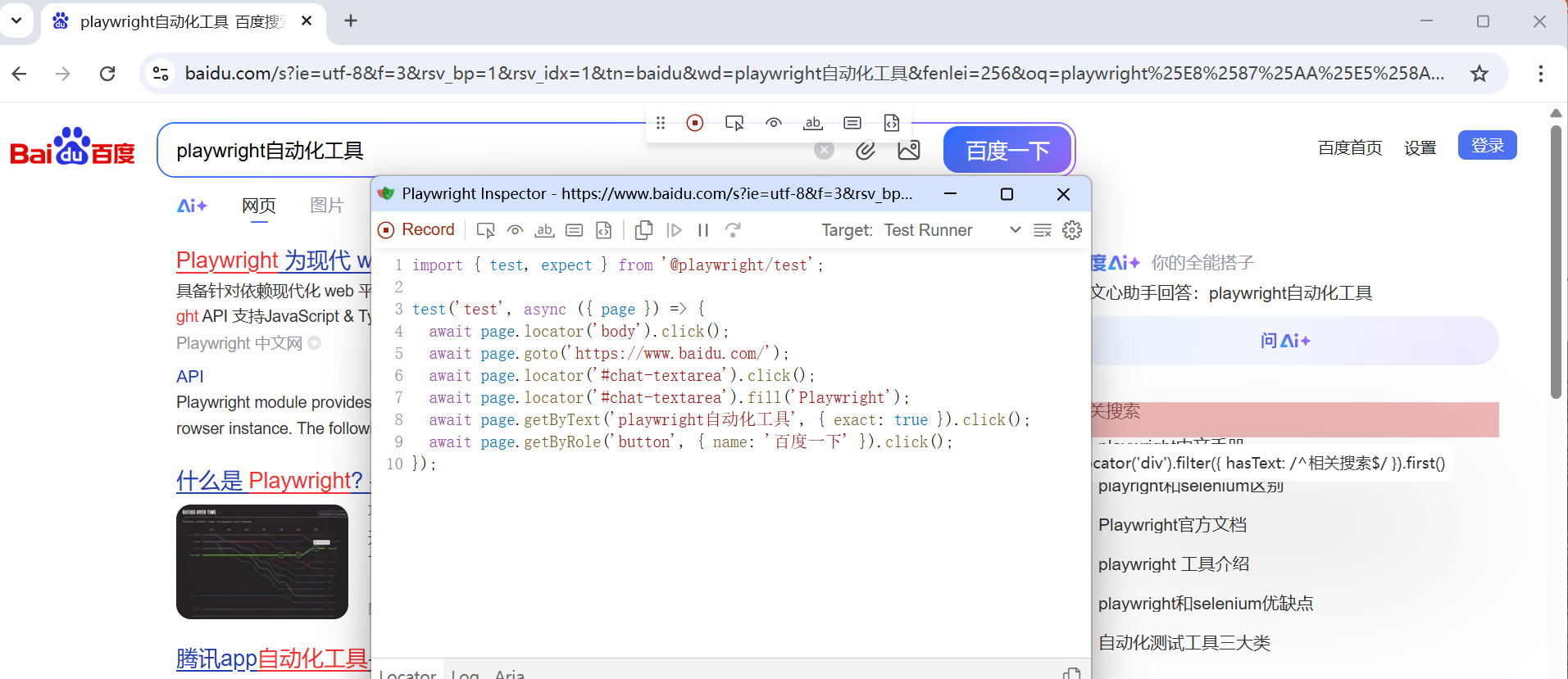
录制UI,生成脚本
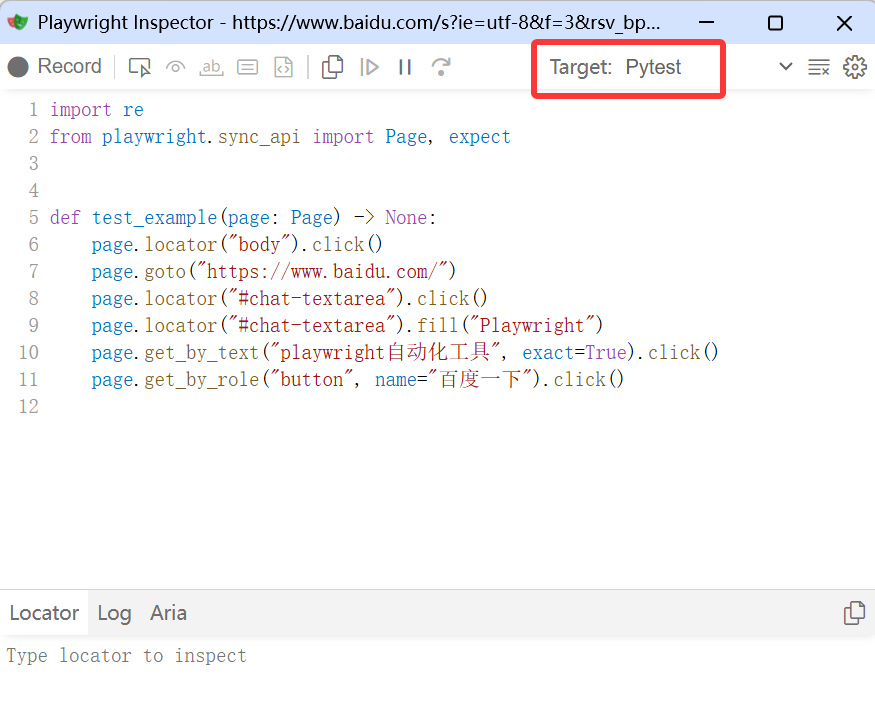
切换为:Pytest
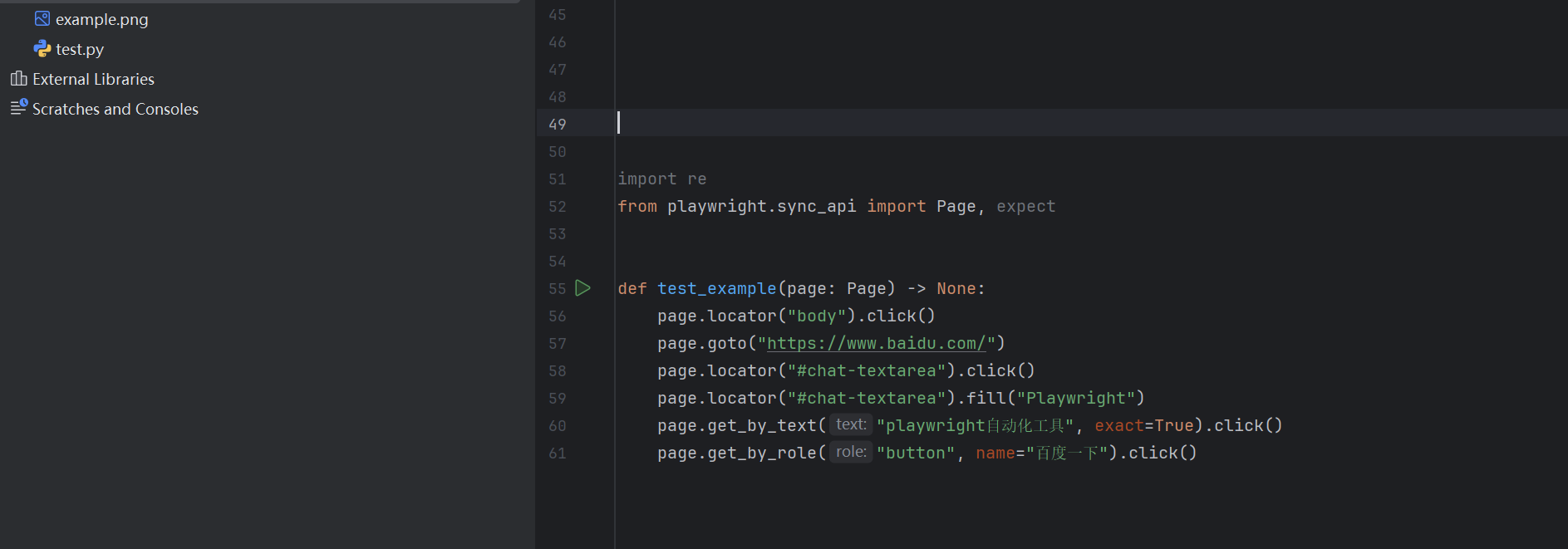
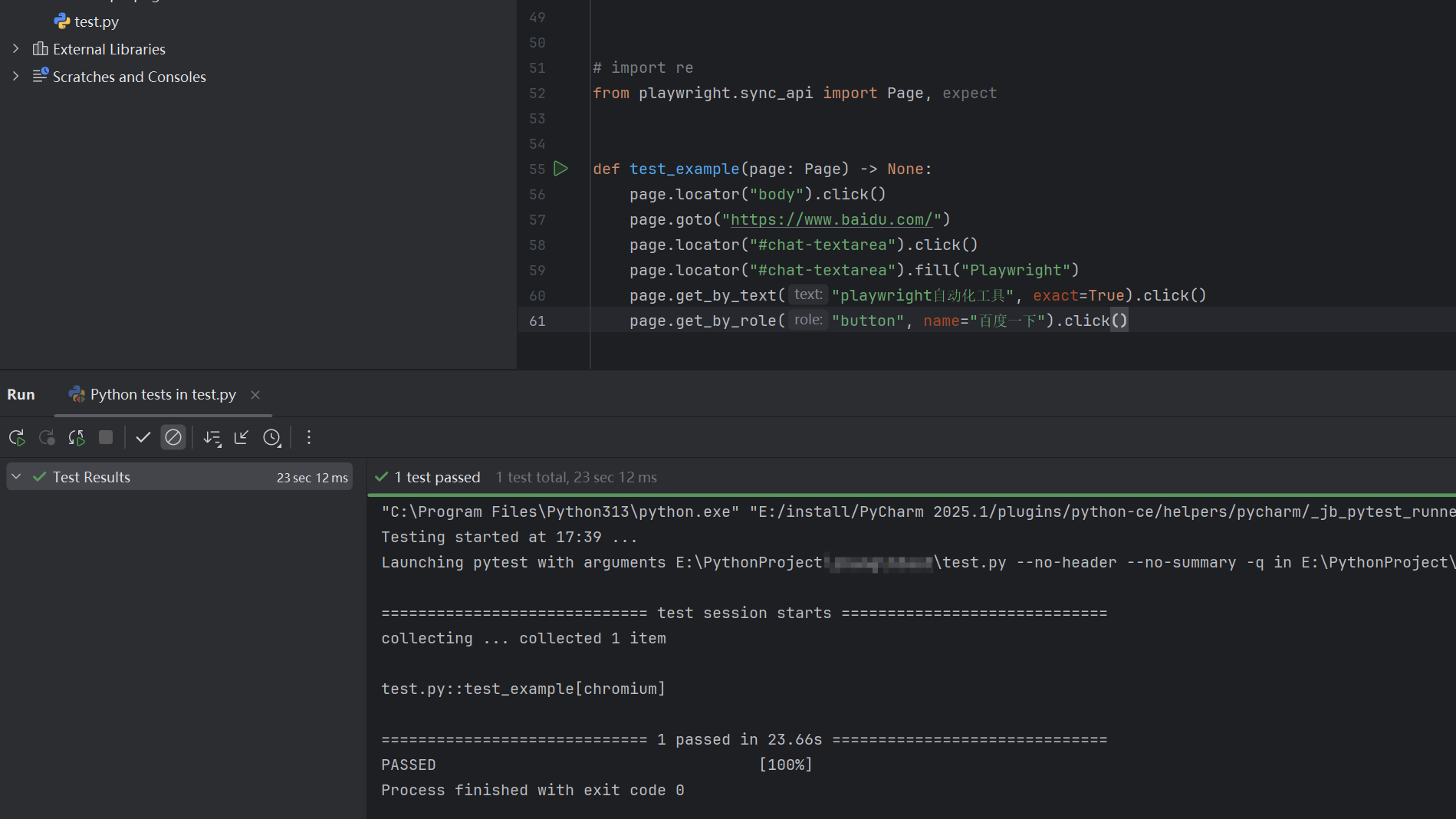
脚本贴入Pycharm内,执行失败
执行python -m playwright install

再次执行脚本,执行成功。
更多推荐


 2
2 0
0- 0


 已为社区贡献1条内容

所有评论(0)