
pytest中使用ordering控制函数的执行顺序
·
目录
1--安装ordering
2--ordering的使用
3---控制函数的执行顺序
-
安装ordering
- pip install pytest-ordering

- 出现下面的情况,安装就算是完成了
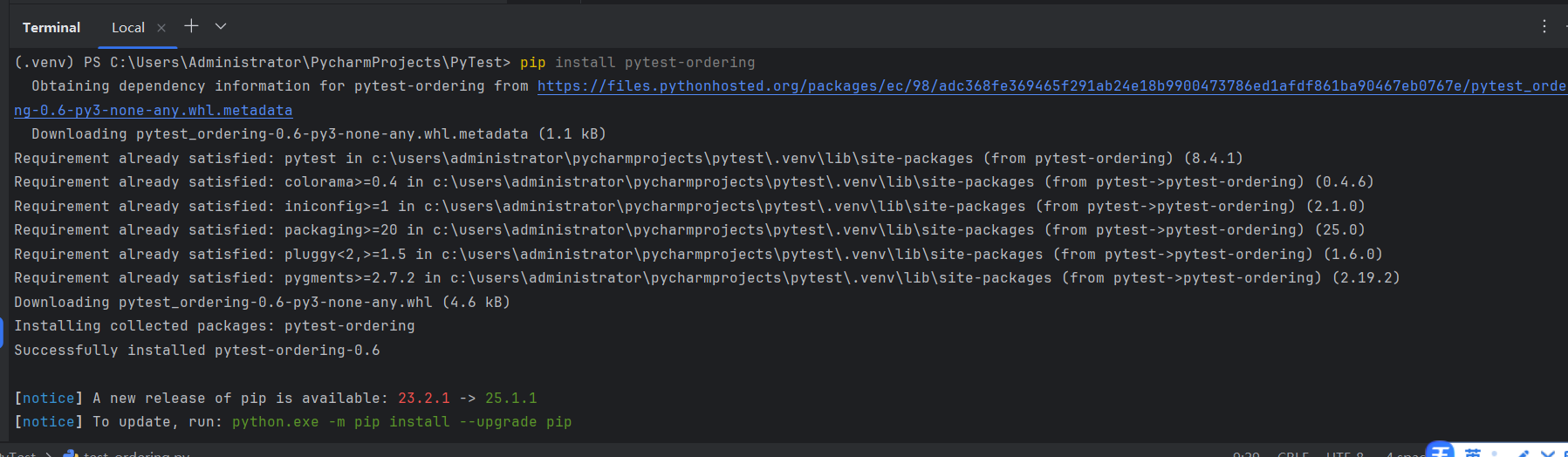
- pip install pytest-ordering
-
ordering的使用
- 使用
@pytest.mark.run(order=1)

- 格式
- @pytest.mark.run(order=顺序)
- 这里的数字越大,执行的优先级别越低
- 这个是在方法上面使用的
-
@pytest.mark.run(order=1)
def test_demo_002(self):
    print("---------test_demo_002--------")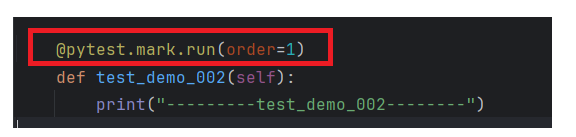
- 使用
-
控制函数的执行顺序
- 首先我们编写一下代码
-
import pytest


class TestOrdering:

    def test_demo_001(self):
        print("---------test_demo_001--------")


    def test_demo_002(self):
        print("---------test_demo_002--------")


    def test_demo_003(self):
        print("---------test_demo_003--------")

    def test_demo_004(self):
        print("---------test_demo_004--------")

    def test_demo_005(self):
        print("---------test_demo_005--------")

    def test_demo_006(self):
        print("---------test_demo_006--------")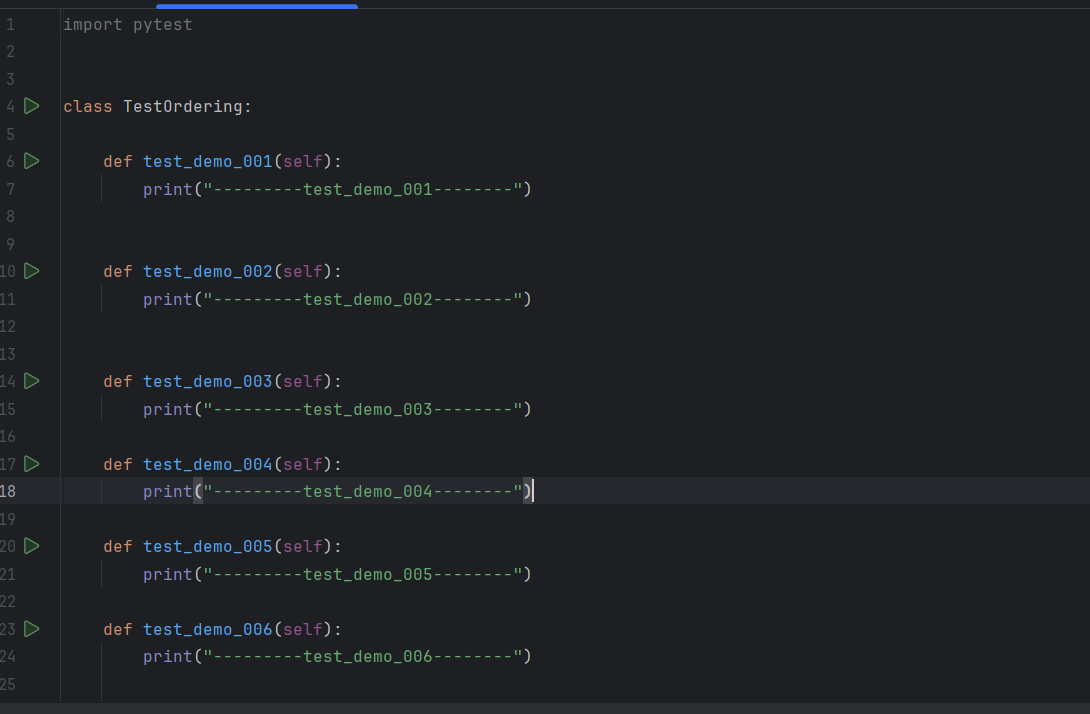
- 我们可以看一下默认的执行顺序
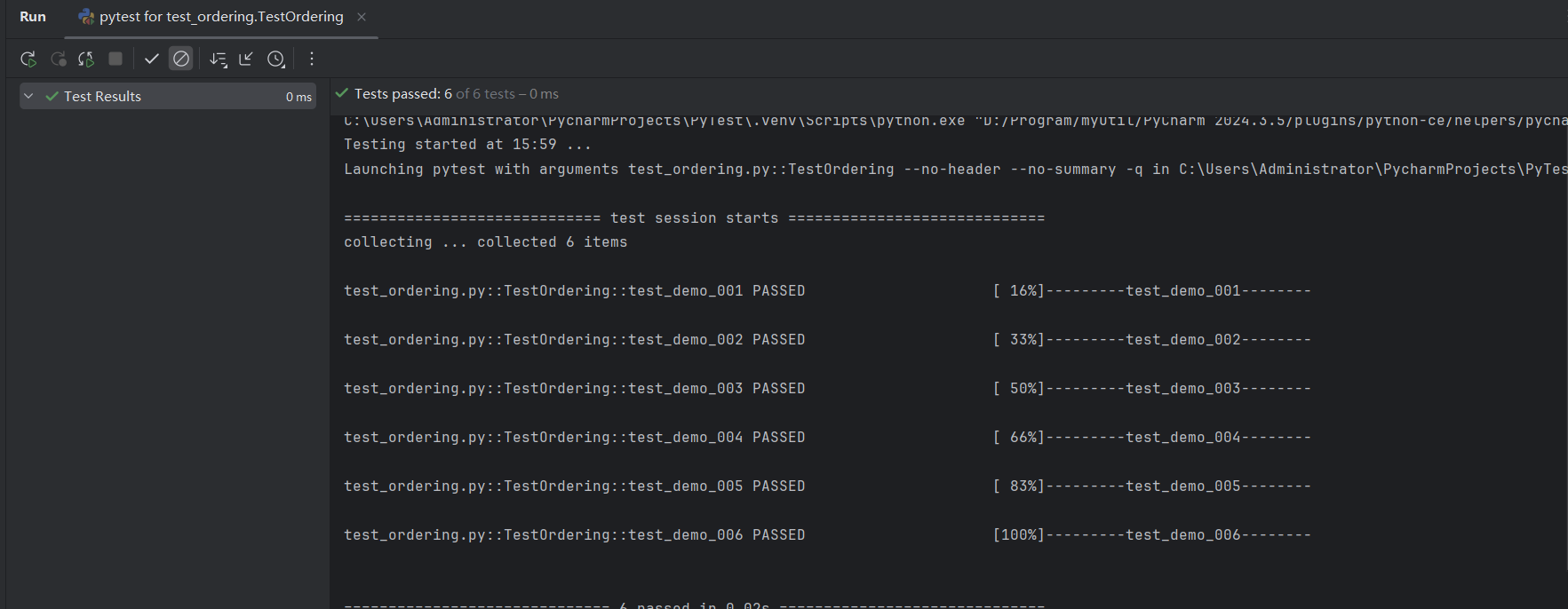
- 使用
@pytest.mark.run(order=1)
控制函数的执行顺序  6->5->4->3->2->1
- 修改代码
import pytest class TestOrdering: @pytest.mark.run(order=6) def test_demo_001(self): print("---------test_demo_001--------") @pytest.mark.run(order=5) def test_demo_002(self): print("---------test_demo_002--------") @pytest.mark.run(order=4) def test_demo_003(self): print("---------test_demo_003--------") @pytest.mark.run(order=3) def test_demo_004(self): print("---------test_demo_004--------") @pytest.mark.run(order=2) def test_demo_005(self): print("---------test_demo_005--------") @pytest.mark.run(order=1) def test_demo_006(self): print("---------test_demo_006--------") - 查看运行结果
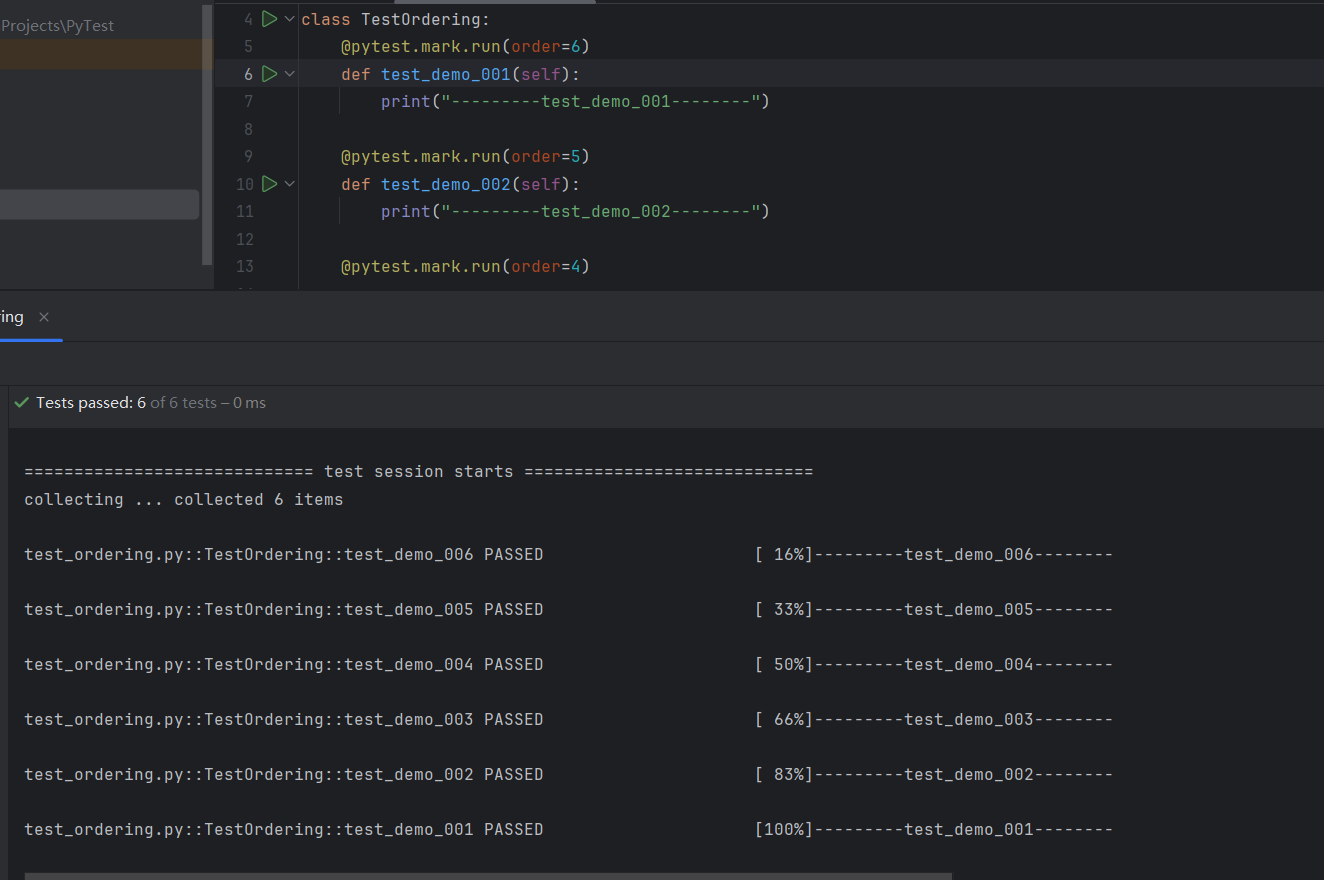
- 可以看到函数的执行结果已经被修改了
- 通过 @pytest.mark.run(order=数字)
- 成功的控制了函数的执行顺序
更多推荐

 10
10 0
0- 0


 已为社区贡献6条内容

所有评论(0)