
部署私有代码仓库gitlab(docker-compose方式)
·
为了实现GitOps完全的私有化部署,完成最后一块拼图,将代码仓库gitlab也安装到本地环境。
参考官网:
https://docs.gitlab.com/install/docker/installation/
在k8s-node-2节点上部署gitlab,首先安装docker compose:
# yum install docker-compose-plugin
# docker compose version
Docker Compose version v2.38.2
docker-compose.yml
services:
  gitlab:
    image: gitlab/gitlab-ee
    container_name: gitlab
    restart: always
    hostname: 'gitlab.example.com'
    environment:
      GITLAB_OMNIBUS_CONFIG: |
        gitlab_rails['gitlab_shell_ssh_port'] = 2222
    ports:
      - '80:80'
      - '443:443'
      - '2222:22'
    volumes:
      - '$GITLAB_HOME/config:/etc/gitlab'
      - '$GITLAB_HOME/logs:/var/log/gitlab'
      - '$GITLAB_HOME/data:/var/opt/gitlab'
    shm_size: '256m'
注意上面22端口使用了其他端口2222,另外镜像直接用了gitlab/gitlab-ee,同时,还使用了代理,我这里是使用了一台能访问墙外的windows作为代理,具体不赘述。然后创建目录并启动:
[root@k8s-node-2 srv]# cd /srv/gitlab
[root@k8s-node-2 gitlab]# mkdir data
[root@k8s-node-2 gitlab]# mkdir logs
[root@k8s-node-2 gitlab]# mkdir config

[root@k8s-node-2 gitlab]# docker compose up -d
[+] Running 10/10
 ✔ gitlab Pulled                                                         438.2s
   ✔ b08e2ff4391e Pull complete                                           24.7s
   ✔ 125b9630842d Pull complete                                           24.7s
   ✔ c42d7e607a06 Pull complete                                           30.8s
   ✔ 13a7b01a412b Pull complete                                           30.9s
   ✔ ec7b0237aba3 Pull complete                                           31.0s
   ✔ bce0915a66de Pull complete                                           31.0s
   ✔ 21e7b8f3856b Pull complete                                           31.1s
   ✔ 27d04734375c Pull complete                                           31.2s
   ✔ 410414d90e69 Pull complete                                          433.7s
[+] Running 2/2
 ✔ Network gitlab_default  Created                                         0.3s
 ✔ Container gitlab        Started                                         7.0s

[root@k8s-node-2 gitlab]# docker ps
CONTAINER ID   IMAGE              COMMAND                  CREATED              STATUS                                 PORTS                                                                                                                   NAMES
8a984950ce9b   gitlab/gitlab-ee   "/assets/init-contai…"   About a minute ago   Up About a minute (health: starting)   0.0.0.0:80->80/tcp, [::]:80->80/tcp, 0.0.0.0:443->443/tcp, [::]:443->443/tcp, 0.0.0.0:2222->22/tcp, [::]:2222->22/tcp   gitlab

[root@k8s-node-2 gitlab]# sudo docker exec -it gitlab grep 'Password:' /etc/gitlab/initial_root_password
Password: xH7BwB2kawyzoQwvdb20BaYEKW84PrzM6iTA4xb595M=
[root@k8s-node-2 gitlab]#
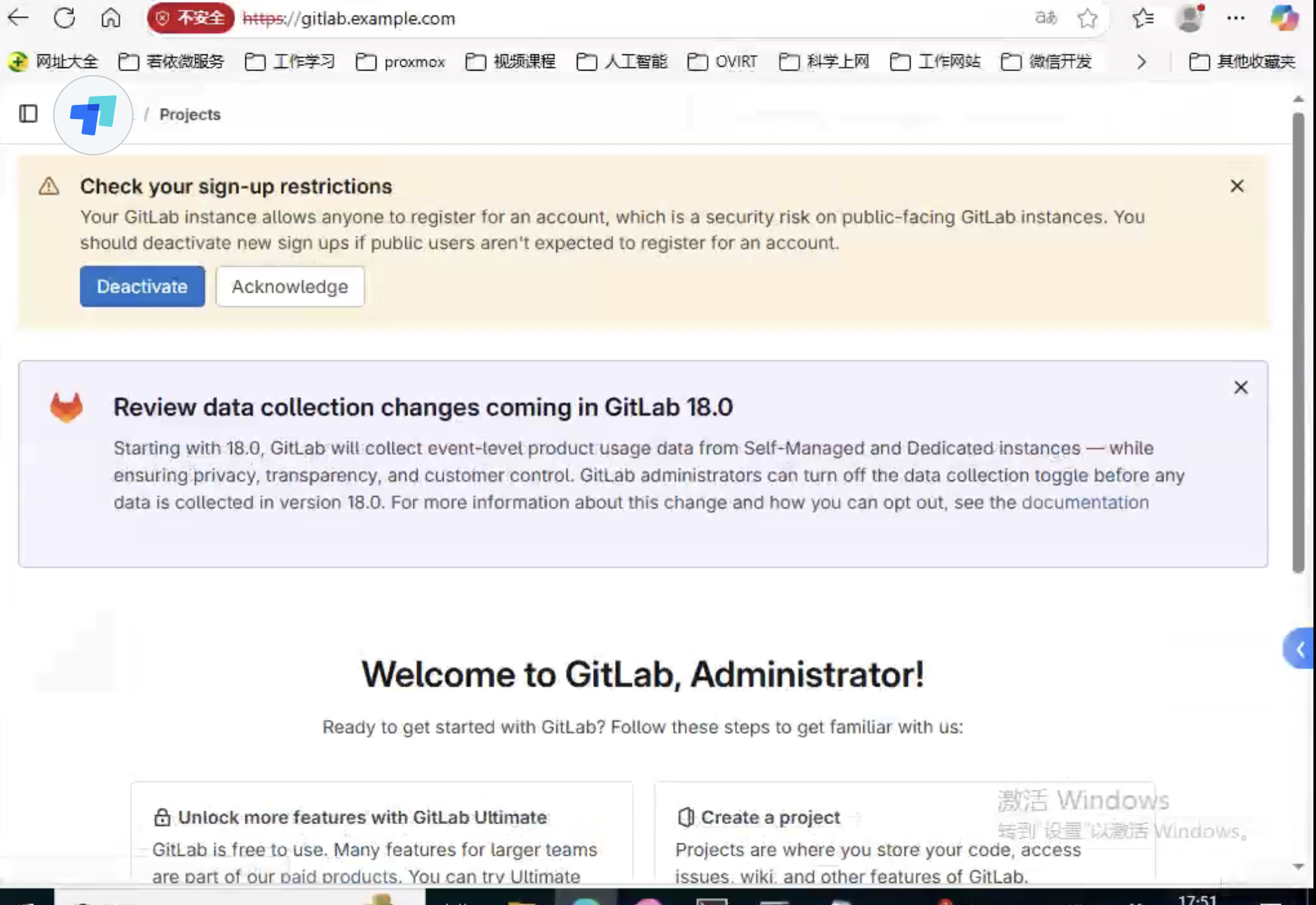
用上面最后命令查找到的密码,需要先将域名gitlab.example.com注册到客户端的hosts文件中,然后登录管理界面:
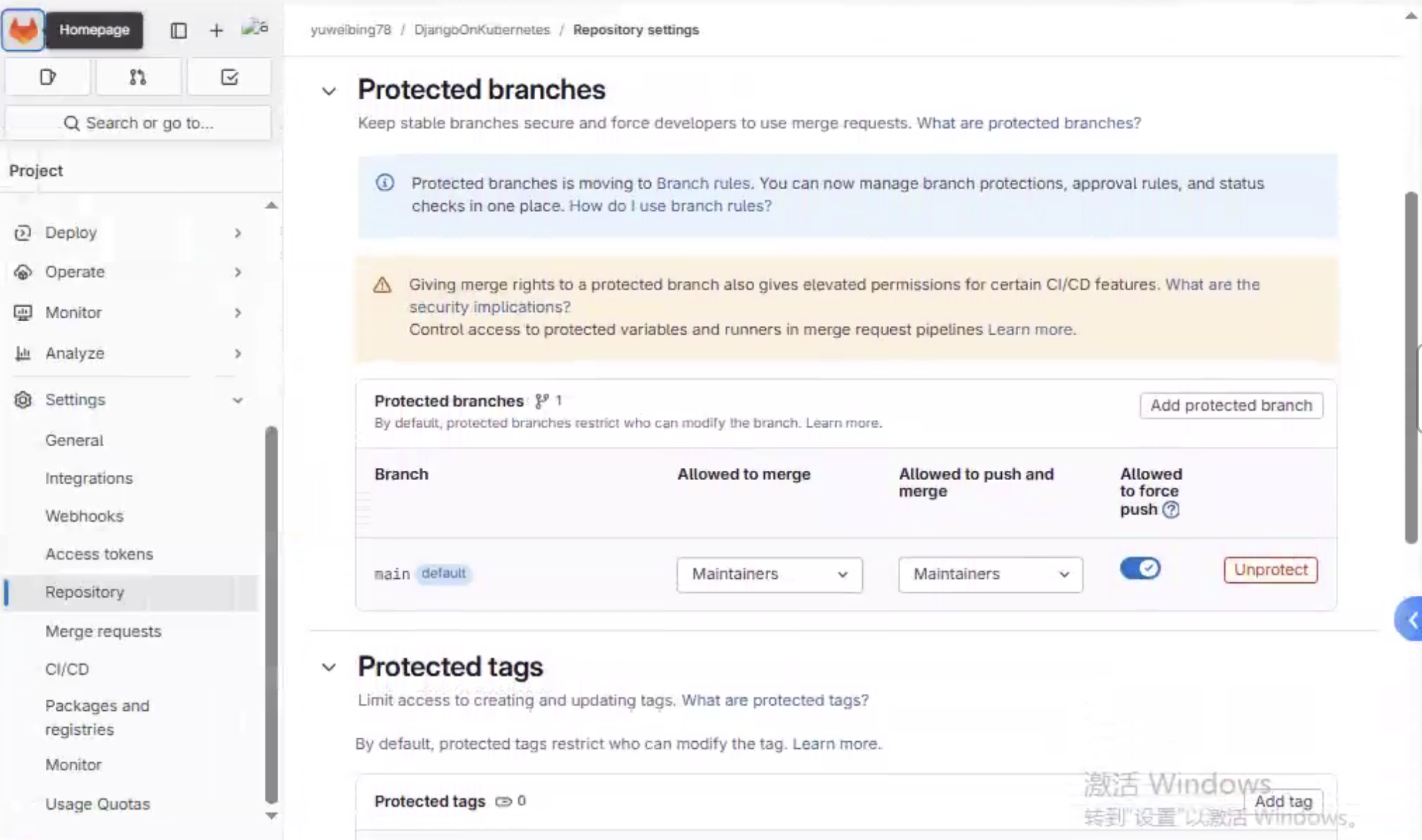
接下来,创建用户yuweibing78,创建repository: DjangoOnKubernetes,将这个代码库的main分支的保护开关关闭以便后面强制推送。
强制将本地代码推送到gitlab:
[root@k8s-master-1 DjangoOnKubernetes]# git push -uf gitlab main
Username for 'https://gitlab.example.com': yuweibing78
Password for 'https://yuweibing78@gitlab.example.com':
Enumerating objects: 214, done.
Counting objects: 100% (214/214), done.
Delta compression using up to 8 threads
Compressing objects: 100% (121/121), done.
Writing objects: 100% (214/214), 50.87 KiB | 3.39 MiB/s, done.
Total 214 (delta 94), reused 175 (delta 73), pack-reused 0 (from 0)
remote: Resolving deltas: 100% (94/94), done.
To https://gitlab.example.com/yuweibing78/djangoonkubernetes.git
 + f97aedc...2f65052 main -> main (forced update)
branch 'main' set up to track 'gitlab/main'.
[root@k8s-master-1 DjangoOnKubernetes]#
更多推荐


 4
4 0
0- 0


 已为社区贡献1条内容

所有评论(0)