
mac m2 安装 hbase
·
默认安装好了 homebrew。
1. 终端先更新下 homebrew
brew upgrade
再安装 hbase
brew install hbase安装完会有如下图的内容
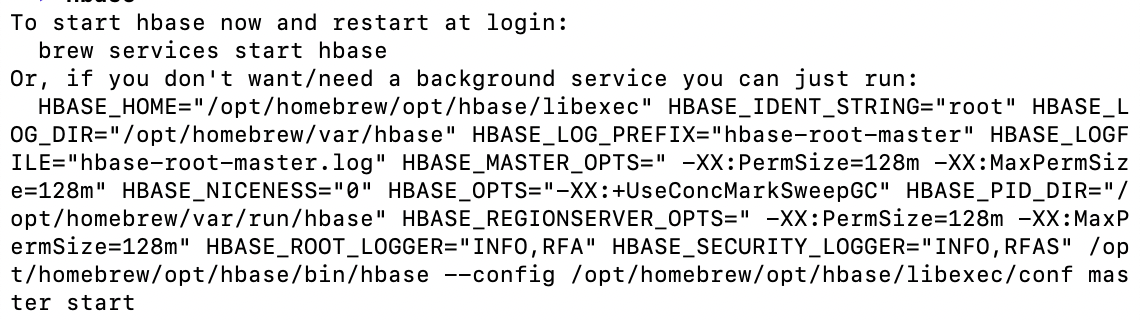
2. 按照提示启动 hbase
brew services start hbase
返回启动成功

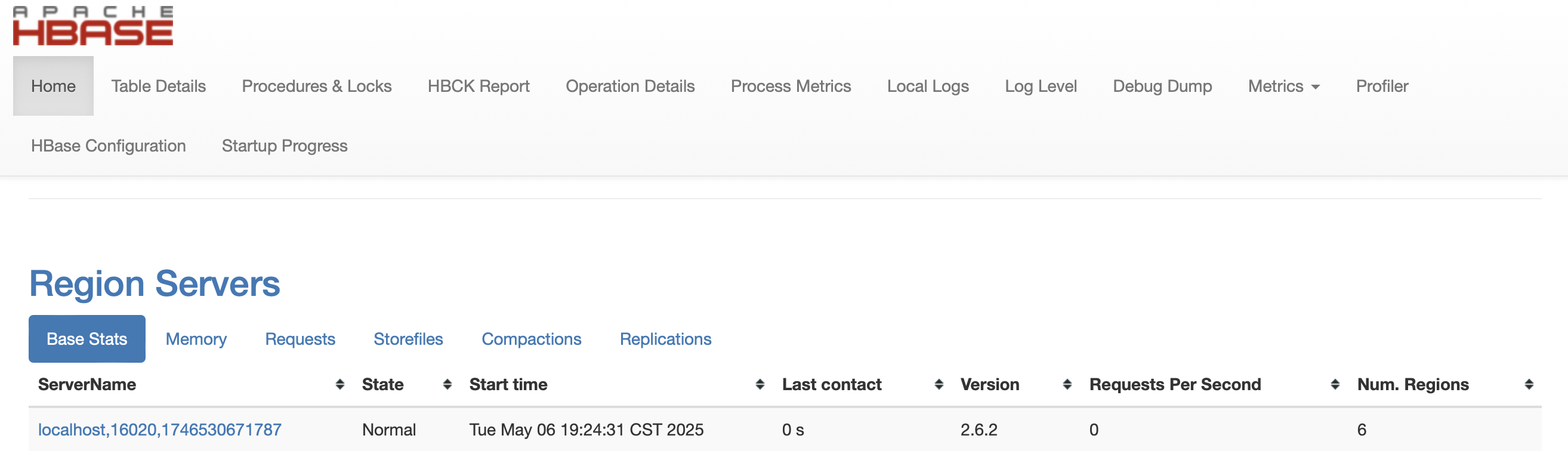
3. 访问 http://localhost:16010 检验一下
启动成功
4. 在启动 hbase shell之前,先修改个配置
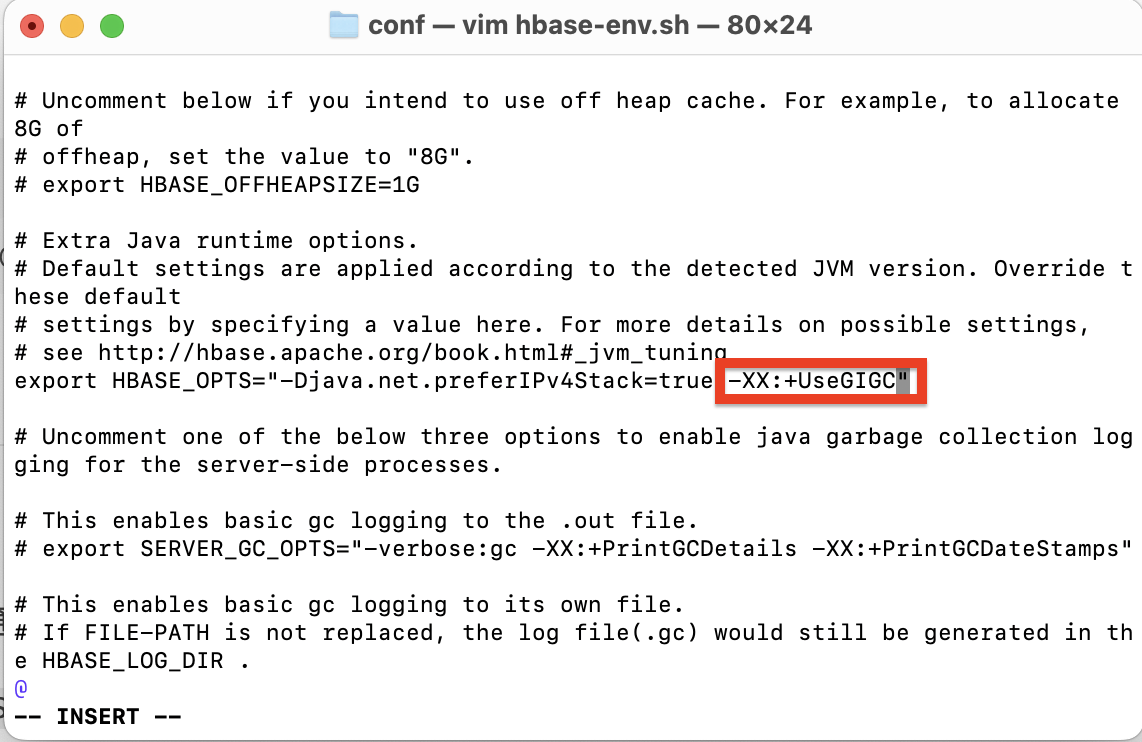
找到 hbase-env.sh 文件,我的是在 /opt/homebrew/Cellar/hbase/2.6.2/libexec/conf 下,进入编辑
cd /opt/homebrew/Cellar/hbase/2.6.2/libexec/conf
vim hbase-env.sh
检索"+UseConcMarkSweepGC",找到后改为"+UseG1GC",保存后退出
5. 启动 hbase shell
hbase shell启动成功

使用完后,exit 退出 hbase shell
exit在 bin 目录下,关闭 hbase
cd /opt/homebrew/Cellar/hbase/2.6.2/libexec/bin
./stop-hbase.sh
更多推荐


 9
9 0
0- 0


 已为社区贡献1条内容

所有评论(0)