
Python接口自动化之request请求封装
我们在做自动化测试的时候,大家都是希望自己写的代码越简洁越好,代码重复量越少越好。那么,我们可以考虑将request的请求类型(如:Get、Post、Delect请求)都封装起来。这样,我们在编写用例的时候就可以直接进行请求了。
1. 源码分析
我们先来看一下Get、Post、Delect等请求的源码,看一下它们都有什么特点。
(1)Get请求源码
-
def get(self, url, **kwargs): -
r"""Sends a GET request. Returns :class:`Response` object. -
:param url: URL for the new :class:`Request` object. -
:param \*\*kwargs: Optional arguments that ``request`` takes. -
:rtype: requests.Response -
""" -
kwargs.setdefault('allow_redirects', True) -
return self.request('GET', url, **kwargs)
(2)Post请求源码
-
def post(self, url, data=None, json=None, **kwargs): -
r"""Sends a POST request. Returns :class:`Response` object. -
:param url: URL for the new :class:`Request` object. -
:param data: (optional) Dictionary, list of tuples, bytes, or file-like -
object to send in the body of the :class:`Request`. -
:param json: (optional) json to send in the body of the :class:`Request`. -
:param \*\*kwargs: Optional arguments that ``request`` takes. -
:rtype: requests.Response -
""" -
return self.request('POST', url, data=data, json=json, **kwargs)
(3)Delect请求源码
-
def delete(self, url, **kwargs): -
r"""Sends a DELETE request. Returns :class:`Response` object. -
:param url: URL for the new :class:`Request` object. -
:param \*\*kwargs: Optional arguments that ``request`` takes. -
:rtype: requests.Response -
""" -
return self.request('DELETE', url, **kwargs)
(4)分析结果
我们发现,不管是Get请求、还是Post请求或者是Delect请求,它们到最后返回的都是request函数。那么,我们再去看一看request函数的源码。
-
def request(self, method, url, -
params=None, data=None, headers=None, cookies=None, files=None, -
auth=None, timeout=None, allow_redirects=True, proxies=None, -
hooks=None, stream=None, verify=None, cert=None, json=None): -
"""Constructs a :class:`Request <Request>`, prepares it and sends it. -
Returns :class:`Response <Response>` object. -
:param method: method for the new :class:`Request` object. -
:param url: URL for the new :class:`Request` object. -
:param params: (optional) Dictionary or bytes to be sent in the query -
string for the :class:`Request`. -
:param data: (optional) Dictionary, list of tuples, bytes, or file-like -
object to send in the body of the :class:`Request`. -
:param json: (optional) json to send in the body of the -
:class:`Request`. -
:param headers: (optional) Dictionary of HTTP Headers to send with the -
:class:`Request`. -
:param cookies: (optional) Dict or CookieJar object to send with the -
:class:`Request`. -
:param files: (optional) Dictionary of ``'filename': file-like-objects`` -
for multipart encoding upload. -
:param auth: (optional) Auth tuple or callable to enable -
Basic/Digest/Custom HTTP Auth. -
:param timeout: (optional) How long to wait for the server to send -
data before giving up, as a float, or a :ref:`(connect timeout, -
read timeout) <timeouts>` tuple. -
:type timeout: float or tuple -
:param allow_redirects: (optional) Set to True by default. -
:type allow_redirects: bool -
:param proxies: (optional) Dictionary mapping protocol or protocol and -
hostname to the URL of the proxy. -
:param stream: (optional) whether to immediately download the response -
content. Defaults to ``False``. -
:param verify: (optional) Either a boolean, in which case it controls whether we verify -
the server's TLS certificate, or a string, in which case it must be a path -
to a CA bundle to use. Defaults to ``True``. -
:param cert: (optional) if String, path to ssl client cert file (.pem). -
If Tuple, ('cert', 'key') pair. -
:rtype: requests.Response -
""" -
# Create the Request. -
req = Request( -
method=method.upper(), -
url=url, -
headers=headers, -
files=files, -
data=data or {}, -
json=json, -
params=params or {}, -
auth=auth, -
cookies=cookies, -
hooks=hooks, -
) -
prep = self.prepare_request(req) -
proxies = proxies or {} -
settings = self.merge_environment_settings( -
prep.url, proxies, stream, verify, cert -
) -
# Send the request. -
send_kwargs = { -
'timeout': timeout, -
'allow_redirects': allow_redirects, -
} -
send_kwargs.update(settings) -
resp = self.send(prep, **send_kwargs) -
return resp
从request源码可以看出,它先创建一个Request,然后将传过来的所有参数放在里面,再接着调用self.send(),并将Request传过去。这里我们将不在分析后面的send等方法的源码了,有兴趣的同学可以自行了解。
分析完源码之后发现,我们可以不需要单独在一个类中去定义Get、Post等其他方法,然后在单独调用request。其实,我们直接调用request即可。
2. requests请求封装
代码示例:
-
import requests -
class RequestMain: -
def __init__(self): -
""" -
session管理器 -
requests.session(): 维持会话,跨请求的时候保存参数 -
""" -
# 实例化session -
self.session = requests.session() -
def request_main(self, method, url, params=None, data=None, json=None, headers=None, **kwargs): -
""" -
:param method: 请求方式 -
:param url: 请求地址 -
:param params: 字典或bytes,作为参数增加到url中 -
:param data: data类型传参,字典、字节序列或文件对象,作为Request的内容 -
:param json: json传参,作为Request的内容 -
:param headers: 请求头,字典 -
:param kwargs: 若还有其他的参数,使用可变参数字典形式进行传递 -
:return: -
""" -
# 对异常进行捕获 -
try: -
""" -
封装request请求,将请求方法、请求地址,请求参数、请求头等信息入参。 -
注 :verify: True/False,默认为True,认证SSL证书开关;cert: 本地SSL证书。如果不需要ssl认证,可将这两个入参去掉 -
""" -
re_data = self.session.request(method, url, params=params, data=data, json=json, headers=headers, cert=(client_crt, client_key), verify=False, **kwargs) -
# 异常处理 报错显示具体信息 -
except Exception as e: -
# 打印异常 -
print("请求失败:{0}".format(e)) -
# 返回响应结果 -
return re_data -
if __name__ == '__main__': -
# 请求地址 -
url = '请求地址' -
# 请求参数 -
payload = {"请求参数"} -
# 请求头 -
header = {"headers"} -
# 实例化 RequestMain() -
re = RequestMain() -
# 调用request_main,并将参数传过去 -
request_data = re.request_main("请求方式", url, json=payload, headers=header) -
# 打印响应结果 -
print(request_data.text)
注 :如果你调的接口不需要SSL认证,可将cert与verify两个参数去掉。
感谢每一个认真阅读我文章的人!!!
作为一位过来人也是希望大家少走一些弯路,如果你不想再体验一次学习时找不到资料,没人解答问题,坚持几天便放弃的感受的话,在这里我给大家分享一些自动化测试的学习资源,希望能给你前进的路上带来帮助。

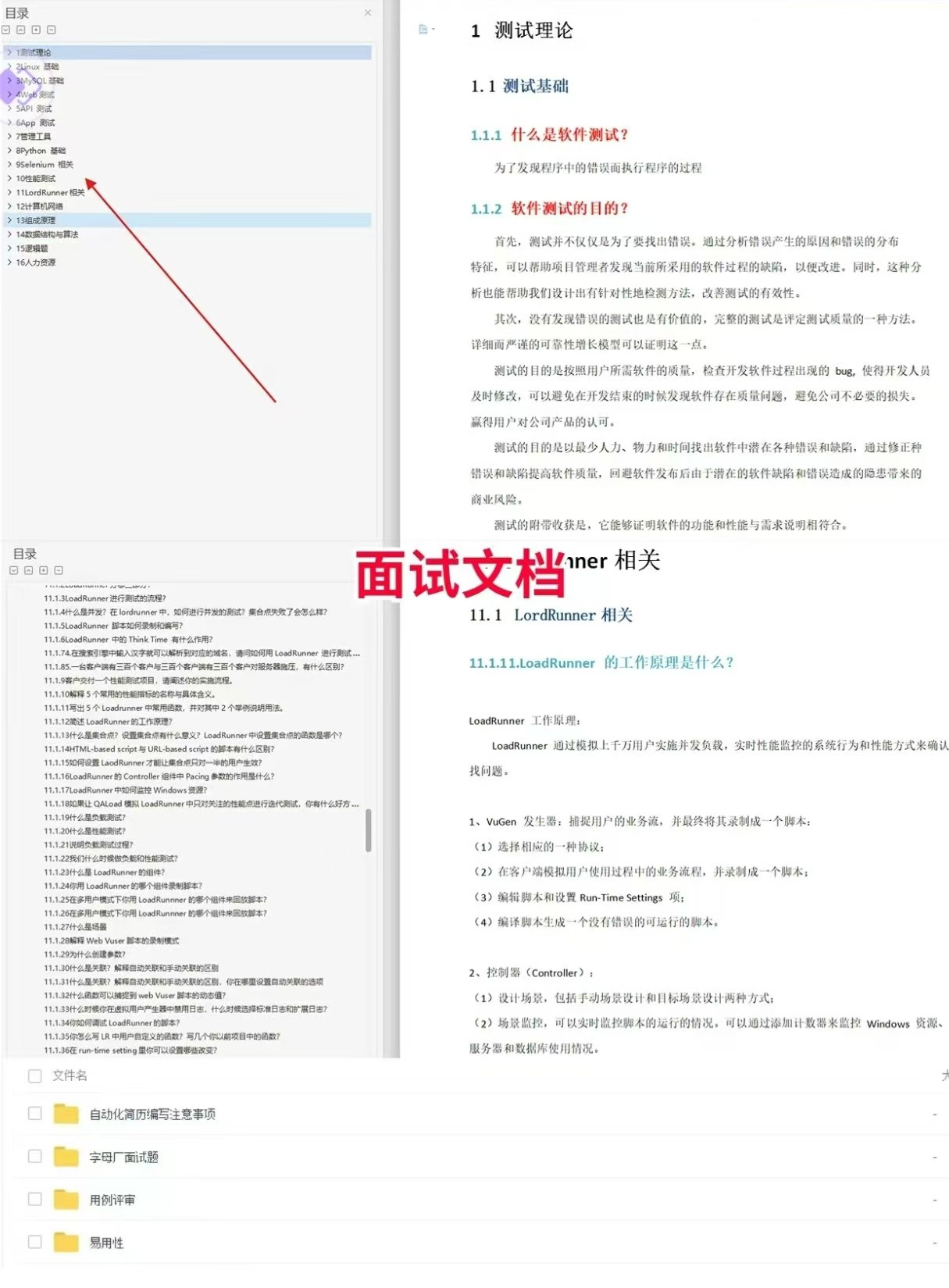
软件测试面试文档
我们学习必然是为了找到高薪的工作,下面这些面试题是来自阿里、腾讯、字节等一线互联网大厂最新的面试资料,并且有字节大佬给出了权威的解答,刷完这一套面试资料相信大家都能找到满意的工作。
视频文档获取方式:
这份文档和视频资料,对于想从事【软件测试】的朋友来说应该是最全面最完整的备战仓库,这个仓库也陪伴我走过了最艰难的路程,希望也能帮助到你!以上均可以分享,点下方小卡片即可自行领取。
更多推荐

 9
9 0
0- 0


 已为社区贡献11条内容

所有评论(0)