
SpringBoot整合Elasticsearch_elasticsearch整合springboot
@Id
private Long stuId;
@Field(store = true, analyzer = “ik_max_word”, type = FieldType.Text)
private String name;
@Field(store = true, type = FieldType.Integer)
private Integer age;
@Field
private Float money;
@Field
private boolean isMarried;
// getter、setter、toString() 省略
}
- @Document定义在Elasticsearch中索引信息
- @Id定义了Elasticsearch的_id
- @Field定义字段类型等信息
- …更多注解请参照官方文档…
2. 创建测试类 ESTest.java
@RunWith(SpringRunner.class)
@SpringBootTest(classes = Application.class)
public class ESTest {
@Autowired
private ElasticsearchRestTemplate esTemplate;
…
}
这里使用 ElasticsearchRestTemplate 方式执行增删改查
2.1 创建索引
@Test
public void createIndex(){
esTemplate.indexOps(Stu.class).create();
}
2.2 删除索引
@Test
public void deleteIndex() {
esTemplate.indexOps(Stu.class).delete();
}
2.3 判断索引是否存在
@Test
public void existIndex() {
boolean isExist = esTemplate.indexOps(Stu.class).exists();
System.out.println(isExist);
}
2.4 新增文档数据
@Test
public void addDoc() {
Stu stu0 = new Stu(10010L, “didiok”, 18, 100.5f, true);
esTemplate.save(stu0);
Stu stu1 = new Stu(10011L, “Rede”, 20, 88.5f, true);
Stu stu2 = new Stu(10012L, “放下”, 22, 108.5f, false);
List stuList = new ArrayList<>();
stuList.add(stu1);
stuList.add(stu2);
esTemplate.save(stuList);
}
2.5 根据文档id删除数据
@Test
public void deleteDoc(){
esTemplate.delete(“10010”, Stu.class);
}
2.6 查询文档数据
@Test
public void getDoc(){
System.out.println(esTemplate.get(“10011”, Stu.class));
}
2.7 修改文档数据
@Test
public void updateDoc(){
Map<String, Object> stuMap = new HashMap<>();
stuMap.put(“name”, “秦王嬴政”);
stuMap.put(“age”, 2000);
Document doc = Document.from(stuMap);
UpdateQuery updateQuery = UpdateQuery.builder(“10011”)
.withDocument(doc)
.build();
IndexCoordinates indexCoordinate = IndexCoordinates.of(“stu”);
esTemplate.update(updateQuery, indexCoordinate);
}
2.8 搜索数据
/**
- 搜索数据
*/
@Test
public void searchStu(){
Pageable pageable = PageRequest.of(0, 10);
SortBuilder sortBuilder = new FieldSortBuilder(“money”)
.order(SortOrder.ASC);
SortBuilder sortBuilderName = new FieldSortBuilder(“name.keyword”) # name 有两种类型:text和keyword,其中name.keyword是指其为keyword类型的字段
.order(SortOrder.DESC);
NativeSearchQuery query =new NativeSearchQueryBuilder()
.withQuery(QueryBuilders.matchQuery(“name”, “美丽 漂亮”))
.withPageable(pageable)
.withSort(sortBuilder)
.withSort(sortBuilderName)
.build();
SearchHits hits = esTemplate.search(query, Stu.class);
System.out.println(hits.getSearchHits());
}
2.9 高亮搜索
@Test
public void highlight(){
String preTag = “”;
String postTag = “”;
NativeSearchQuery query = new NativeSearchQueryBuilder()
.withQuery(QueryBuilders.matchQuery(“name”, “美丽可爱”))
.withHighlightFields(new HighlightBuilder.Field(“name”)
.preTags(preTag)
.postTags(postTag))
.build();
SearchHits hits = esTemplate.search(query, Stu.class);
List<SearchHit> stuHits = hits.getSearchHits();
List hlList = new ArrayList<>();
for(SearchHit h : stuHits){
List hlField = h.getHighlightField(“name”);
String hlValue = hlField.get(0);
Stu content = h.getContent();
content.setName(hlValue);
hlList.add(content);
}
System.out.println(hlList);
}
三、基于Java的Elasticsearch增删改查(Elasticsearch Repositories方式)
1. 创建实体类
@Document(indexName = “stu”, shards = 3, replicas = 0)
public class Stu {
@Id
private Long stuId;
@Field(store = true, analyzer = “ik_max_word”, type = FieldType.Text)
private String name;
@Field(store = true, type = FieldType.Integer)
private Integer age;
@Field
private Float money;
@Field
private boolean isMarried;
// getter、setter、toString() 省略
}
2. 创建 mapper 层
/**
- @Author: liuss
- @DateTime: 2023-04-22 13:34
- @Description:
- ElasticsearchRepository<T, ID> T:实体类泛型,ID:ES库中索引的主键类型
*/
public interface StuMapper extends ElasticsearchRepository<Stu, String> {
}
3. 增删改查
3.1 ElasticsearchRepository本身自带了一些简单curd方法,如下图

使用es自带的方法:
@Test
public void searchStu2(){
Optional stu = stuMapper.findById(“10021”);
Iterable stu2 = stuMapper.findAll();
System.out.println(stu);
System.out.println(stu2);
}
3.2 使用自定义的方法
ES在方法名中支持的关键字
| Keyword | Sample | Elasticsearch Query String |
|---|---|---|
And | findByNameAndPrice | { "query" : { "bool" : { "must" : [ { "query_string" : { "query" : "?", "fields" : [ "name" ] } }, { "query_string" : { "query" : "?", "fields" : [ "price" ] } } ] } }} |
Or | findByNameOrPrice | { "query" : { "bool" : { "should" : [ { "query_string" : { "query" : "?", "fields" : [ "name" ] } }, { "query_string" : { "query" : "?", "fields" : [ "price" ] } } ] } }} |
Is | findByName | { "query" : { "bool" : { "must" : [ { "query_string" : { "query" : "?", "fields" : [ "name" ] } } ] } }} |
Not | findByNameNot | { "query" : { "bool" : { "must_not" : [ { "query_string" : { "query" : "?", "fields" : [ "name" ] } } ] } }} |
Between | findByPriceBetween | { "query" : { "bool" : { "must" : [ {"range" : {"price" : {"from" : ?, "to" : ?, "include_lower" : true, "include_upper" : true } } } ] } }} |
LessThan | findByPriceLessThan | { "query" : { "bool" : { "must" : [ {"range" : {"price" : {"from" : null, "to" : ?, "include_lower" : true, "include_upper" : false } } } ] } }} |
LessThanEqual | findByPriceLessThanEqual | { "query" : { "bool" : { "must" : [ {"range" : {"price" : {"from" : null, "to" : ?, "include_lower" : true, "include_upper" : true } } } ] } }} |
GreaterThan | findByPriceGreaterThan | { "query" : { "bool" : { "must" : [ {"range" : {"price" : {"from" : ?, "to" : null, "include_lower" : false, "include_upper" : true } } } ] } }} |
GreaterThanEqual | findByPriceGreaterThan | { "query" : { "bool" : { "must" : [ {"range" : {"price" : {"from" : ?, "to" : null, "include_lower" : true, "include_upper" : true } } } ] } }} |
Before | findByPriceBefore | { "query" : { "bool" : { "must" : [ {"range" : {"price" : {"from" : null, "to" : ?, "include_lower" : true, "include_upper" : true } } } ] } }} |
After | findByPriceAfter | { "query" : { "bool" : { "must" : [ {"range" : {"price" : {"from" : ?, "to" : null, "include_lower" : true, "include_upper" : true } } } ] } }} |
Like | findByNameLike | { "query" : { "bool" : { "must" : [ { "query_string" : { "query" : "?*", "fields" : [ "name" ] }, "analyze_wildcard": true } ] } }} |
StartingWith | findByNameStartingWith | { "query" : { "bool" : { "must" : [ { "query_string" : { "query" : "?*", "fields" : [ "name" ] }, "analyze_wildcard": true } ] } }} |
EndingWith | findByNameEndingWith | { "query" : { "bool" : { "must" : [ { "query_string" : { "query" : "*?", "fields" : [ "name" ] }, "analyze_wildcard": true } ] } }} |
Contains/Containing | findByNameContaining | { "query" : { "bool" : { "must" : [ { "query_string" : { "query" : "*?*", "fields" : [ "name" ] }, "analyze_wildcard": true } ] } }} |
In (when annotated as FieldType.Keyword) | findByNameIn(Collection<String>names) | { "query" : { "bool" : { "must" : [ {"bool" : {"must" : [ {"terms" : {"name" : ["?","?"]}} ] } } ] } }} |
In | findByNameIn(Collection<String>names) | { "query": {"bool": {"must": [{"query_string":{"query": "\"?\" \"?\"", "fields": ["name"]}}]}}} |
NotIn (when annotated as FieldType.Keyword) | findByNameNotIn(Collection<String>names) | { "query" : { "bool" : { "must" : [ {"bool" : {"must_not" : [ {"terms" : {"name" : ["?","?"]}} ] } } ] } }} |
NotIn | findByNameNotIn(Collection<String>names) | {"query": {"bool": {"must": [{"query_string": {"query": "NOT(\"?\" \"?\")", "fields": ["name"]}}]}}} |
Near | findByStoreNear | Not Supported Yet ! |
True | findByAvailableTrue | { "query" : { "bool" : { "must" : [ { "query_string" : { "query" : "true", "fields" : [ "available" ] } } ] } }} |
False | findByAvailableFalse | { "query" : { "bool" : { "must" : [ { "query_string" : { "query" : "false", "fields" : [ "available" ] } } ] } }} |
OrderBy | findByAvailableTrueOrderByNameDesc | { "query" : { "bool" : { "must" : [ { "query_string" : { "query" : "true", "fields" : [ "available" ] } } ] } }, "sort":[{"name":{"order":"desc"}}] } |
可以自定义方法如下:
public interface StuMapper extends ElasticsearchRepository<Stu, String> {
List findStusByName(String name);
}
使用自定义方法查询:
自我介绍一下,小编13年上海交大毕业,曾经在小公司待过,也去过华为、OPPO等大厂,18年进入阿里一直到现在。
深知大多数大数据工程师,想要提升技能,往往是自己摸索成长或者是报班学习,但对于培训机构动则几千的学费,着实压力不小。自己不成体系的自学效果低效又漫长,而且极易碰到天花板技术停滞不前!
因此收集整理了一份《2024年大数据全套学习资料》,初衷也很简单,就是希望能够帮助到想自学提升又不知道该从何学起的朋友。
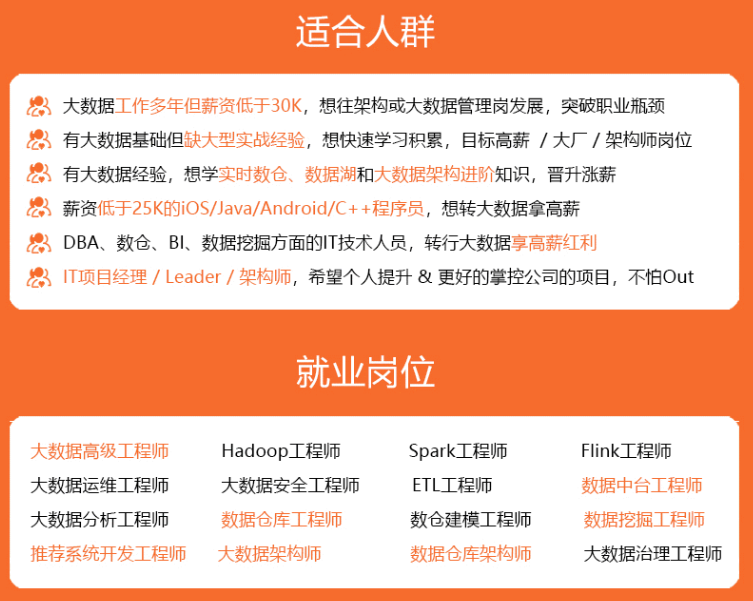
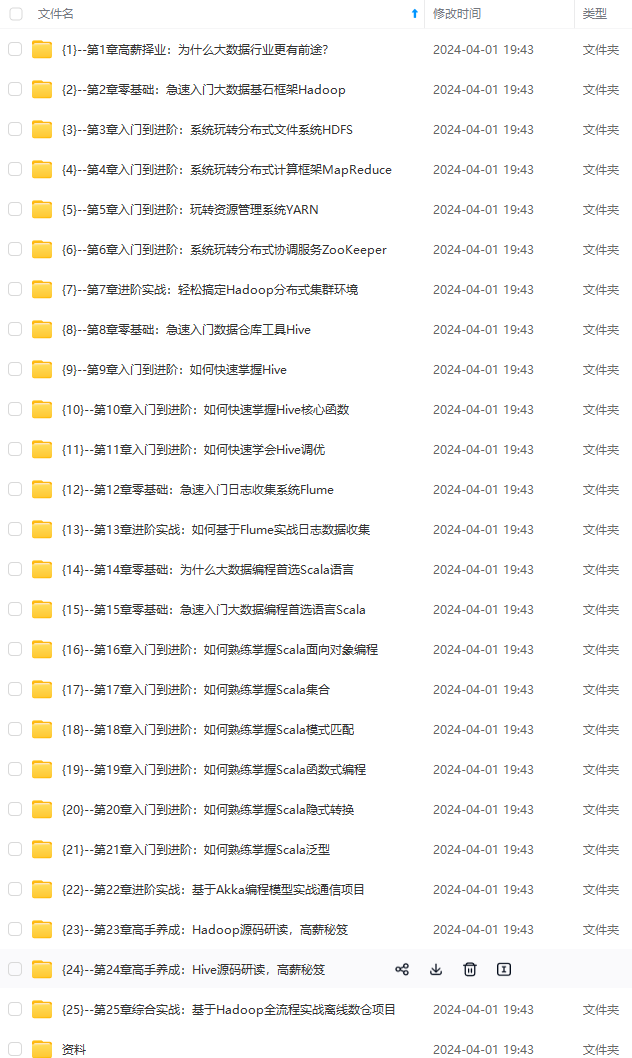
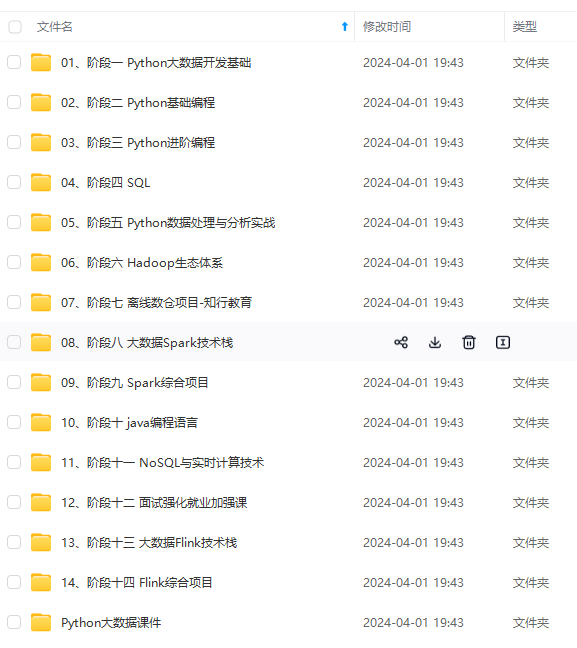
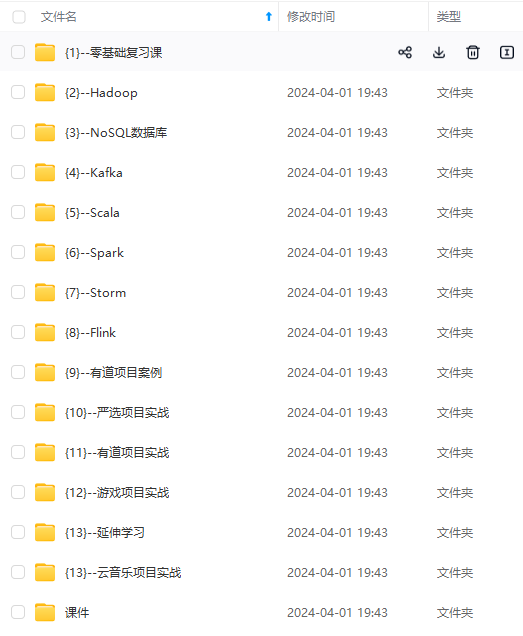
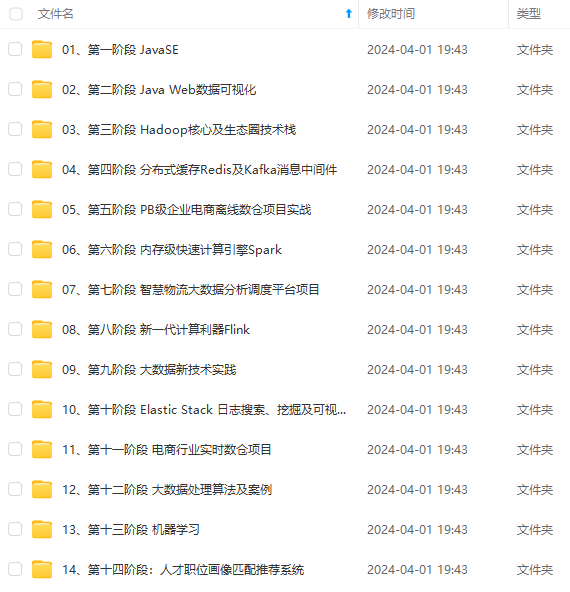
既有适合小白学习的零基础资料,也有适合3年以上经验的小伙伴深入学习提升的进阶课程,基本涵盖了95%以上大数据开发知识点,真正体系化!
由于文件比较大,这里只是将部分目录大纲截图出来,每个节点里面都包含大厂面经、学习笔记、源码讲义、实战项目、讲解视频,并且后续会持续更新
如果你觉得这些内容对你有帮助,可以添加VX:vip204888 (备注大数据获取)

-1712535445029)]
[外链图片转存中…(img-rL8HrPh9-1712535445030)]
[外链图片转存中…(img-t7PiYlGN-1712535445030)]
既有适合小白学习的零基础资料,也有适合3年以上经验的小伙伴深入学习提升的进阶课程,基本涵盖了95%以上大数据开发知识点,真正体系化!
由于文件比较大,这里只是将部分目录大纲截图出来,每个节点里面都包含大厂面经、学习笔记、源码讲义、实战项目、讲解视频,并且后续会持续更新
如果你觉得这些内容对你有帮助,可以添加VX:vip204888 (备注大数据获取)
[外链图片转存中…(img-vLdi9Lv0-1712535445031)]
更多推荐

 28
28 0
0- 0


 已为社区贡献2条内容

所有评论(0)