
postgresql-15数据库基于centos7安装
·
linux系统postgresql-15源码安装详解
配置虚拟机 本文给予centos-7演练
进入虚拟机配置
useradd postgres   --创建用户(此时会默认指定的用户组,这个用户名称建议保持一致)
cd /home/postgres/ --进入新建用户指定目录
curl -O https://ftp.postgresql.org/pub/source/v15.3/postgresql-15.3.tar.gz    --下载安装包
tar -zxvf postgresql-15.3.tar.gz  --解压压缩包
yum install -y perl-ExtUtils-Embed bison flex readline-devel zlib-devel zlib zlib-devel gcc  gcc-c++ openssl-devel  python3-devel python3   icu libicu libicu-devel  perl perl-devel pam-devel   perl-ExtUtils-Embed perl-ExtUtils-MakeMaker   openldap-devel tcl tcl-devel  --下载安装数据库基本依赖包,python3-devel以后的依赖为可选项
cd postgresql-15.3
./configure --prefix=/home/postgres/pg --with-openssl  --with-python --with-icu --with-perl  #拟安装至/home/postgres/pg ,--with-python往后的为可选项目
mkdir /home/postgres/pg  --创建装载所需文件夹
chown -R postgres:postgres /home/postgres/pg --进行授权
make world && make install-world
vi /etc/profile
export PATH=/home/postgres/pg/bin:$PATH      --指定bin文件路径 确保准备
export PGDATA=/home/postgres/pg/data         --指定data文件路劲 在初始化时会将data装载这个路径
export LD_LIBRARY_PATH=/run/initramfs/state/var/lib:/var/lib:/usr/lib:/usr/lib/debug/usr/lib:/usr/lib/debug/usr/lib64:/usr/lib64:/usr/local/lib:/usr/local/lib64:/home/postgres/pg/lib:/home/postgres/pg/include/server/lib:$LD_LIBRARY_PATH    --根据权限 可以缩小所用动态库范围
source /etc/profile  --加载环境变量内容
su - postgres  --切换用户
cd /home/postgres/pg/bin   --进入指令包
./initdb -D $PGDATA    --初始化数据库
pg_ctl  start  --启动数据库
pg_ctl status --查看数据库运行状态


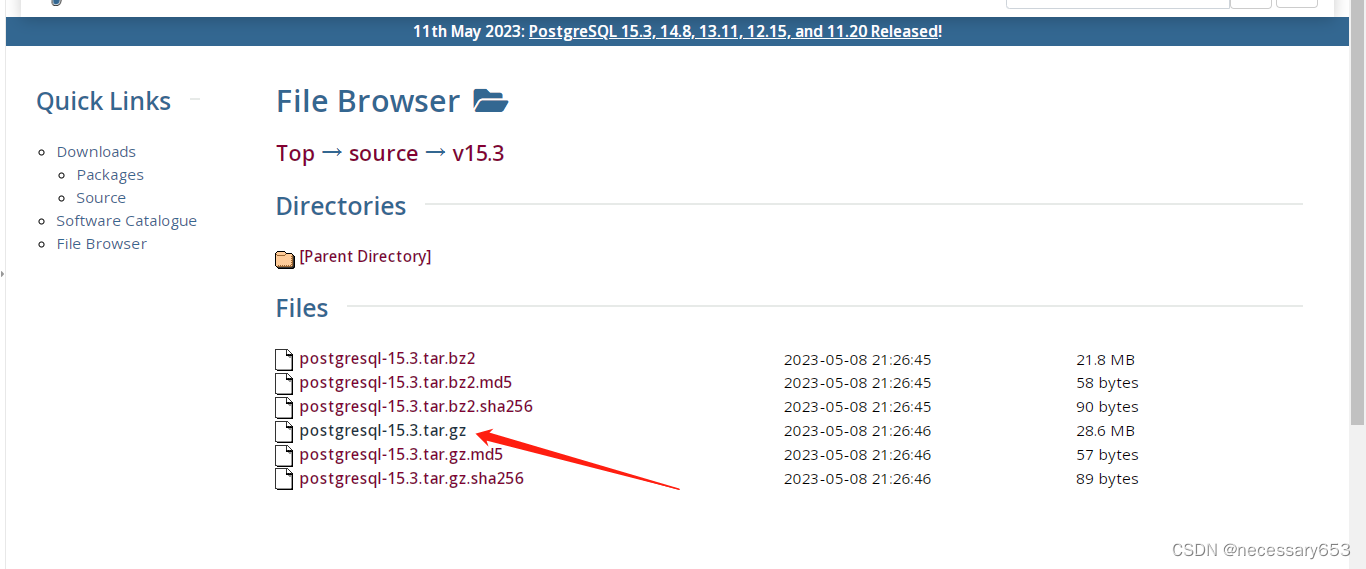
选择tar包 右键 复制链接地址
添加用户
useradd postgres
cd /home/postgres/
下载tar安装包
curl -O https://ftp.postgresql.org/pub/source/v15.3/postgresql-15.3.tar.gz
解压压缩包
tar -zxvf postgresql-15.3.tar.gz
安装依赖包
yum install -y bison flex readline-devel zlib-devel zlib zlib-devel gcc openssl-devel
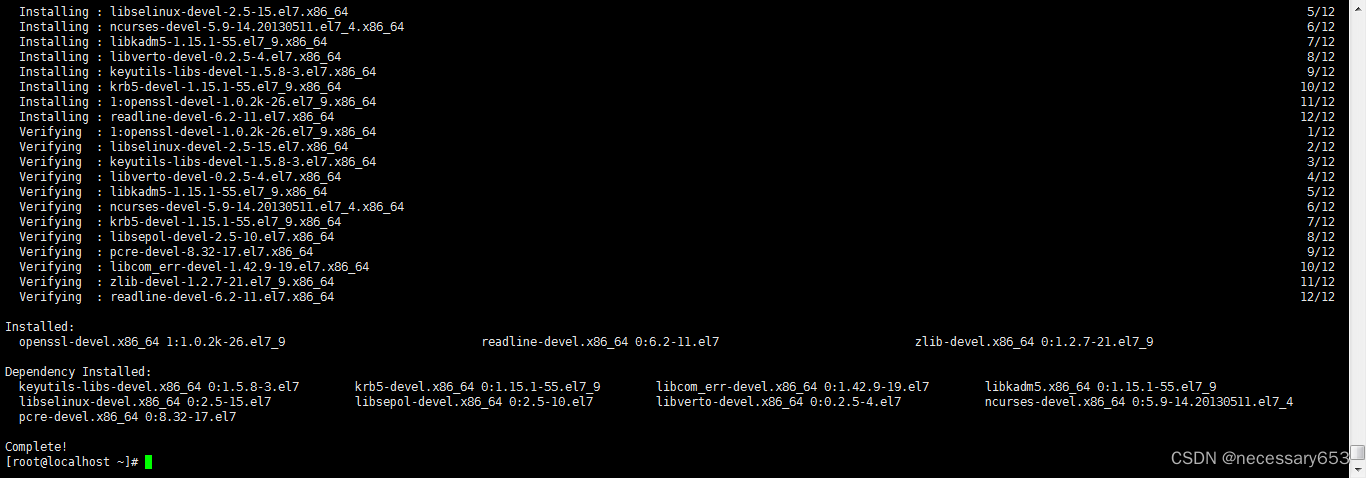
进入已解压文件夹中
cd postgresql-15.3
./configure --prefix=/home/postgres/pg #拟安装至/home/postgres/pg
mkdir /home/postgres/pg
chown -R postgres:postgres /home/postgres/pg --进行授权
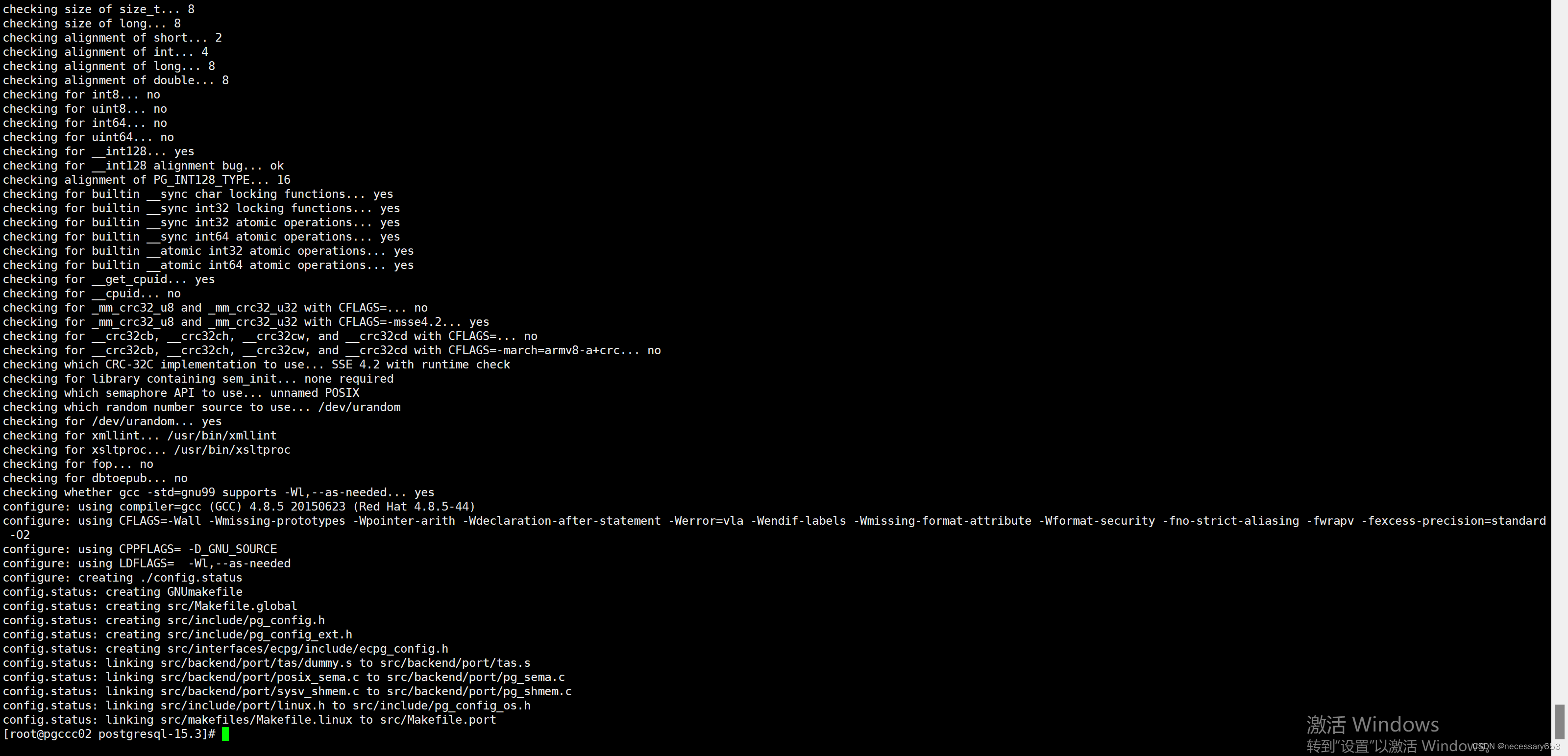
该脚本将运行一些测试来决定一些系统相关的变量, 并检测你的操作系统的特殊设置,并且最后将在编译树中创建一些文件以记录它找到了什么。
默认时所有文件都将安装到/usr/local/pgsql。
./configure --help 可以查看相关参数的作用 根据个人需求增加相关配置
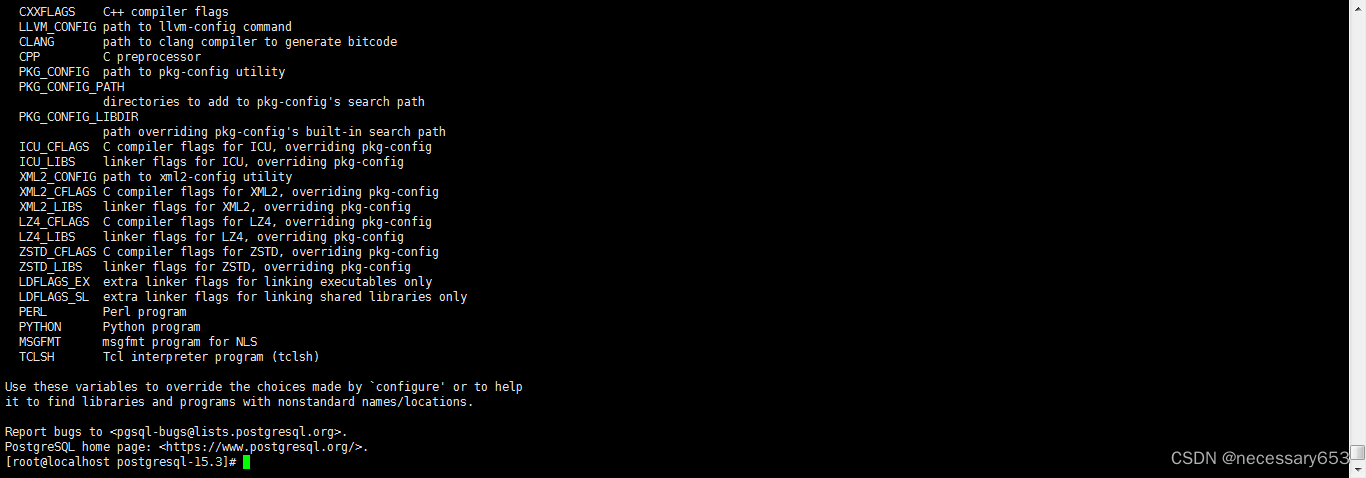
默认安装路径在/usr/local/pgsql
检测编译过程是否有error,
echo $? --使用此代码检测编译过程是否出现有报错,返回数字便是代表error数量。

开始构建
make && make install

配置环境变量
vi /etc/profile
export PATH=/home/postgres/pg/bin:$PATH      --指定bin文件路径 确保准备
export PGDATA=/home/postgres/pg/data         --指定data文件路劲 在初始化时会将data装载这个路径

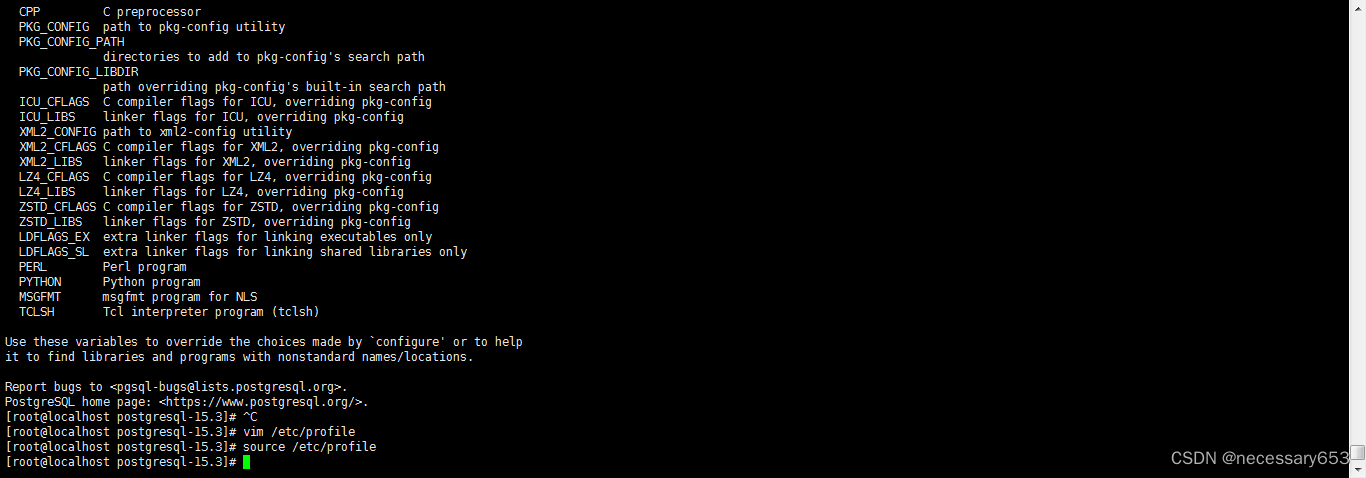
source /etc/profile
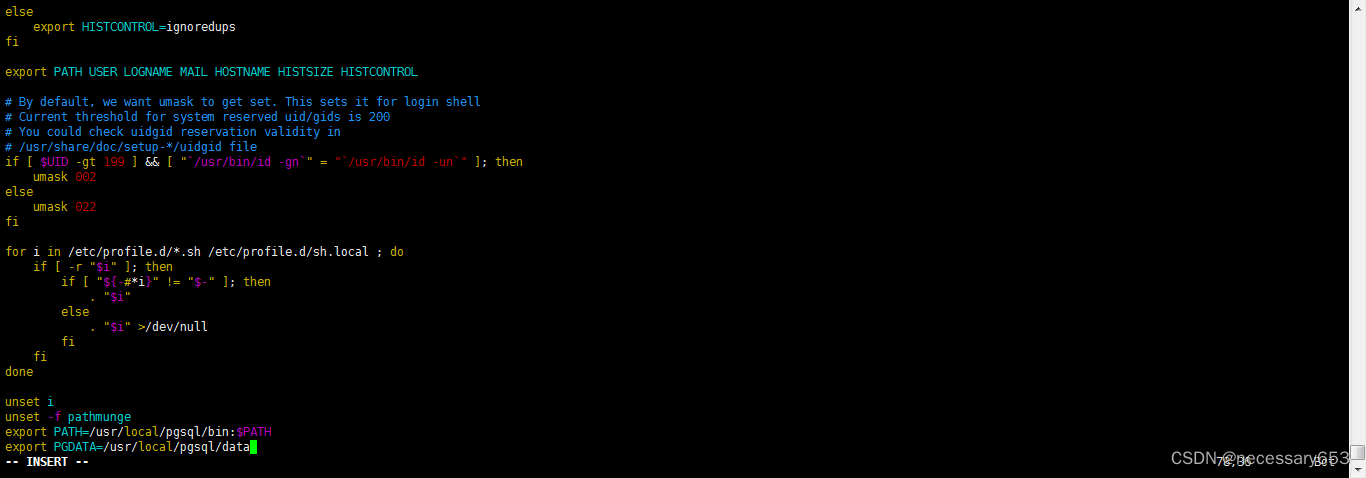
使用source etc/profile 使配置的环境变量生效
切换用户
su - postgres
su - postgres
cd /home/postgres/pg/bin
初始化数据库
initdb --help 可以查看初始化数据库相关参照 根据自己需要配置增加 和修改默认参数配置
-D 指定数据目录
-U 指定数据库超级用户名字
-E 指定数据库编码
-n 错误后不清理文件
-W 初始化时给数据库设置密码
-x 预写日志目录位置

./initdb -D $PGDATA --初始化数据库
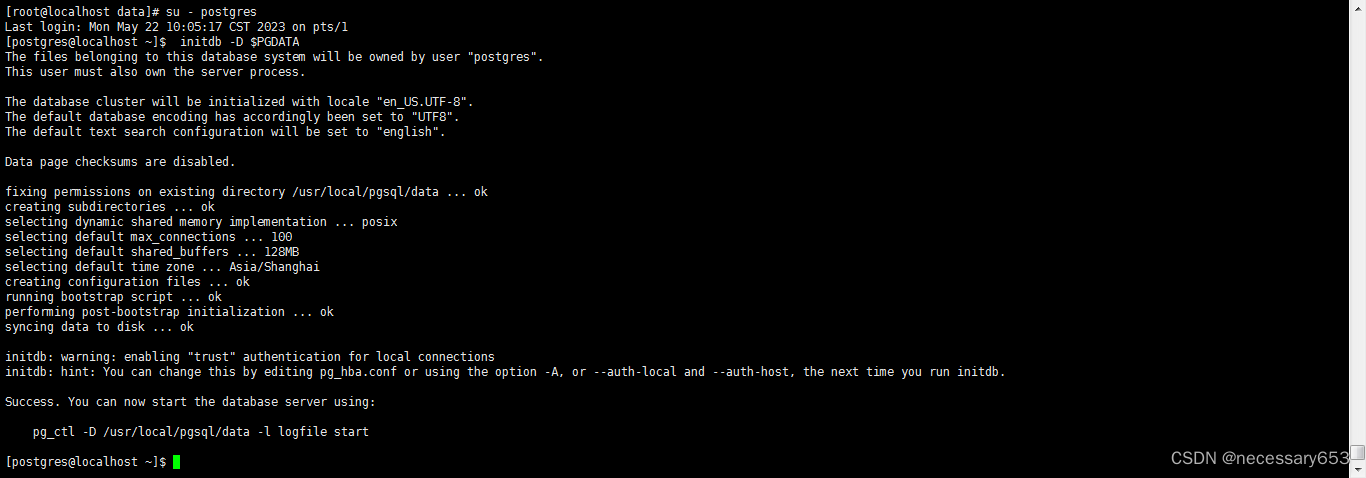
启动数据库服务
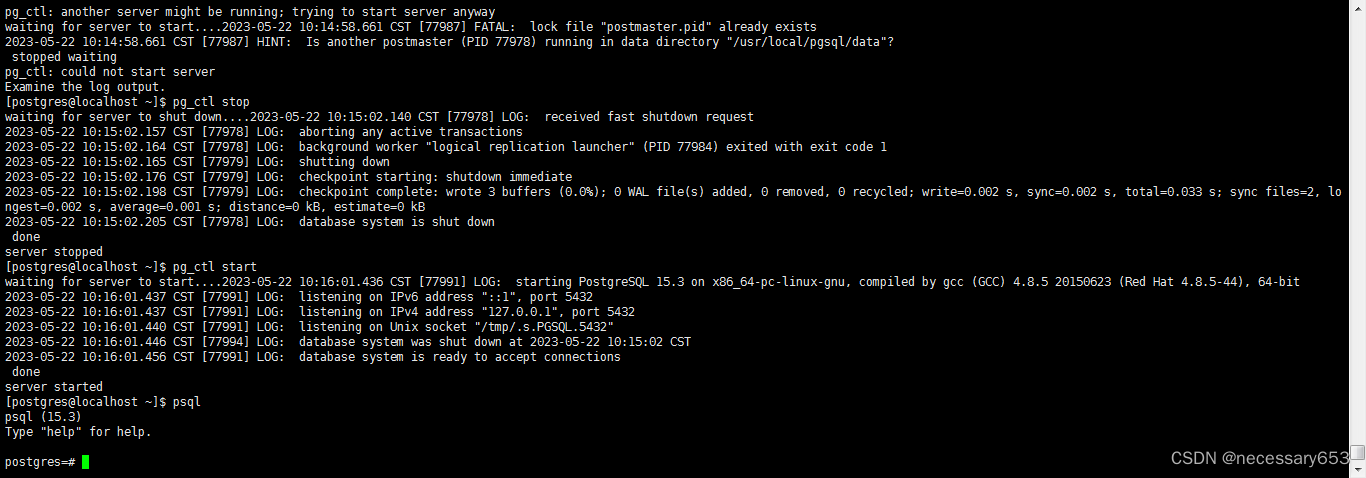
pg_ctl start 启动数据库服务
pg_ctl stop 关闭数据库服务
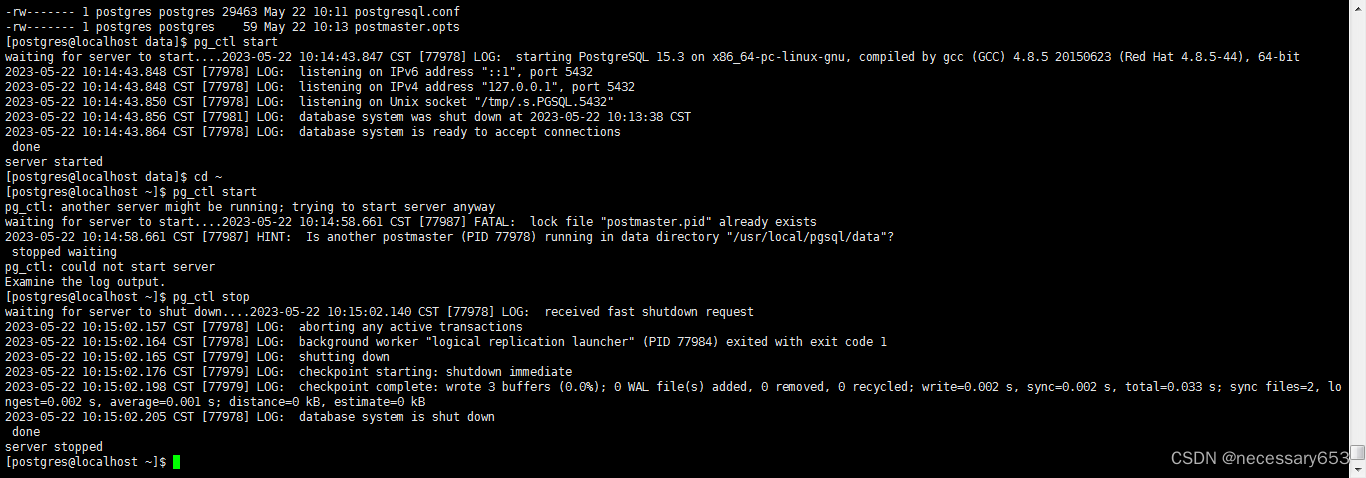
启动数据库服务 进入psql
更多推荐

 2
2 0
0- 0


 已为社区贡献1条内容

所有评论(0)