
解决webstorm终端打不开,Failed to start [powershell.exe]问题
·
1.打开设置

2.打开终端设置
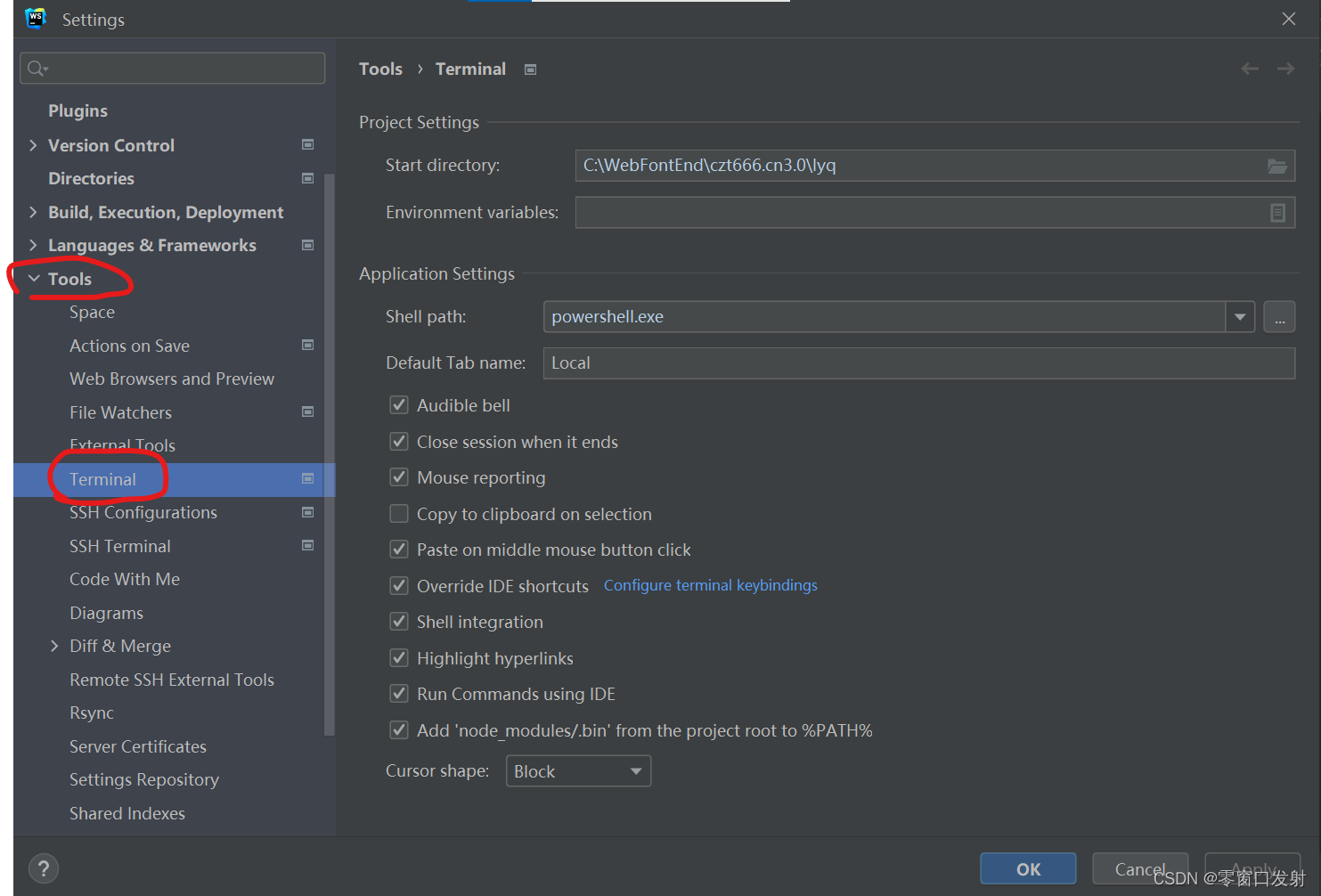
3.将shell path里的powershell.exe改为c:\windows\system32\cmd.exe

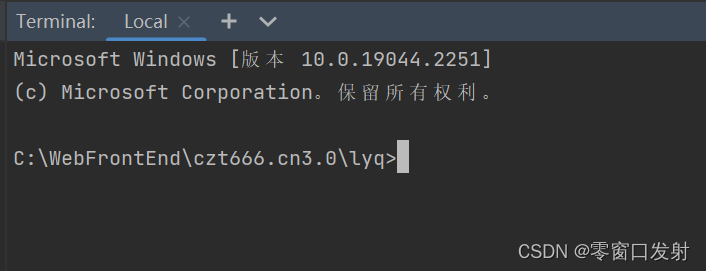
4.点击确定,终端就可以正常打开了
更多推荐


 10
10 0
0- 0


 已为社区贡献1条内容
1.打开设置
2.打开终端设置
3.将shell path里的powershell.exe改为c:\windows\system32\cmd.exe
4.点击确定,终端就可以正常打开了
更多推荐
10 0
已为社区贡献1条内容

所有评论(0)