
Failed to create plugin ....libopenvino_intel_gpu_plugin.so for device GPU
·
前言:同一错误,不同设备解决方法不同,仅供参考
我的设备为:
Lenovo ThinkBook14
Memory:32G
OS:Ubuntu20.04 Kernel Vision:5.13.0-51-generic
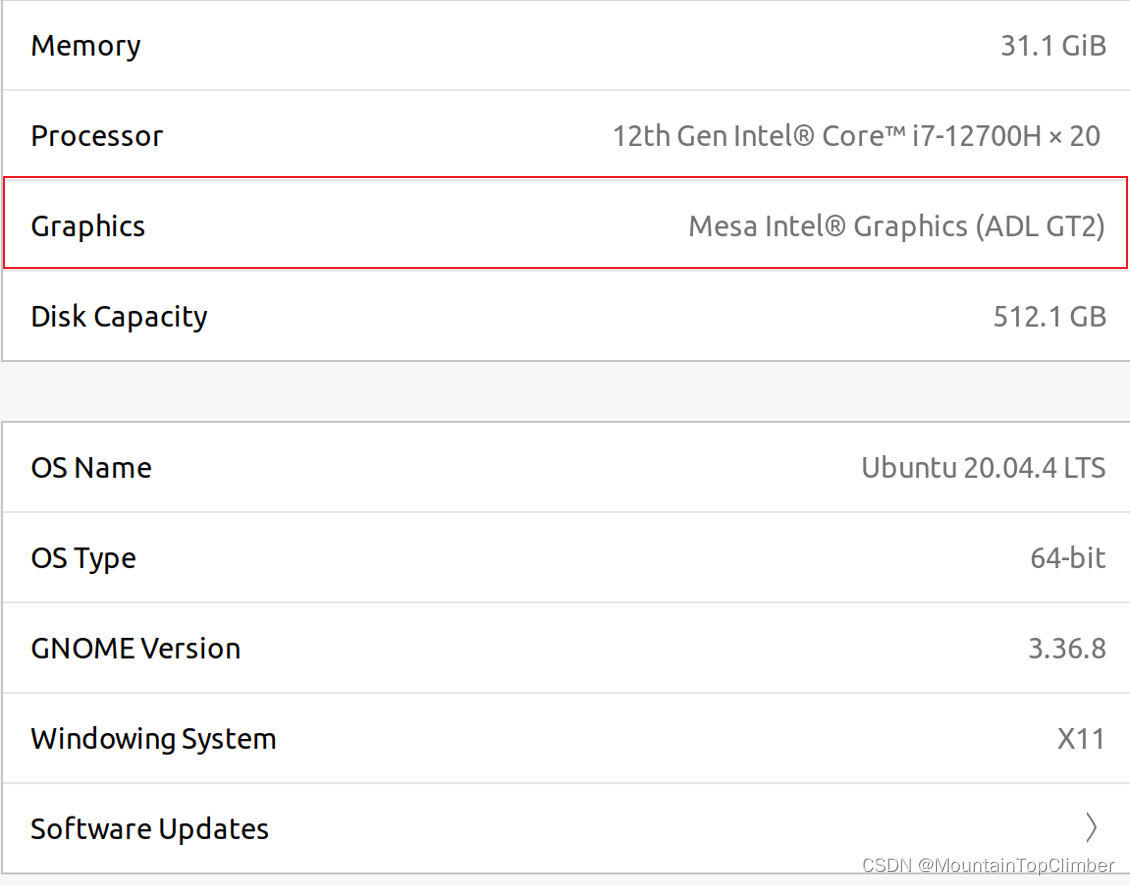
CPU:12th Gen Intel® Core™ i7-12700H × 20

解决方法:
1.https://kernel.ubuntu.com/~kernel-ppa/mainline/v5.15.1/ 下载下列四个文件,下载完成后在对应目录下sudo dpkg -i linux-*.deb , 重启,选择新内核启动,(注意将Bios中的Secure boot 关掉,内核并非一定要5.15,因为我的机器CPU是12th Gen Intel® Core™ i7-12700H × 20,只有内核5.15或更新的,才会让GPU正常工作)


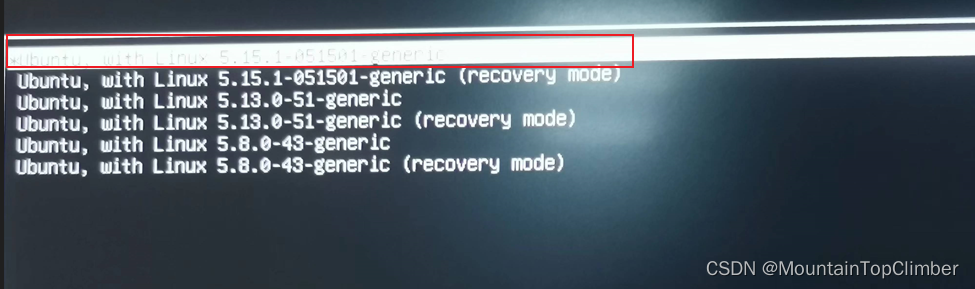
2.修改grub文件
sudo vim /etc/default/grub
GRUB_CMDLINE_LINUX_DEFAULT="quiet splash i915.force_probe=*"
sudo update-grub
sudo reboot
3.在此目录下执行脚本
cd /opt/intel/openvino_2022/install_dependencies
sudo ./install_NEO_OCL_driver.sh
4.更新Software Updater
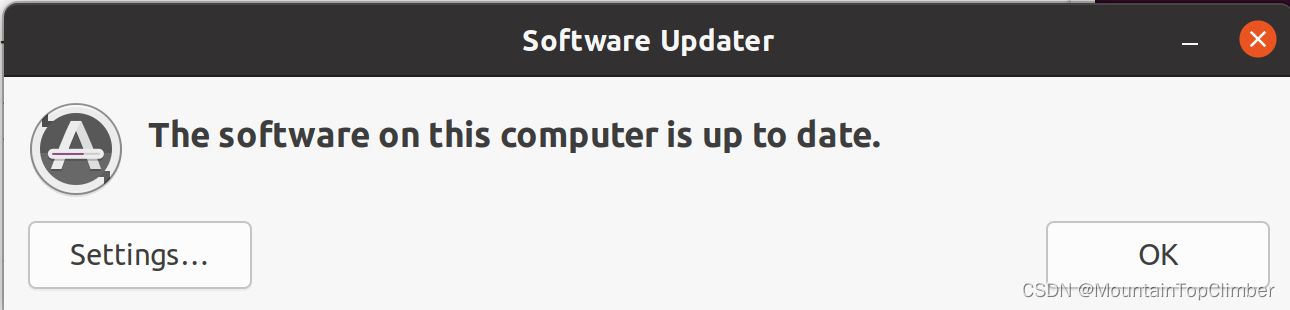
经过上面几种方法的尝试, 可以看到GPU发生变化,错误解决。希望帮到路过的各位
更多推荐
 0
0 0
0- 0


 已为社区贡献1条内容

所有评论(0)