
selenium库在pycharm报错:No module named ‘selenium‘
·
1.安装selenium库
pip install selenium
2.在 bash 中运行 test.py(显示selenium版本,说明安装成功)
E:\pyBase>python test.py
Selenium 版本: 4.30.0
test.py代码如下
import selenium
print("Selenium 版本:", selenium.__version__)
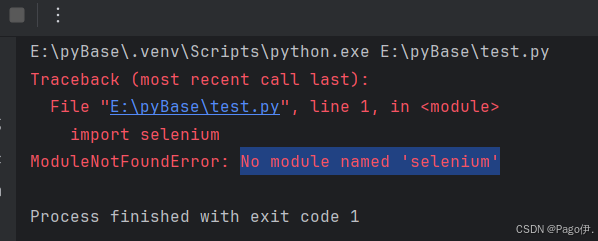
3.在pycharm中运行不成功
4.解决方案:
通过 PyCharm 的界面安装:file-->Settings--> Python Interpreter-->点+ --> 搜索selenium 并安装
更多推荐



 1
1 0
0- 0


 已为社区贡献2条内容

所有评论(0)