
操作word Qt+vbs
·
操作word Qt+vbs
Qt部分(错误百出,报错。以下代码只能拷贝粘贴另存为)
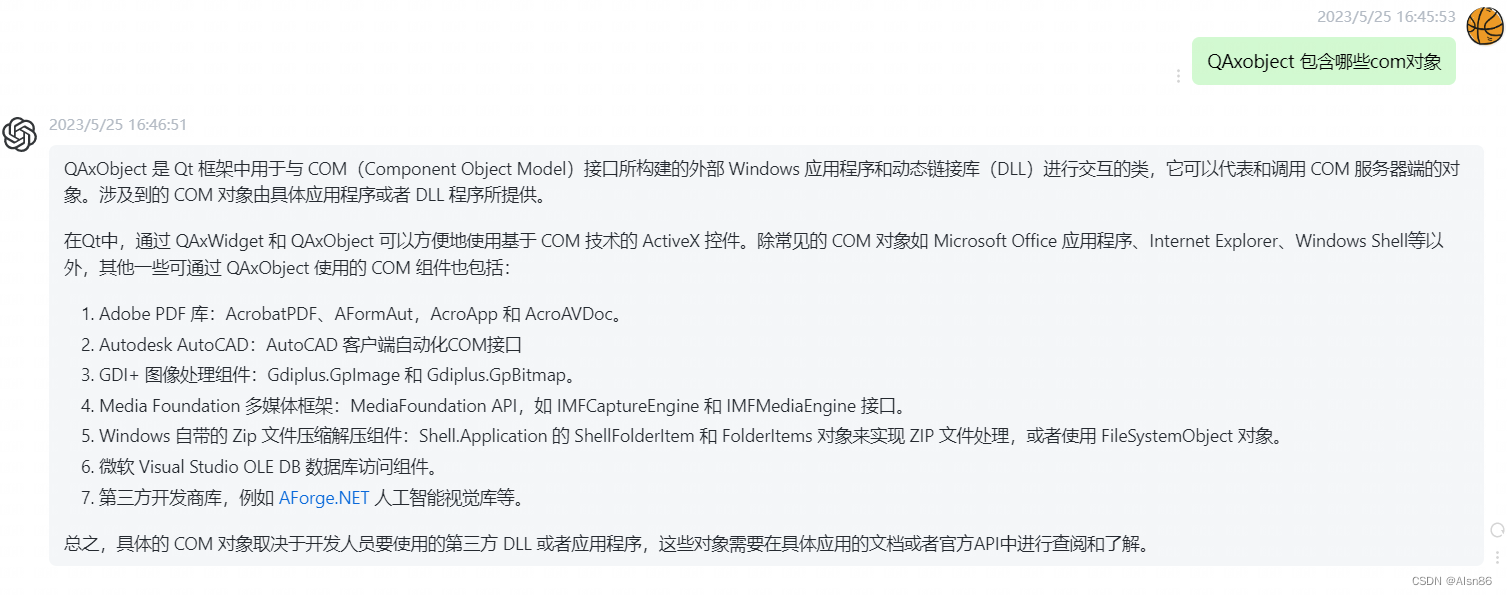
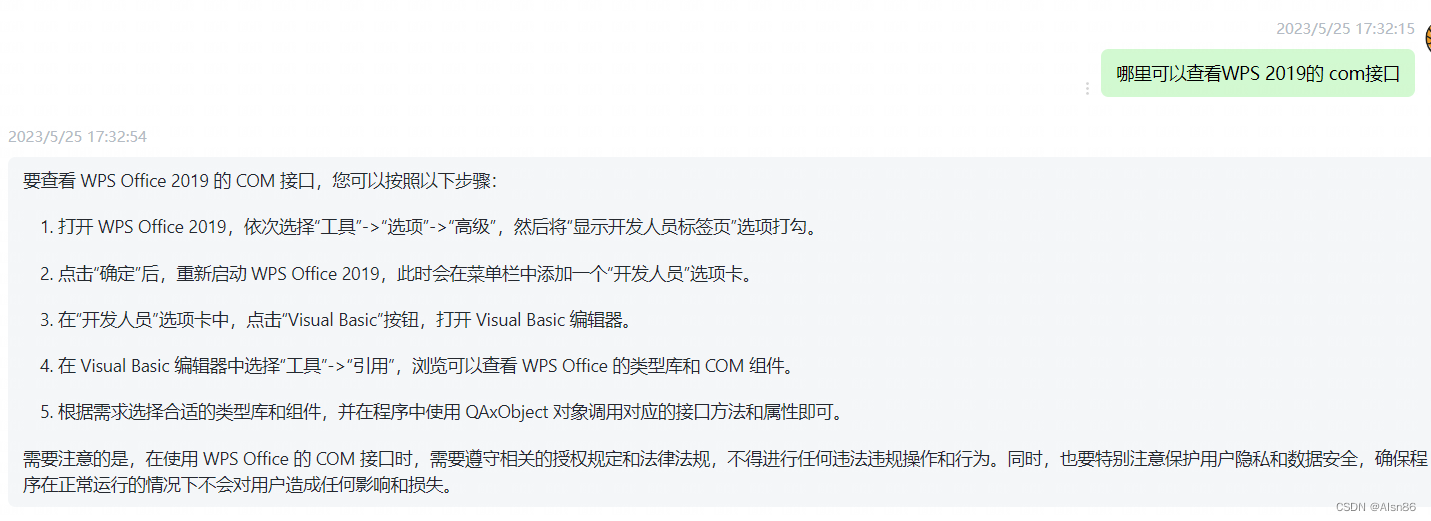
QAxObject 是一个用于访问 COM 组件的类,其实现依赖于 IDispatch 接口。通过 QAxObject 类,您可以使用类型库查看 COM 组件中公开的所有成员函数。在 QAxObject 中使用 dynamicCall 函数进行调用,该函数允许您对 COM 组件公开的任何函数进行动态调用。
#include <QApplication>
#include <QDebug>
#include <QAxObject>
#include<iostream>
#include<windows.h>
#include<QString>


using namespace std;


int main(int argc, char *argv[])
{
    QApplication a(argc, argv);

//-----打开word文档----------------------------------------------------------------------------------------------------------
    // 初始化COM库
    HRESULT hr = CoInitialize(NULL);
    if (FAILED(hr))
    {
        qCritical() << "Failed to initialize COM library";
        return 1;
    }

    // 创建 Word 应用程序实例
    QAxObject* wordApp = new QAxObject("Word.Application");

    // 显示 Word 窗口
    wordApp->setProperty("Visible", true);

    // 获取 Documents 对象
    QAxObject* documents = wordApp->querySubObject("Documents");

    // 打开文档,这里要用绝对路径
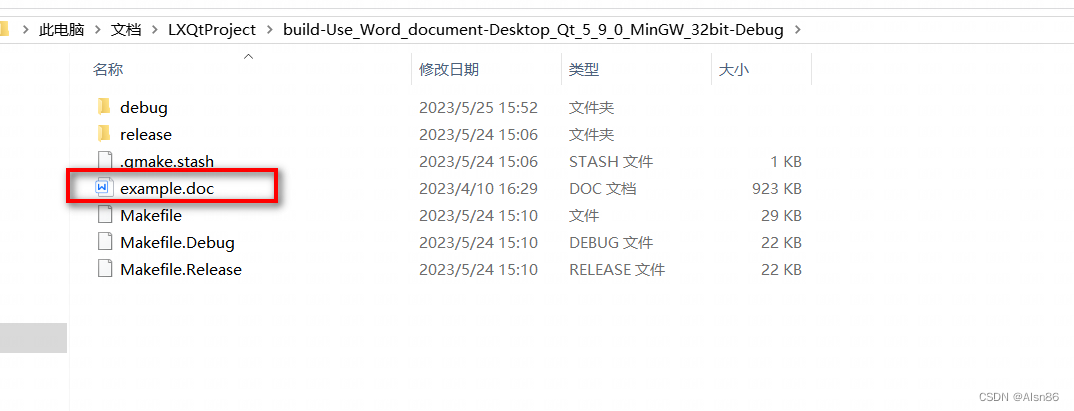
    QString filePath = "C:/Users/Administrator/Documents/LXQtProject/build-Use_Word_document-Desktop_Qt_5_9_0_MinGW_32bit-Debug/example.docx";
    QAxObject* document = documents->querySubObject("Open(const QString&, bool, bool)", filePath,false,true);//文档路径,是否只读模式,是否显示Word窗口
    //查看文档是否打开成功
    if (document == NULL)
    {
        qCritical() << "Failed to open the document" << filePath;
        delete documents;
        delete wordApp;
        return 1;
    }

/*操作docx*/
/*复制原docx的内容*/
    QAxObject* content = document->querySubObject("Content");
    content->dynamicCall("Copy()");
    document->dynamicCall("Close()");
    delete content;
    //复制完成内容后就关闭该文档
    delete document;

/*创建新的一个docx*/
    QAxObject* document_new = documents->querySubObject("Add()");
    QAxObject* content_new=document_new->querySubObject("Content");
    //粘贴复制的内容到新文档
    content_new->dynamicCall("Paste()");


/*保存这个新文件*/
    QString saveName="/333.docx";
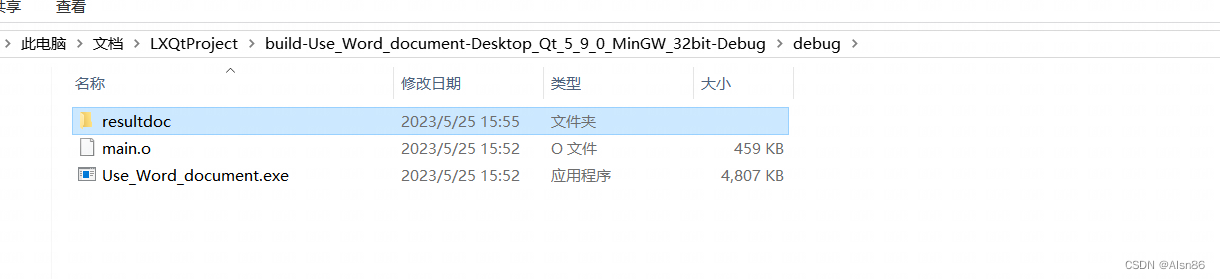
    QString dir = QCoreApplication::applicationDirPath()+"/resultdoc";
    QString savePath=dir+saveName;
    document_new->dynamicCall("SaveAs(const QString&)", QVariant(savePath));
    document_new->dynamicCall("Close()");


    delete content_new;
    //关闭该文档
    delete document_new;


/*关闭所有*/
    delete documents;

    // 终止 Word 应用程序
    wordApp->dynamicCall("Quit()");

    delete wordApp;

    // 释放COM库资源
    CoUninitialize();
    return 0;
}


// 补充对文档可以进行的一些操作------------------------------------------------------------------------------------------------------------

    /*补:文末插入Hello World!字符串
    QAxObject* range = document->querySubObject("Range");
    range->dynamicCall("InsertAfter(const QString&)", "Hello World!");
    text = range->dynamicCall("Text").toString();
    qDebug()<<"文本内容"<<text;
    */

    /*补充:这段代码获取整个文档的文本内容,并将其存储在 text 变量中。还可以将 "Range" 参数替换为其他表示文档范围的字符串,
     例如:"Paragraphs(1)"、"Words.Last"等,以访问特定的部分或单词。同样地,在调用 dynamicCall() 方法时,也
     可以传递任意数量的参数(如果需要),以便检索所需的信息。请注意,为了避免行尾问题,文本可能需要使用 .trimmed()、
     .replace("\r", "") 或 .replace("\n", "") 等方法去掉多余的空格和换行符。

    QAxObject* range = document->querySubObject("Range");
    QString text = range->dynamicCall("Text").toString();
    qDebug()<<"文本内容"<<text;
    delete range;*/

    /*补充: 文档另存为
    QString saveName="/doc1abc.docx";
    QString dir = QCoreApplication::applicationDirPath()+"/resultdoc";
    QString savePath=dir+saveName;
    document->dynamicCall("SaveAs(const QString&)", QVariant(savePath));
    document->dynamicCall("Close()");
    */

    /*
     补充: Cut():剪切所选文本到剪贴板上,即从文档中删除所选文本并将其保存至剪贴板上。
     QAxObject* content = document->querySubObject("Content");
     content->dynamicCall("Cut()");
    */
vbs部分
这是一段vbs代码,可以替换word文档里的第一个匹配到的内容
Set fso = CreateObject("Scripting.FileSystemObject")
filePath = fso.GetAbsolutePathName(".\example.docx")
Set wps = CreateObject("Word.Application")
wps.Visible = True
Set doc = wps.Documents.Open(filePath)

findText = "2023"
replaceWith = "6666"

For Each r In doc.StoryRanges
    Set find = r.Find
    Do While find.Execute(findText)
        r.Text = Replace(r.Text, findText, replaceWith)
    Loop
Next

doc.Save
doc.Close
wps.Quit
这是一段vbs代码,可以替换word文档里所有匹配到的内容,也就是全局替换
首先遍历文档中的每个 Section,然后在其中分别遍历每个页眉、页脚和段落,并使用对应的 Range 对象进行操作。最后,在节(包括正文)的范围中进行全局匹配和替换操作。
Dim arg1, arg2, arg3 ' 三个变量,代表文件名,查找值,替换值

If WScript.Arguments.Count > 0 Then
    arg1 = WScript.Arguments(0) ' 存储第一个参数到变量 arg1 中
End If

If WScript.Arguments.Count > 1 Then
    arg2 = WScript.Arguments(1) ' 存储第二个参数到变量 arg2 中
End If

If WScript.Arguments.Count > 2 Then
    arg3 = WScript.Arguments(2) ' 存储第二个参数到变量 arg3 中
End If

WScript.Echo "arg1: " & arg1
WScript.Echo "arg2: " & arg2
WScript.Echo "arg3: " & arg3


Set fso = CreateObject("Scripting.FileSystemObject")
filePath = fso.GetAbsolutePathName(".\"+arg1)
Set wps = CreateObject("Word.Application")
wps.Visible = True
Set doc = wps.Documents.Open(filePath)

findText = arg2
replaceWith = arg3

For Each s In doc.Sections '遍历每个节
    For Each h In s.Headers '遍历每个页眉、页脚
        Set find = h.Range.Find ' 在页眉/页脚中使用 Find 查找对象
        Do While find.Execute(findText)
            h.Range.Text = Replace(h.Range.Text, findText, replaceWith) ' 替换文本
        Loop
    Next

    For Each f In s.Footers '遍历每个页眉、页脚
        Set find = f.Range.Find ' 在页眉/页脚中使用 Find 查找对象
        Do While find.Execute(findText)
            f.Range.Text = Replace(f.Range.Text, findText, replaceWith) ' 替换文本
        Loop
    Next

    For Each p In s.Range.Paragraphs '遍历每个段落
        Set find = p.Range.Find ' 在段落中使用 Find 查找对象
        Do While find.Execute(findText)
            p.Range.Text = Replace(p.Range.Text, findText, replaceWith) ' 替换文本
        Loop
    Next

    Set find = s.Range.Find '在节内容中使用 Find 查找对象
    Do While find.Execute(findText)
        s.Range.Text = Replace(s.Range.Text, findText, replaceWith) '替换文本
    Loop
Next

doc.Save
doc.Close
wps.Quit
vbs接受命令行参数
调用命令 cscript xxxxx.vbs arg1 arg2
Option Explicit

Dim arg1, arg2

If WScript.Arguments.Count > 0 Then
    arg1 = WScript.Arguments(0) ' 存储第一个参数到变量 arg1 中
End If

If WScript.Arguments.Count > 1 Then
    arg2 = WScript.Arguments(1) ' 存储第二个参数到变量 arg2 中
End If

WScript.Echo "arg1: " & arg1
WScript.Echo "arg2: " & arg2
更多推荐


 0
0 0
0- 0


 已为社区贡献3条内容

所有评论(0)