
js实现前端预览word
·
思路:采用流方式读取屏蔽前端下载
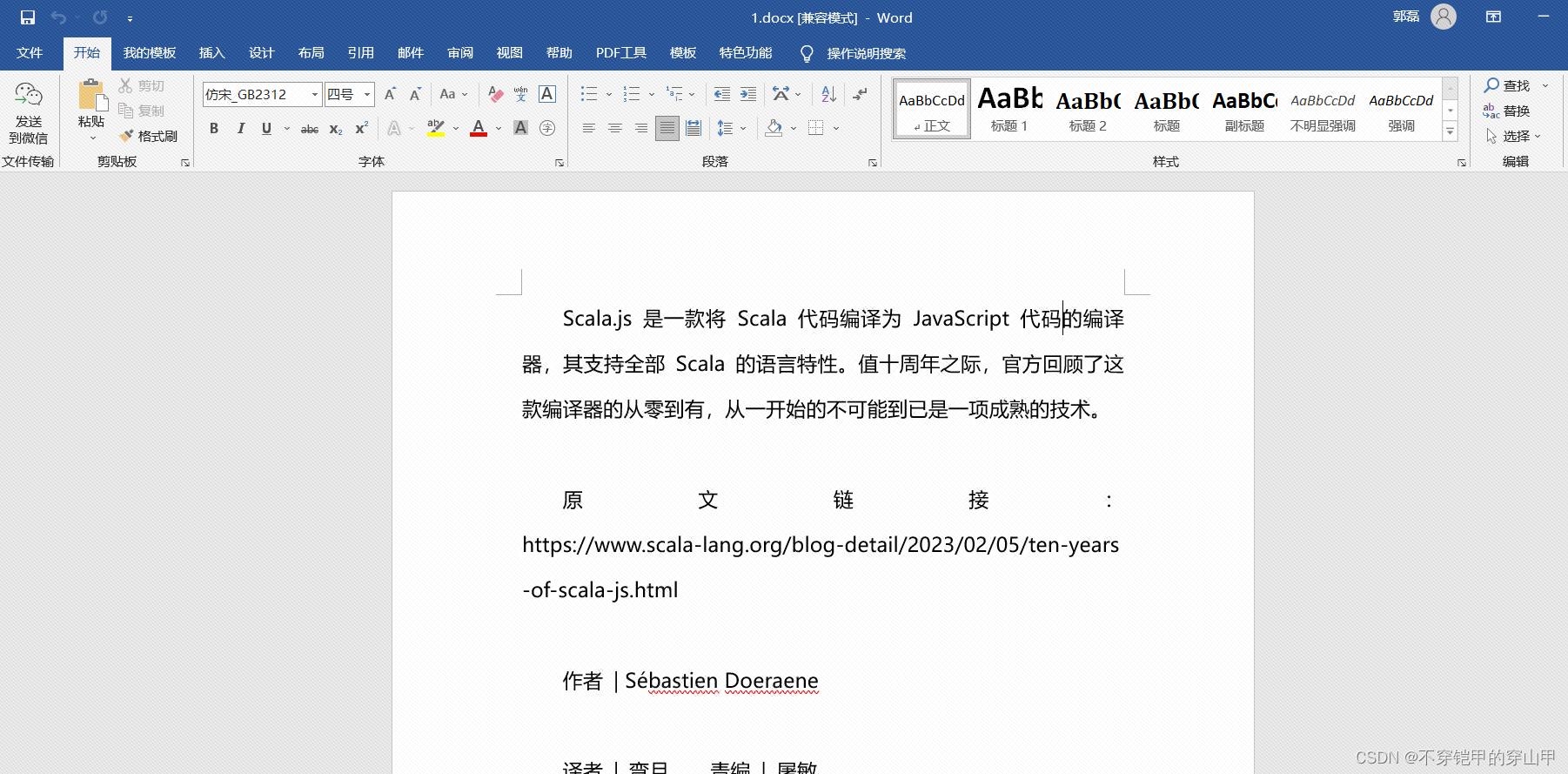
word文档
后端
跨域配置-CORSConfiguration
@Configuration
public class CORSConfiguration extends WebMvcConfigurerAdapter {
    @Override
    public void addCorsMappings(CorsRegistry registry) {
        registry.addMapping("/**") // 所有接口
                .allowedOrigins("*") // 支持域
                .allowedMethods("*") // 支持方法
                .allowedHeaders("*");

    }

}
路径映射-WebMvcConfig
@Configuration
public class WebMvcConfig extends WebMvcConfigurerAdapter {
    @Override
    public void addResourceHandlers(ResourceHandlerRegistry registry) {
        registry.addResourceHandler("/upload/**").addResourceLocations("classpath:/static/");
    }
}
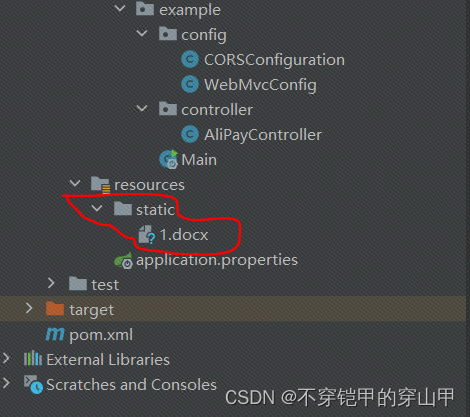
静态文件存放目录
前端
需要使用工具
jquery:
    <script src="https://cdn.staticfile.org/jquery/1.10.2/jquery.min.js">
    </script>
mammoth.browser.js(将文件转为html)
    <script src="https://cdn.bootcss.com/mammoth/1.4.8/mammoth.browser.js"></script>
    <script>
完整代码
<!DOCTYPE html>
<html lang="en">

<head>

    <meta charset="UTF-8">
    <meta name="referrer" content="no-referrer">
    <title></title>

    <script src="https://cdn.staticfile.org/jquery/1.10.2/jquery.min.js">
    </script>
    <script src="https://cdn.bootcss.com/mammoth/1.4.8/mammoth.browser.js"></script>
    <script>
    (function(jquery){

       function preView(url) {
        var _this = this;
        var xhr = new XMLHttpRequest()
        xhr.responseType = "arraybuffer";
        xhr.open('GET', url, true);
        // 获取二进制流的数据
       // xhr.responseType = 'blob';
        xhr.onload = function(res) {
             if (this.status === 200) {
                      mammoth.convertToHtml({ arrayBuffer: new Uint8Array(xhr.response) }).then((resultObject) => {
                          $('#handout_wrap_inner').html( resultObject.value)
                         });
             }
        }
        xhr.send()
    }
    preView('http://localhost:8080/upload/1.docx')

     })(jQuery)

    </script>
</head>

<body>
 <div id="handout_wrap_inner" style="width: 100%;height: 600px"></div>
</body>

</html>
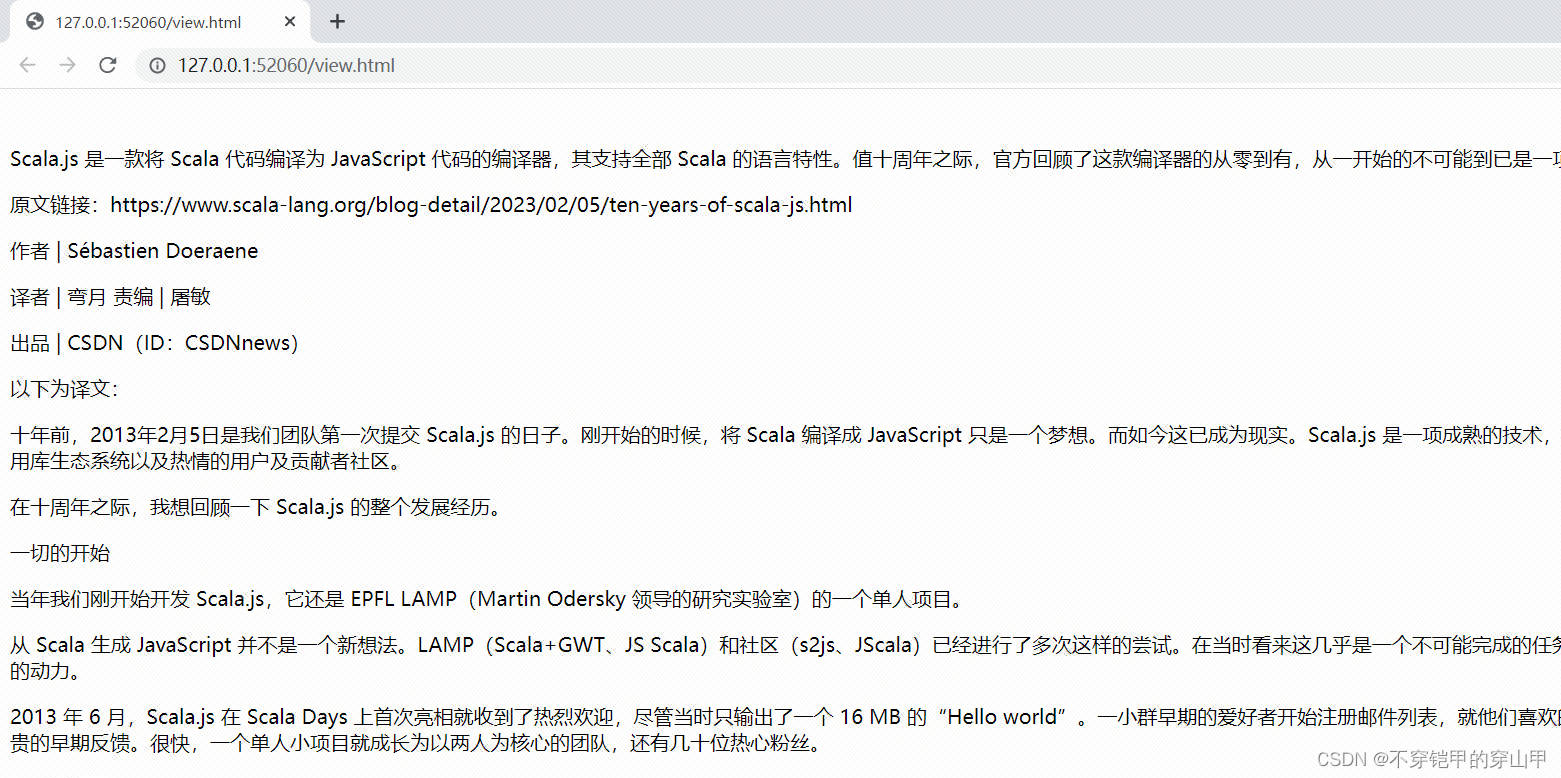
效果:
更多推荐



 0
0 0
0- 0


 已为社区贡献4条内容

所有评论(0)