
windows下mqtt平台完整搭建教程
一、环境配置
composer下载workerman/mqtt
安装方式,需要提前安装composer,PATH环境要求PHP>8.1,无需安装clickhouse swoole
下载地址 https://getcomposer.org/download/
composer require workerman/mqtt升级
cd d:\wwwroot\workerman; composer update workerman/workerman
本地安装windows宝塔,集成了composer
https://download.bt.cn/win/panel/go/BtSoft.exe
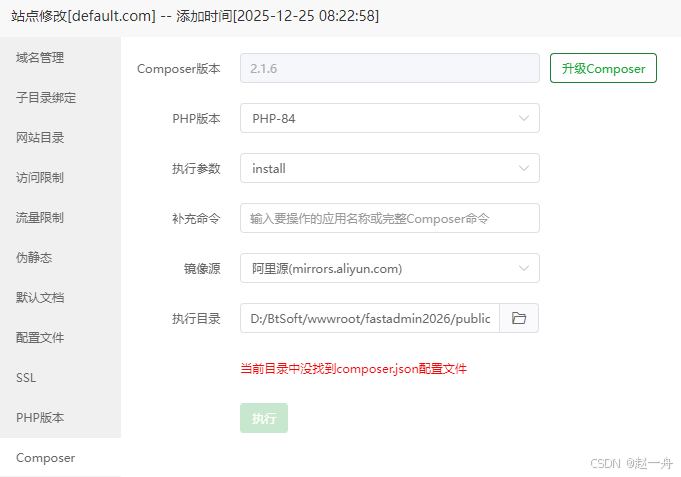
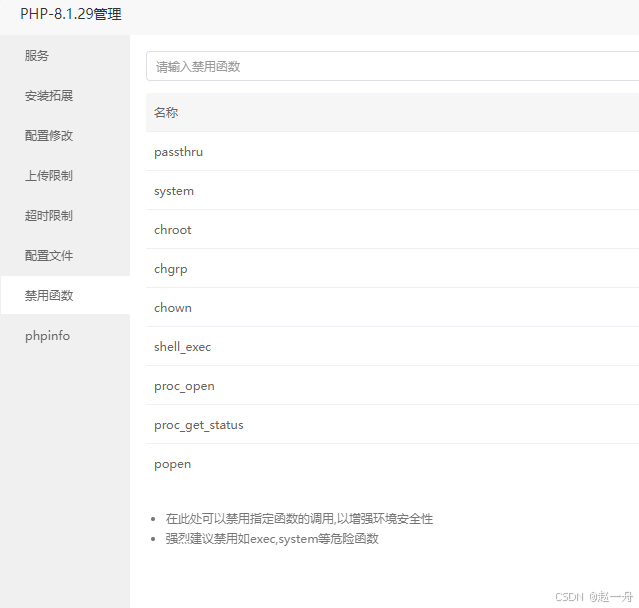
Fatal error: Uncaught Error: Call to undefined function putenv() 是因为PHP中为了安全禁用了该函数
php .\sub_huaze.php
Notice: proc_open,proc_get_status,shell_exec,exec are disabled by disable_functions.
Please remove them from disable_functions in D:\BtSoft\php\81\php.ini
伪静态选择thinkphp
必须删掉public目录中默认生成的.user.ini文件,不然打不开网站
本地搭建问题及处理方案:首次从linux服务器下载本地部署,打不开需要先设置显示报错
Order Deny,Allow
Allow from All
本地完整的配置
<VirtualHost *:80>
    ServerAdmin webmaster@example.com
	DocumentRoot "D:/BtSoft/wwwroot/fastadmin/public"
		ServerAlias 192.168.1.100
    ErrorLog "D:/BtSoft/wwwlogs/default.com-error.log"
    CustomLog "D:/BtSoft/wwwlogs/default.com-access.log" combined

	#static-cache
    IncludeOptional conf/static_cache/default.com/*.conf

    #redirect start
    IncludeOptional conf/redirect/default.com/*.conf

    #proxy start
    IncludeOptional conf/proxy/default.com/*.conf

	ErrorDocument 404 /404.html
    IncludeOptional D:/BtSoft/apache/conf/vhost/extension/default.com/*.conf

	#DENY FILES
	<Files ~ (\.user.ini|\.htaccess|\.git|\.svn|\.project|LICENSE|README.md)$>
        Order Deny,Allow
        Allow from All
	</Files>

	#PHP
    Include conf/php/80.conf

	#PATH
	<Directory "D:/BtSoft/wwwroot/fastadmin/public">
		Options FollowSymLinks ExecCGI
		AllowOverride All
		Require all granted
		DirectoryIndex index.php default.php index.html index.htm default.html default.htm

	</Directory>
</VirtualHost>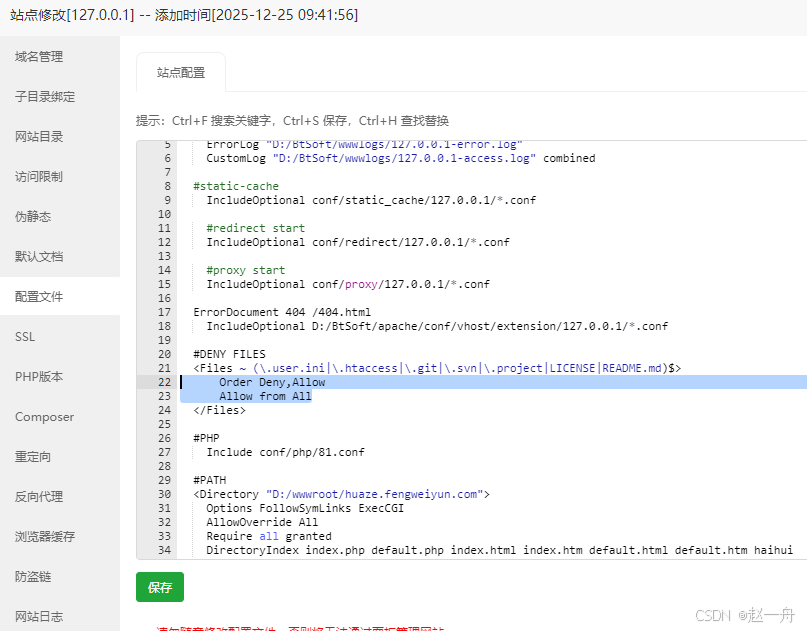
然后再打开浏览器可以看到如下报错,是因为禁止了部分敏感函数,去软件商店里面删除禁止函数
Forbidden
You don't have permission to access this resource.
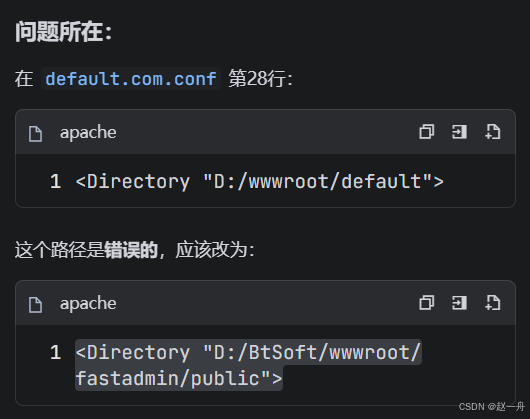
或者是版本不兼容,以下需要php8.0环境,preg_replace_callback()第三个参数为空>8.0版本不支持。
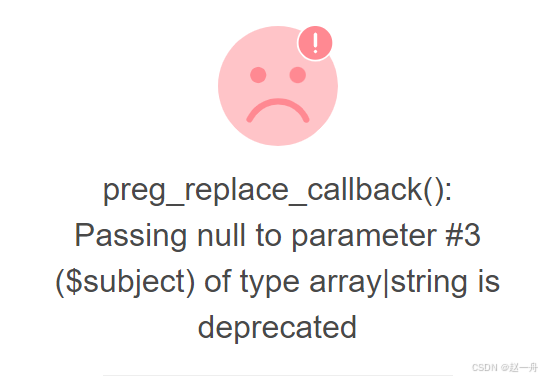
二、代码本地部署
2.1 debug
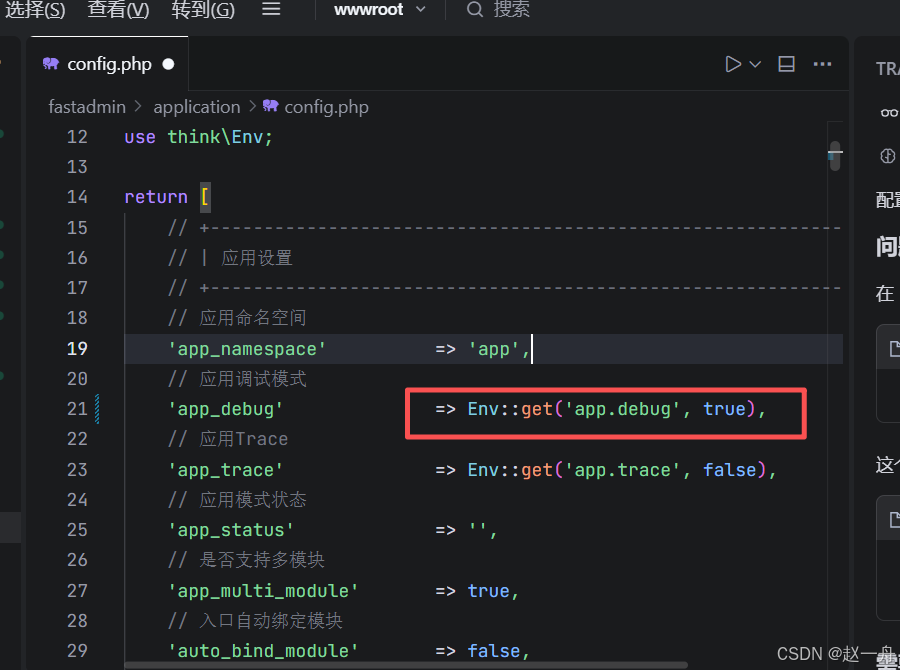

'app_debug' => Env::get('app.debug', true),
2.2 删除缓存
debug会造成runtime下大量文件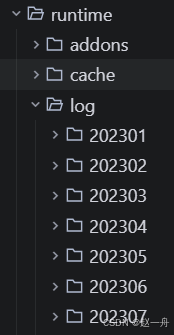
可以删除runtime,下的log文件
2.3数据库ip地址修改 账户密码修改
// 服务器地址修改为本地
'hostname' => Env::get('database.hostname', '8.100.652.33'),
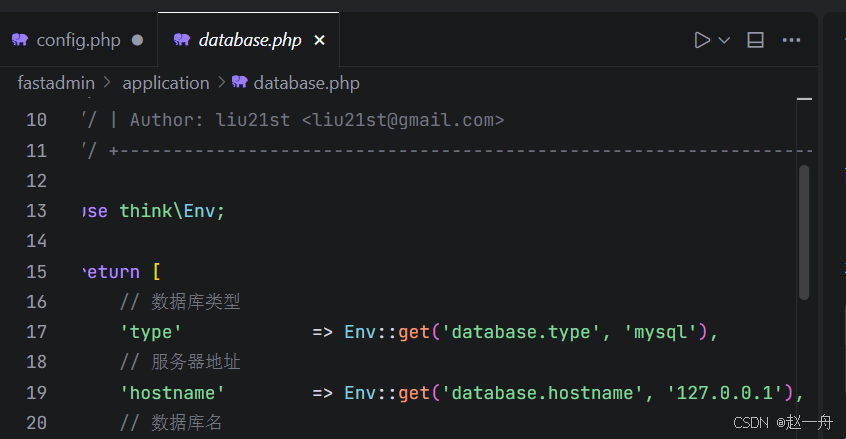
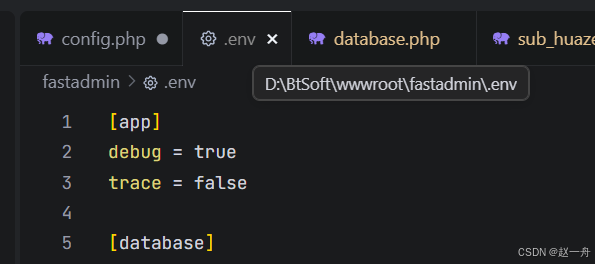
本地部署.env文件配置本地数据库,不和服务器冲突
2.4 workman下的sub文件
上传到服务器后改为127.0.0.1速度增加
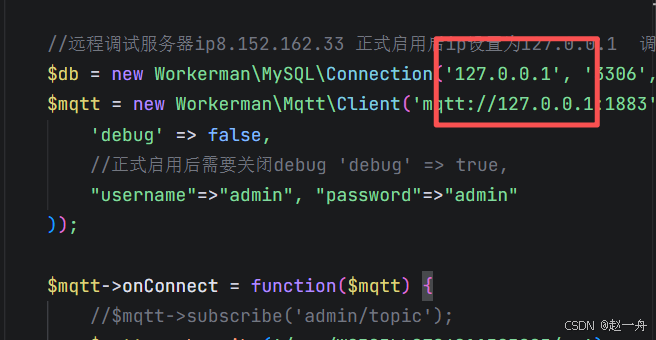
$mqtt->subscribe('/sys/WG585LL0726011454/up');改为要上传的网关
重启服务器mqtt


更多推荐


 10
10 0
0- 0


 已为社区贡献2条内容

所有评论(0)