
janus流媒体服务器-在ubuntu上搭建
·
1 介绍
Janus Gateway 是一个开源的 WebRTC 服务器,专门用于实时通信的建立和管理。它提供了一个灵活、可扩展的基础架构,使开发人员能够构建各种实时通信应用程序,例如视频会议、实时数据传输和音视频流媒体等。
2 搭建
获取源码
git clone https://github.com/meetecho/janus-gateway.git
环境依赖
sudo apt install libmicrohttpd-dev libjansson-dev libssl-dev libsofia-sip-ua-dev libglib2.0-dev libopus-dev libogg-dev libcurl4-openssl-dev liblua5.3-dev libspeexdsp-dev libconfig-dev pkg-config libtool automake

sudo apt install meson
sudo apt install aptitude
sudo aptitude install libmicrohttpd-dev libjansson-dev libnice-dev
sudo aptitude install libssl-dev libsrtp-dev libsofia-sip-ua-dev libglib2.0-dev
sudo aptitude install libopus-dev libogg-dev libcurl4-openssl-dev pkg-config gengetopt libtool automakeg
源码安装的库
libnice
git clone https://gitlab.freedesktop.org/libnice/libnice
cd libnice
meson --prefix=/usr build
ninja -C build
sudo ninja -C build install
srtp
wget https://github.com/cisco/libsrtp/archive/v2.2.0.tar.gz
tar xfv v2.2.0.tar.gz
cd libsrtp-2.2.0
./configure --prefix=/usr --enable-openssl
 make shared_library
 sudo make install
usrsctp
git clone https://github.com/sctplab/usrsctp
./bootstrap
cd janus-gateway
 ./autogen.sh
./configure --prefix=/usr --disable-programs --disable-inet --disable-inet6
make
sudo make install
WebSockets
git clone https://libwebsockets.org/repo/libwebsockets
mkdir build
cd build
cmake -DLWS_MAX_SMP=1 -DLWS_WITHOUT_EXTENSIONS=0 -DCMAKE_INSTALL_PREFIX:PATH=/usr -DCMAKE_C_FLAGS="-fpic" ..
make
sudo make install
Nanomsg
sudo apt install aptitude
sudo aptitude install libnanomsg-dev
mqtt
git clone https://github.com/eclipse/paho.mqtt.c.git
cd paho.mqtt.c
make
sudo make install
编译
./configure --prefix=/opt/janus
make -j4
sudo make install
janus安装到了/opt/janus目录
生成默认配置文件
sudo make configs
详细的配置可以打开文件/opt/janus/etc/janus/janus.cfg按照注释进行配置。
运行
启动janus
cd /opt/janus/bin
./janus
启动http Server
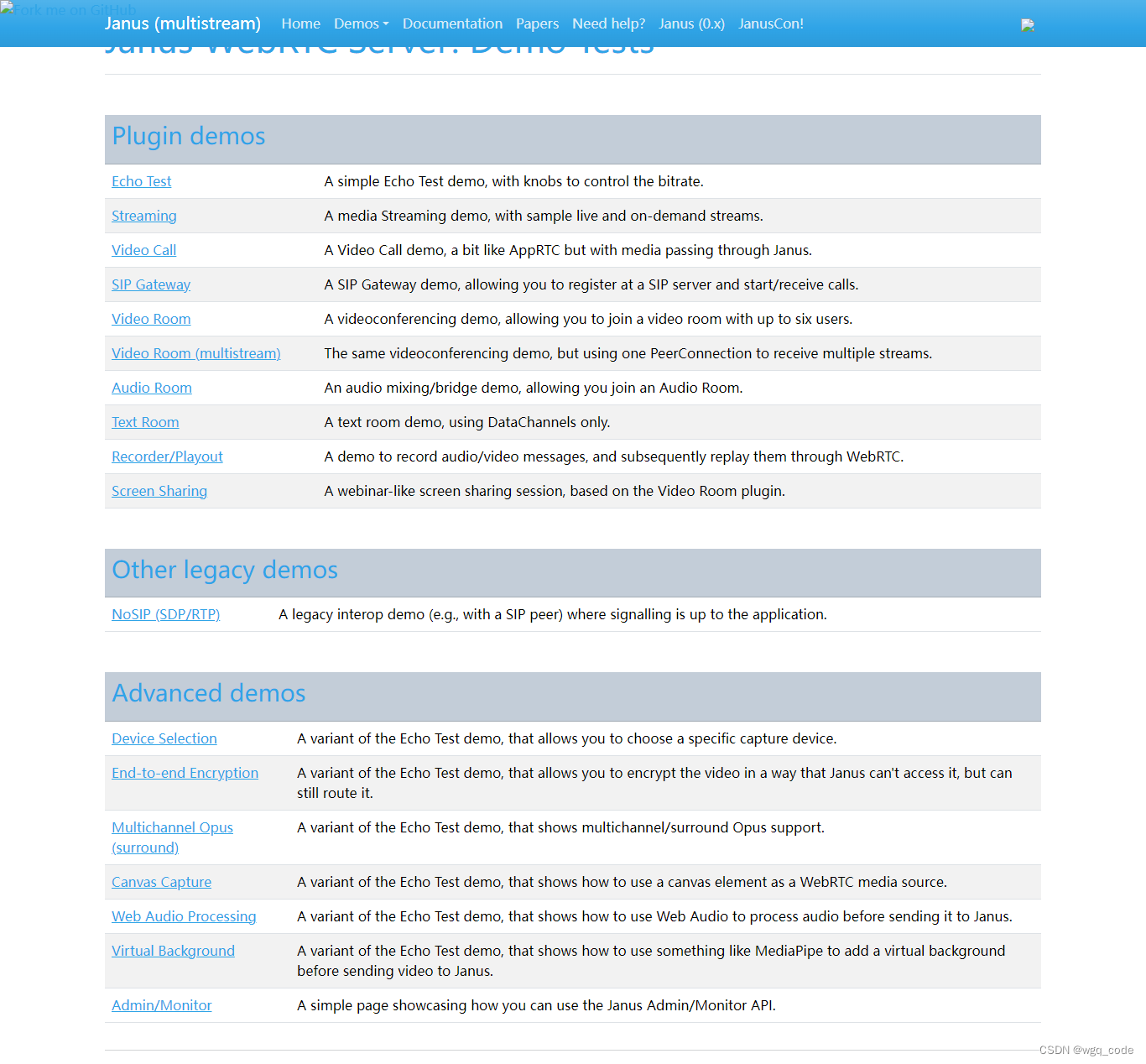
cd /opt/janus/share/janus/html/demos
python -m http.server 8080
参考
janus官方文档
https://janus.conf.meetecho.com/
更多推荐



 10
10 0
0- 0


 已为社区贡献1条内容

所有评论(0)