
Python edge-tts 与VB.NET 联合应用
一直关注微软的神经网络自然语音库的开发应用,可惜不是科班出身,一直在用VB.NET,遗憾的是VB.NET 没有提供相关的库,或许有但没找到相关的库(.dll),。网友张老师一直关注微软的神经网络自然语音库,因为相关的语音库较一直用的IVONA语音库的音质要好得多, 并督促俺看能不能也开发一个微软的神经网络自然语音库应用。寻寻觅觅,总于找到了Python edge-tts, 并把相关的开发文本下载下来,其中有个模板:
#!/usr/bin/env python3
"""
Streaming TTS example with subtitles.
This example is similar to the example basic_audio_streaming.py, but it shows
WordBoundary events to create subtitles using SubMaker.
"""
import asyncio
import edge_tts
TEXT = "Hello World!"
VOICE = "en-GB-SoniaNeural"
OUTPUT_FILE = "test.mp3"
WEBVTT_FILE = "test.vtt"
async def _main() -> None:
communicate = edge_tts.Communicate(TEXT, VOICE)
submaker = edge_tts.SubMaker()
with open(OUTPUT_FILE, "wb") as file:
async for chunk in communicate.stream():
if chunk["type"] == "audio":
file.write(chunk["data"])
elif chunk["type"] == "WordBoundary":
submaker.create_sub((chunk["offset"], chunk["duration"]), chunk["text"])
with open(WEBVTT_FILE, "w", encoding="utf-8") as file:
file.write(submaker.generate_subs())
if __name__ == "__main__":
loop = asyncio.get_event_loop()
try:
loop.run_until_complete(_main())
finally:
loop.close()
看到这模板,总算有了设计的方案,只要找到方案替换
TEXT = "Hello World!"
VOICE = "en-GB-SoniaNeural"
这两个,不就是容易了吗?
于是开始改造这模板如下:
import edge_tts
import asyncio
import os
TEXT = ""
with open('C:\\Edgetts\\t2v.txt', 'rb') as f1:
data = f1.read()
TEXT = data.decode('utf-8')
f1.close()
print(TEXT)
VOICE = ""
with open('C:\\Edgetts\\voice.txt', 'rb') as f2:
data = f2.read()
VOICE = data.decode('utf-8')
f2.close()
print(VOICE)
OUTPUT_FILE ="C:\\Edgetts\\t2v.mp3"
WEBVTT_FILE ="C:\\Edgetts\\t2v.vtt"
async def _main(VOICE) -> None:
communicate = edge_tts.Communicate(TEXT, VOICE)
submaker = edge_tts.SubMaker()
with open(OUTPUT_FILE, "wb") as file:
async for chunk in communicate.stream():
if chunk["type"] == "audio":
file.write(chunk["data"])
elif chunk["type"] == "WordBoundary":
submaker.create_sub((chunk["offset"], chunk["duration"]), chunk["text"])
with open(WEBVTT_FILE, "w", encoding="utf-8") as file:
file.write(submaker.generate_subs())
if __name__ == "__main__":
asyncio.run(_main(VOICE))
于是在VB.NET 进行相关的文本文件的读写设置:
TextBox1.Text = V1(这个是选择的语音库的名字)
Dim noterec As StreamWriter
Dim noteread As FileStream
noteread = New FileStream("C:\\Edgetts\\voice.txt", FileMode.Create)
noterec = New StreamWriter(noteread)
noterec.Write(V1)
noterec.Close()
noteread.Close()
解决了语音库的选择,接下来解决输入文本:
T2v = RichTextBox1.Text
Dim noterec1 As StreamWriter
Dim noteread1 As FileStream
noteread1 = New FileStream("C:\\Edgetts\\t2v.txt", FileMode.Create)
noterec1 = New StreamWriter(noteread1)
noterec1.Write(T2v)
noterec1.Close()
noteread1.Close()
最后一步是解决调用Python打包生成的EXE 来读取相关的语音库及文本,转成相应的MP3
Shell("edgefiletts.exe")
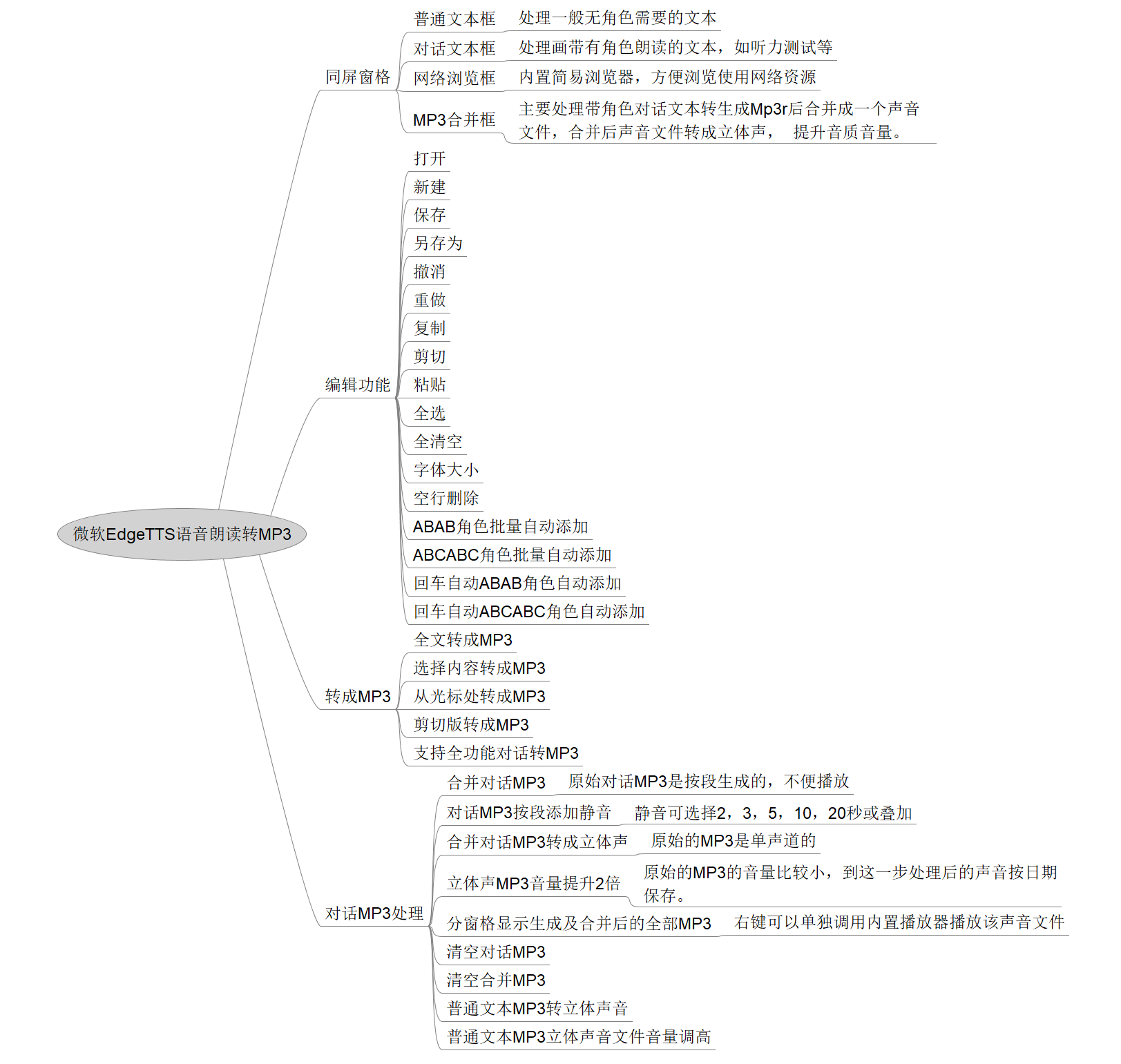
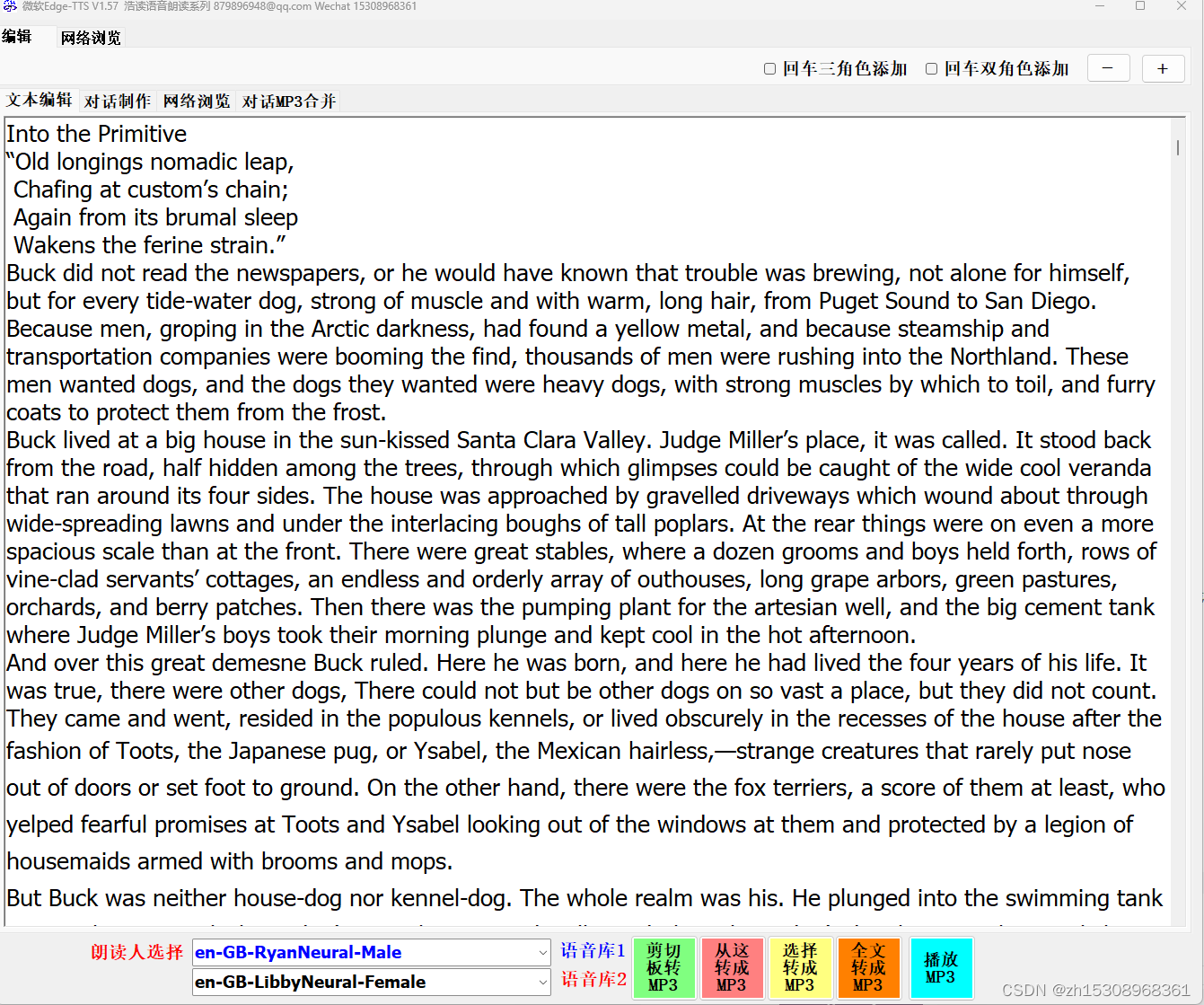
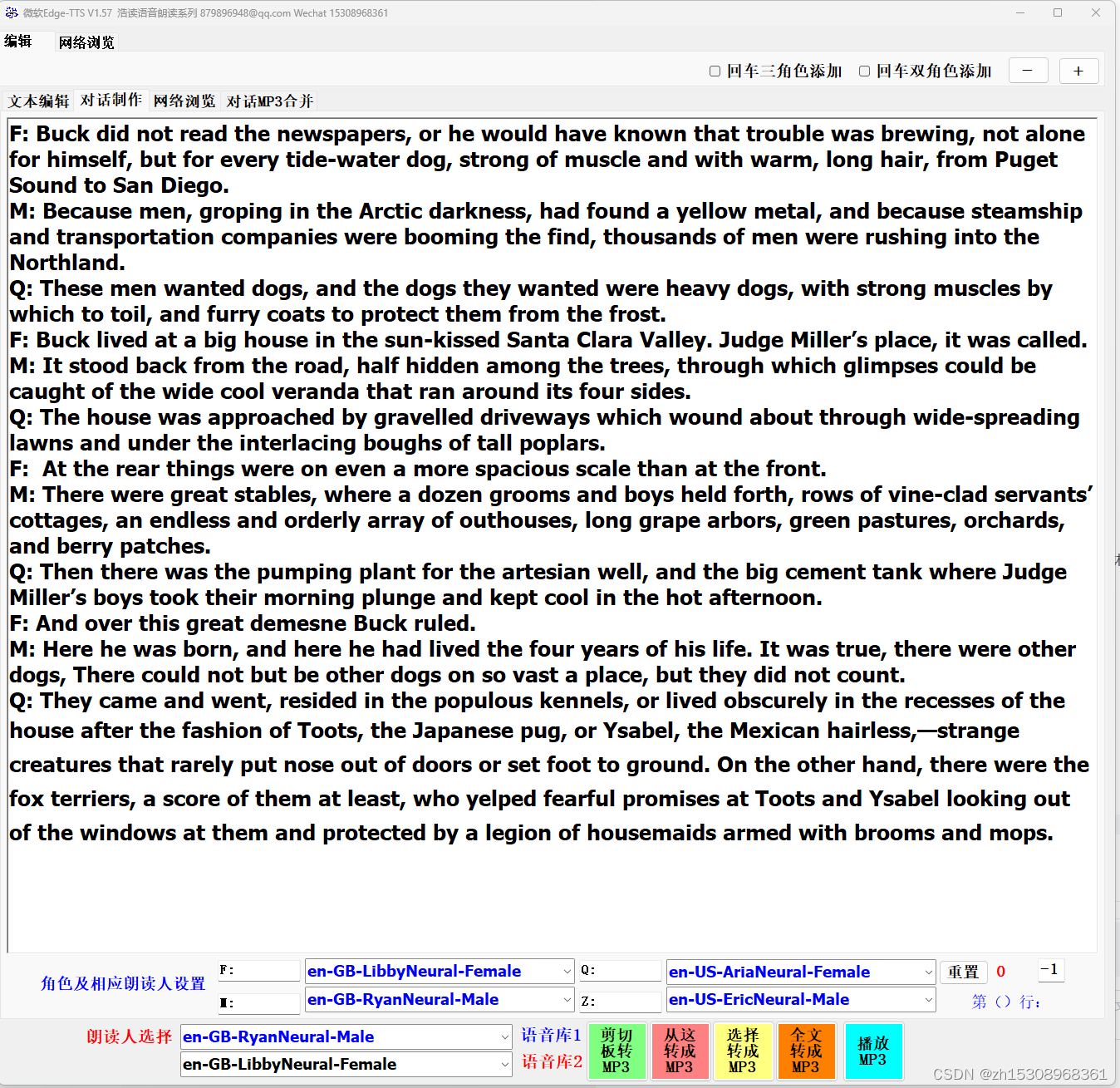
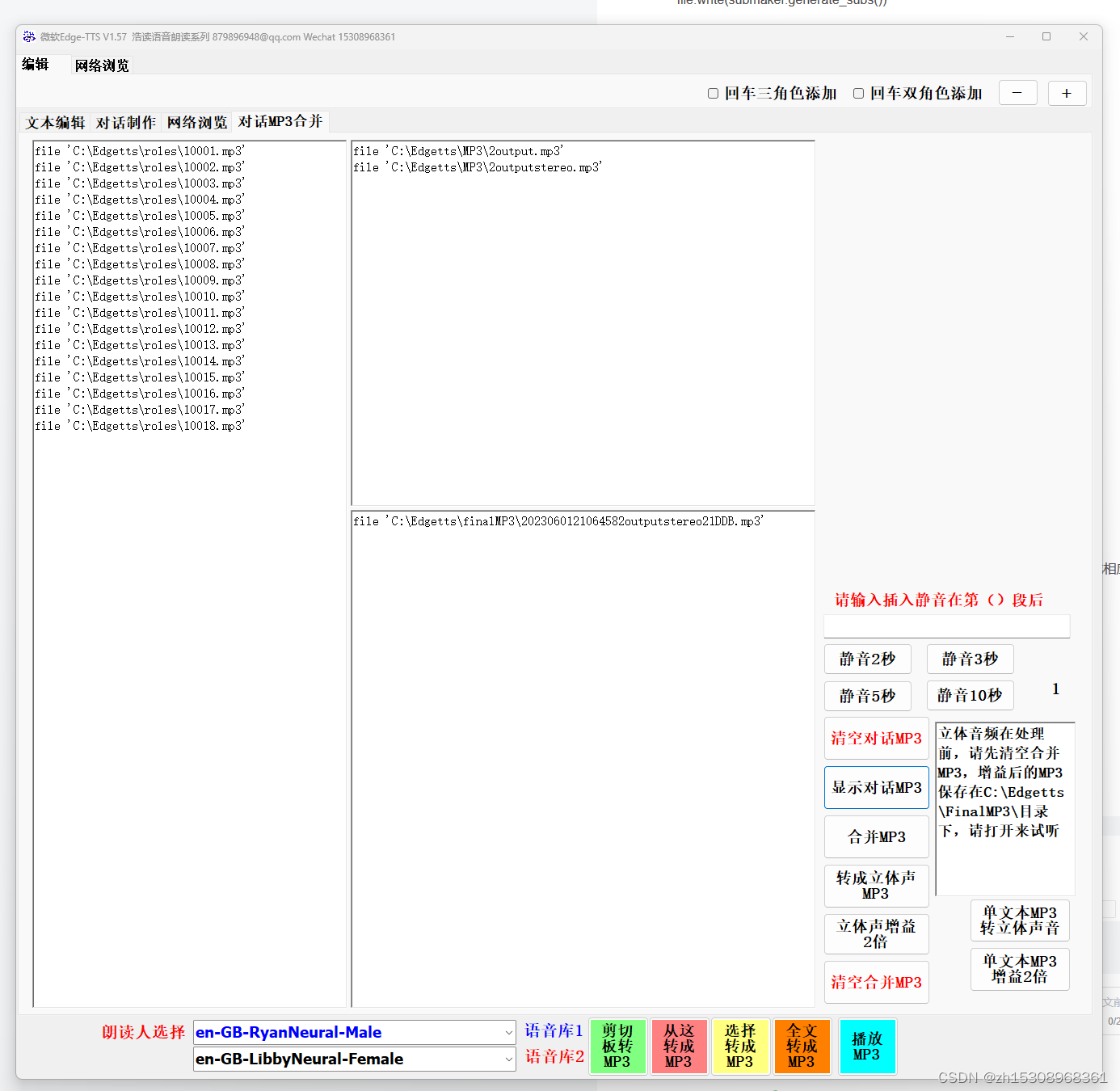
于是,一个简单的VB.NET+Python edge-tts 应用就诞生了。
更多推荐
 9
9 0
0- 0


 已为社区贡献2条内容

所有评论(0)